Music Video Maker
Turn a track into a music video.
Mood over meaning. Generate striking, stylized visuals, cut them against the beat, and finish a music video without a shoot.
Stylized AI visualsCut to the beatAny aesthetic
In action
See it come together
Music mode
Mood, not a plot.
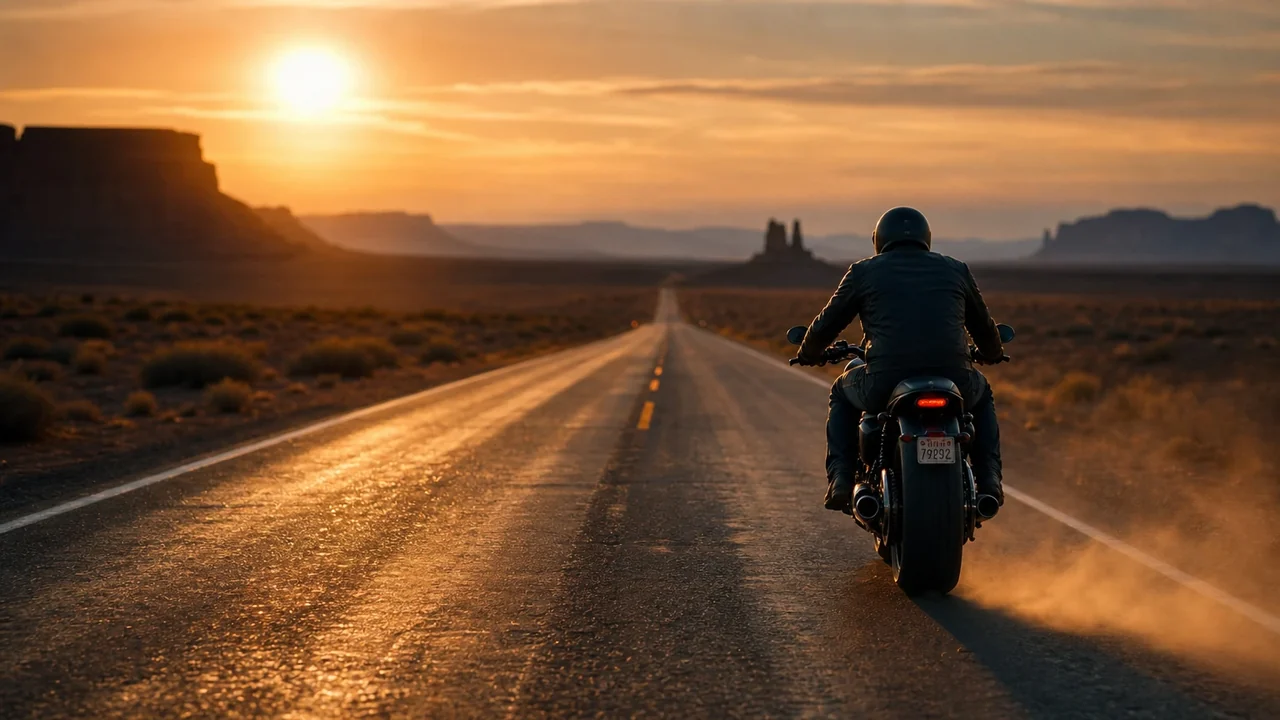
Fawna treats a music video as music videos are cut: evocative imagery and performance against b-roll, no narrator, no literal beat-by-beat plot.
- Music and montage content type
- Performance cut against b-roll
- No narration, pure visual
Any aesthetic
Lock a look that runs the whole video.
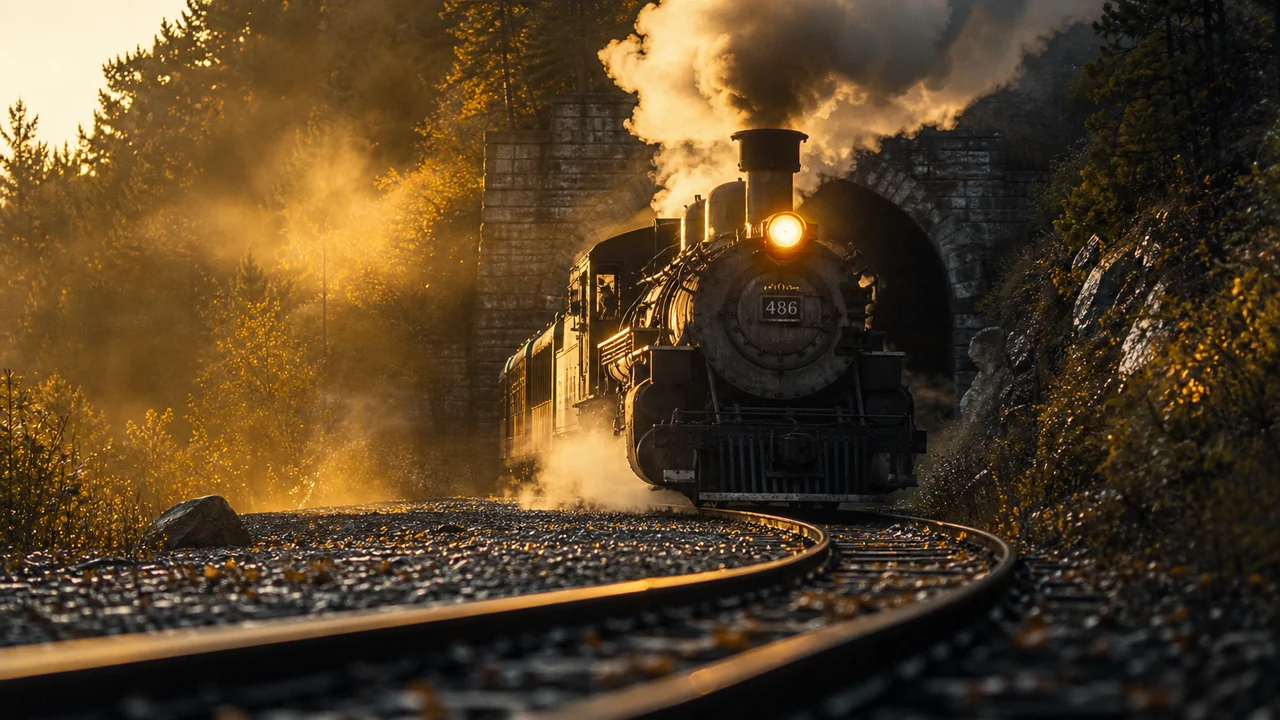
Pick a style, from anime to film grain, and Fawna holds it across every shot. Stylized video models bring it to motion.
- Reusable style across every shot
- Stylized and anime motion models
- Your own track on the timeline
How it works
From a track to a finished video
1
Set the vibeDescribe the mood and look. Fawna plans evocative, performance-and-b-roll visuals instead of a literal story.
2
Generate the visualsRender stylized shots with anime, cinematic, or any look, locked to a consistent aesthetic.
3
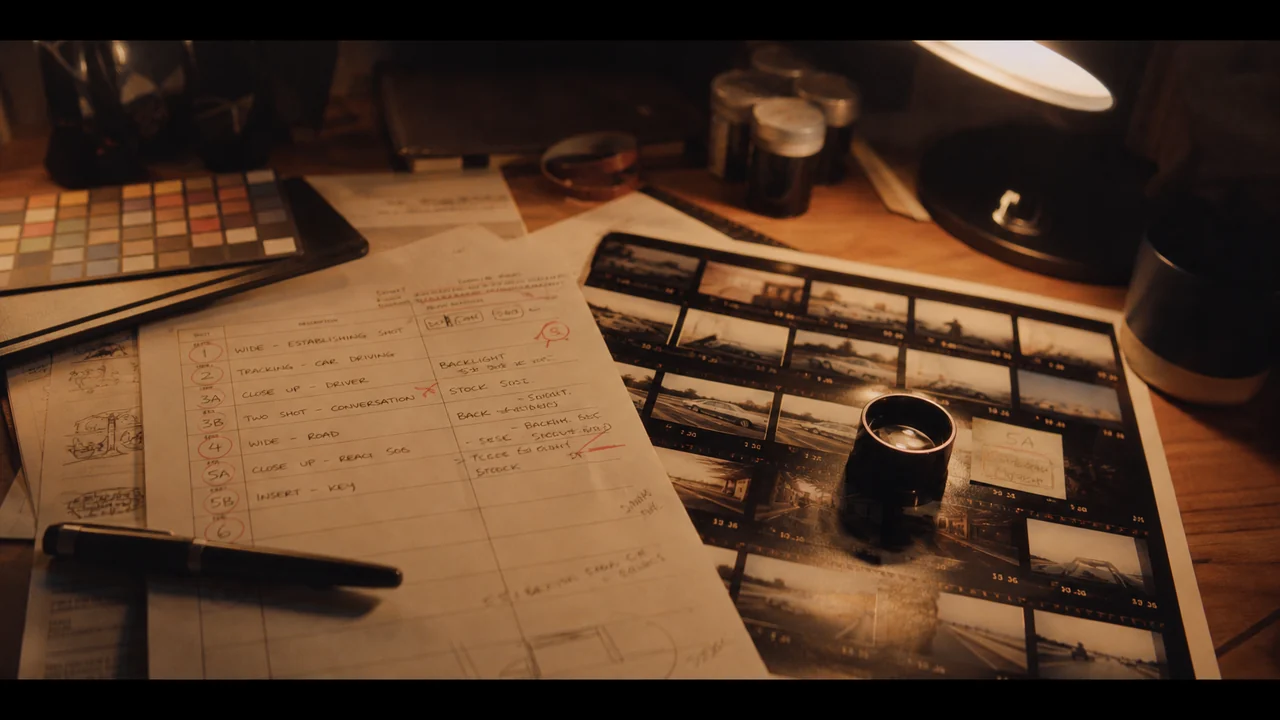
Cut to the musicDrop your track on the timeline and cut the visuals against the beat with transitions and motion.
FAQ
Music video questions
Can I use my own song?
Yes. Drop your track on the timeline and cut the generated visuals against it.
Can I keep a consistent style?
Yes. Lock a style once and Fawna applies it across every shot of the video.
Do I need to film anything?
No. The visuals are generated, so you can make a full music video without a shoot.
Can I match the cuts to my beat?
Yes. Drop your track on the timeline and trim each visual to the downbeat, with transitions and motion that hit on the rhythm rather than wandering.
Can I mix performance shots with abstract b-roll?
Yes. Music mode is built for exactly that, cutting evocative b-roll against performance moments instead of telling a literal story.
Which styles suit a music video?
Anything stylized reads well, from anime and cyberpunk to heavy film grain. Lock one look and Fawna holds it across every shot, then stylized video models bring it to motion.
Make your music video
Give a track a striking, stylized video, cut to the beat, no shoot required.