Build it once. Reuse it everywhere.
Every image, clip, voice, character, location, and style you create lands in one library, versioned and reusable across every project. Your work compounds instead of getting lost.

See it in action

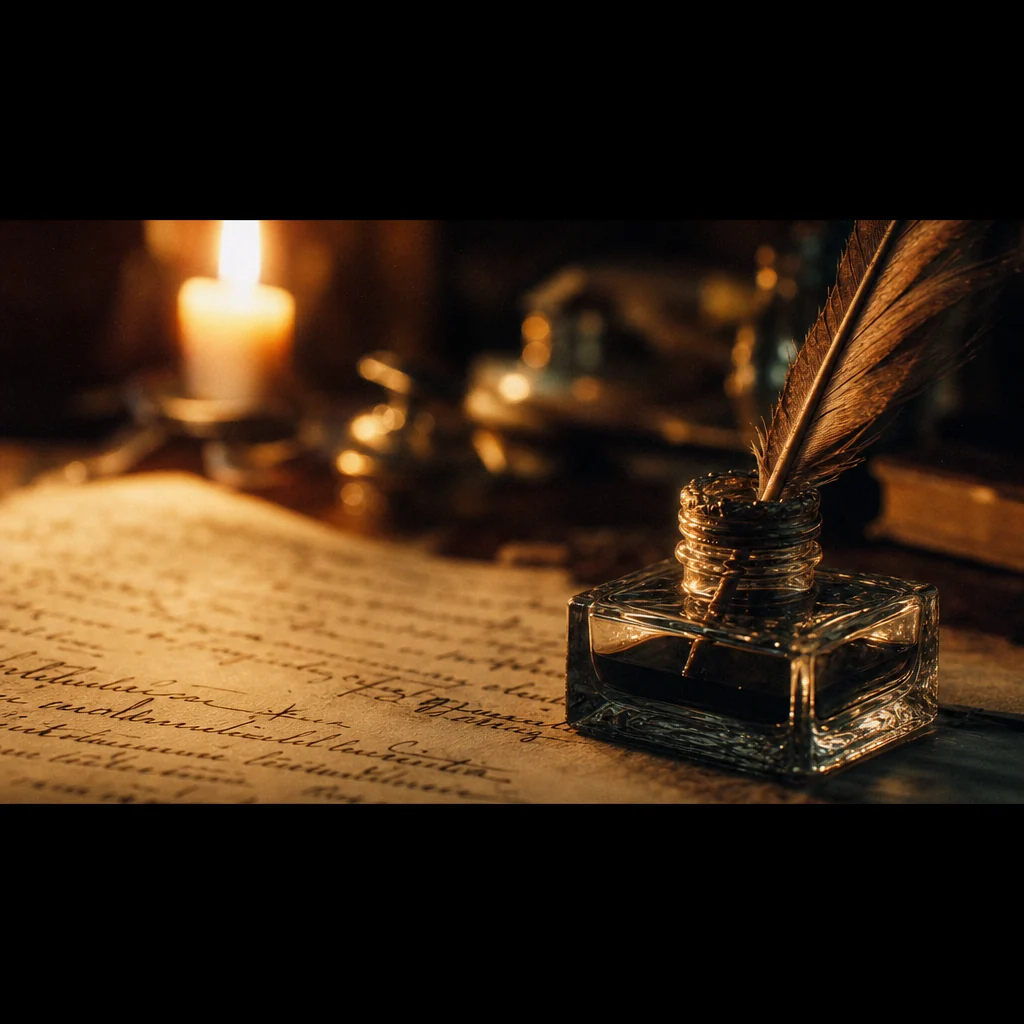
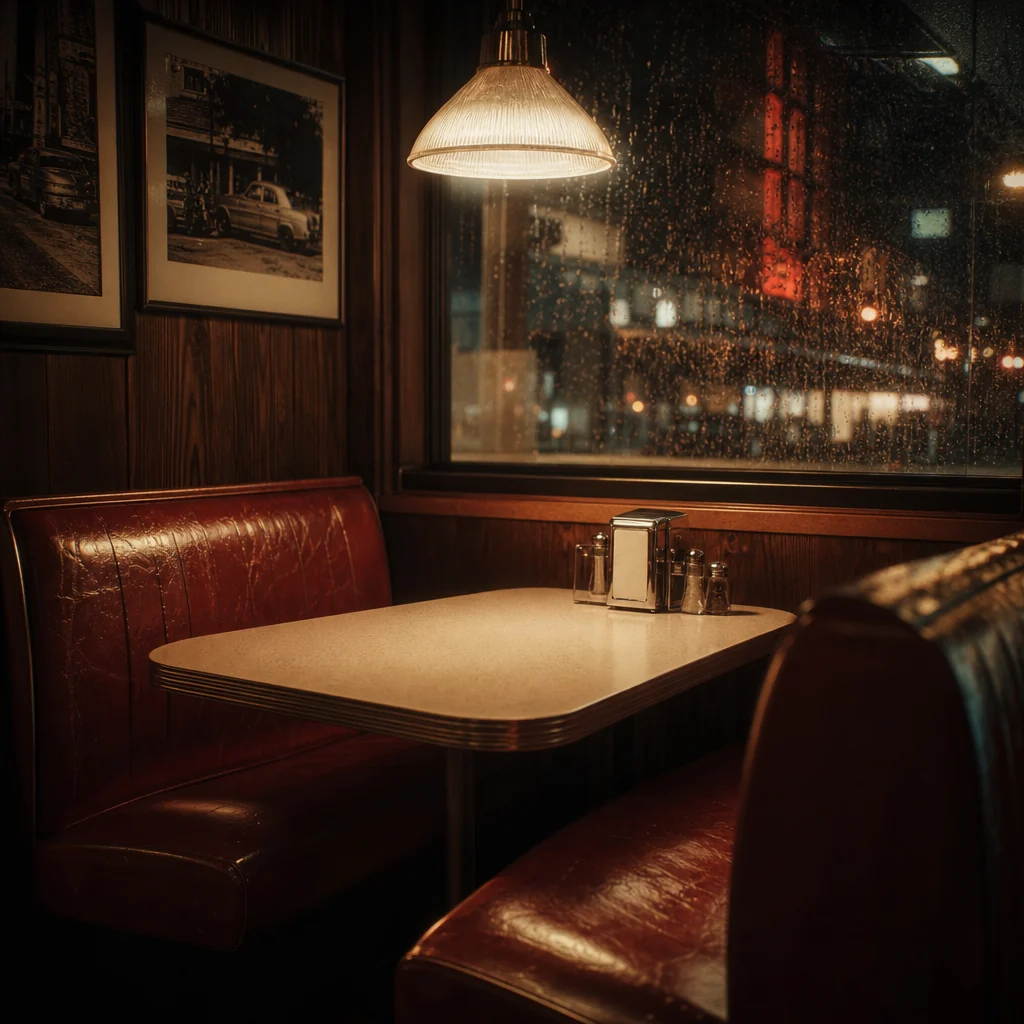
Everything you create, in one place
Generate or upload once, and it lands in a library you reuse across every project. Four surfaces, one source of truth.
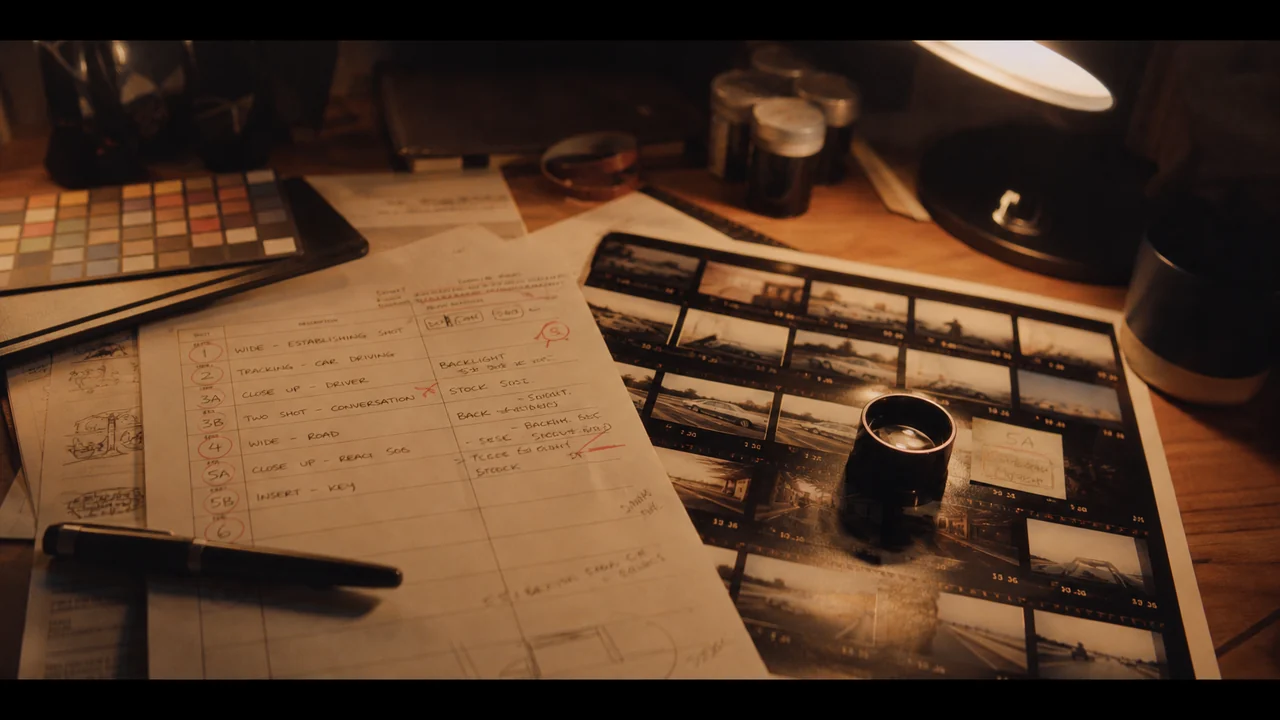
Every asset, organized
Every image, video clip, voiceover, and text overlay, organized by kind with folders and favorites.
- Folders, favorites, and fast search
- Full version history with restore
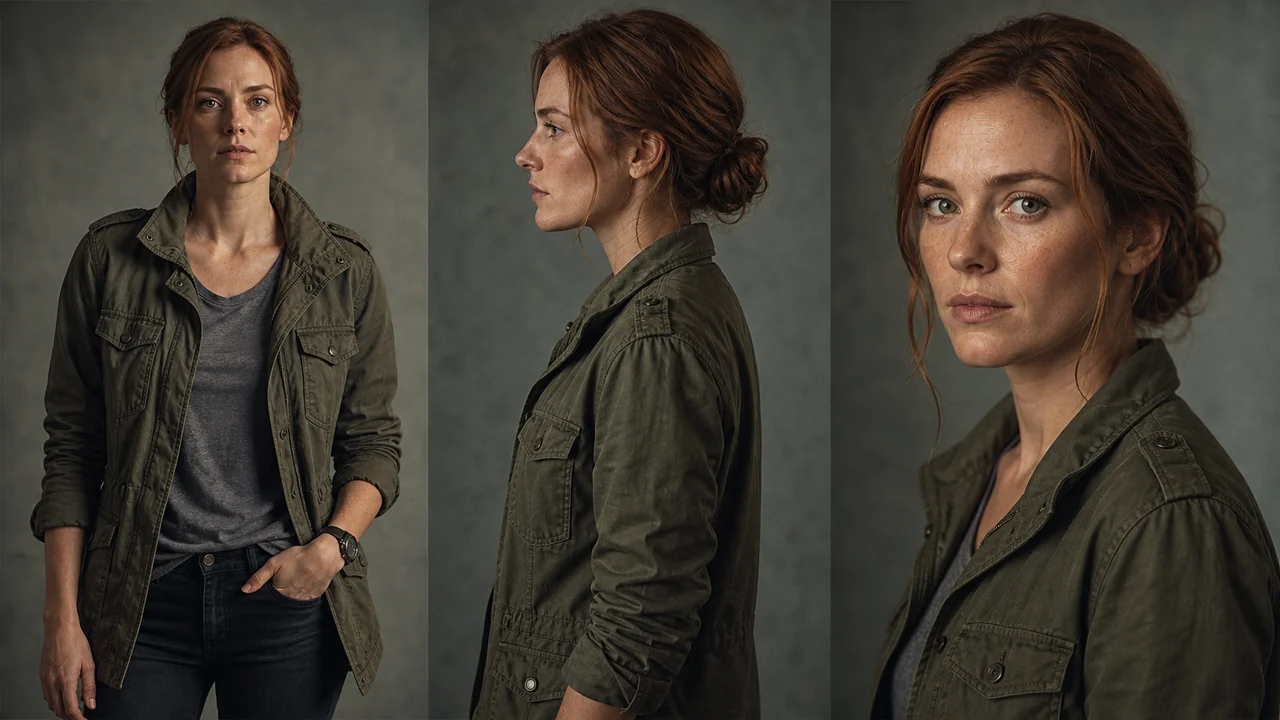
A reusable cast
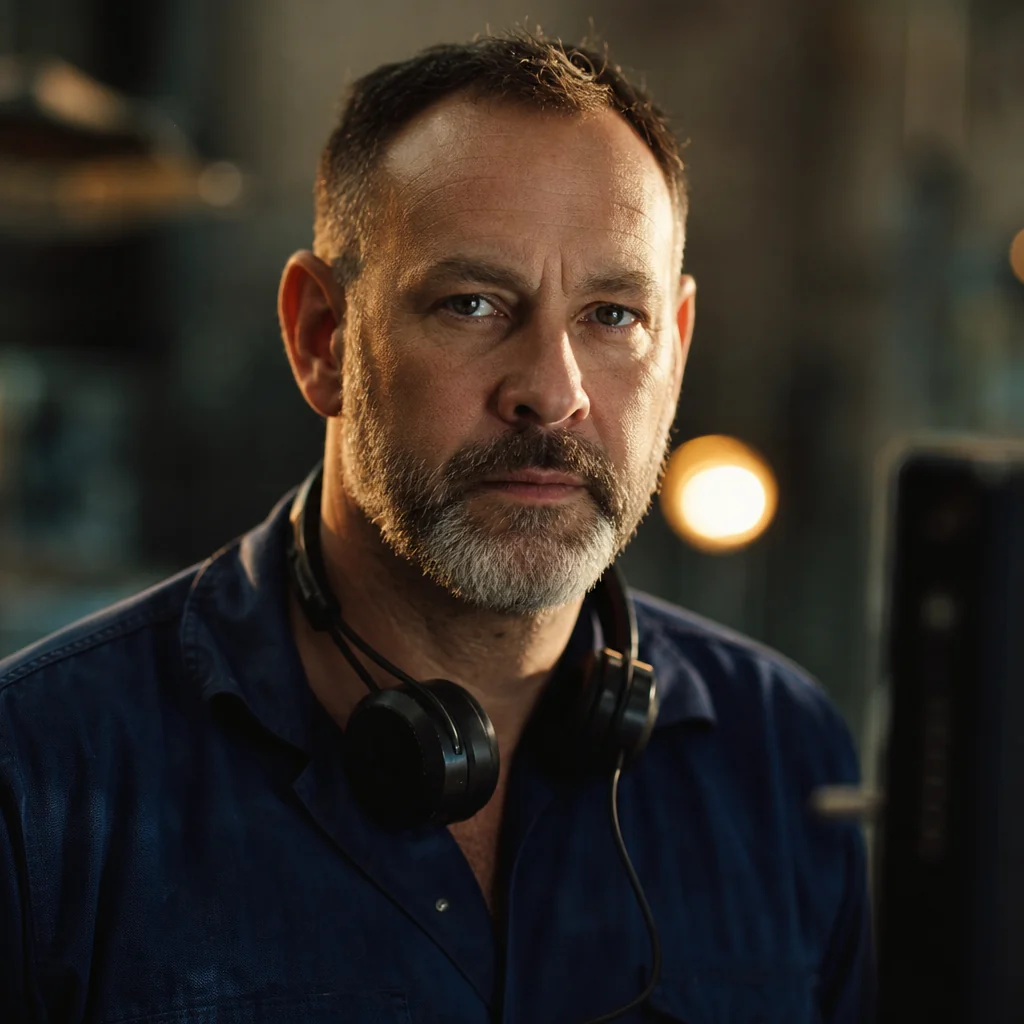
Reusable characters, animals, objects, and vehicles with reference portraits and assigned voices.
- Locked reference holds across every shot
- Reuse the same cast across projects
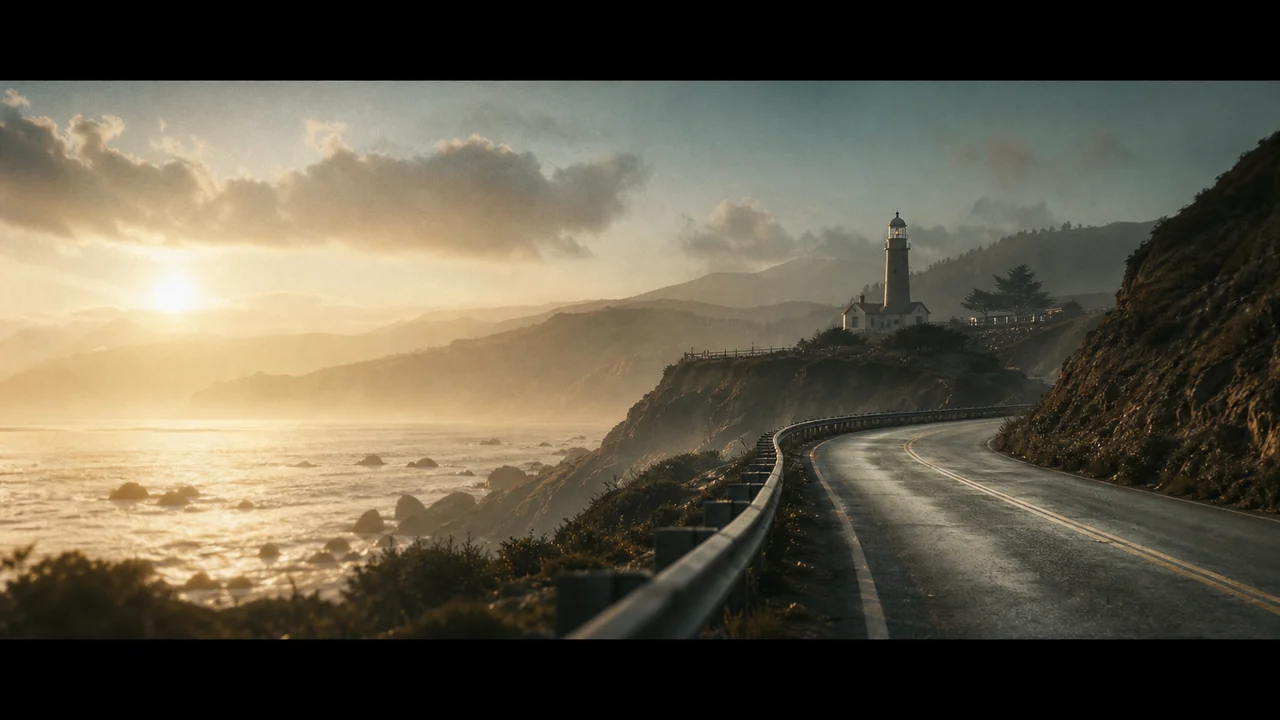
Sets that stay put
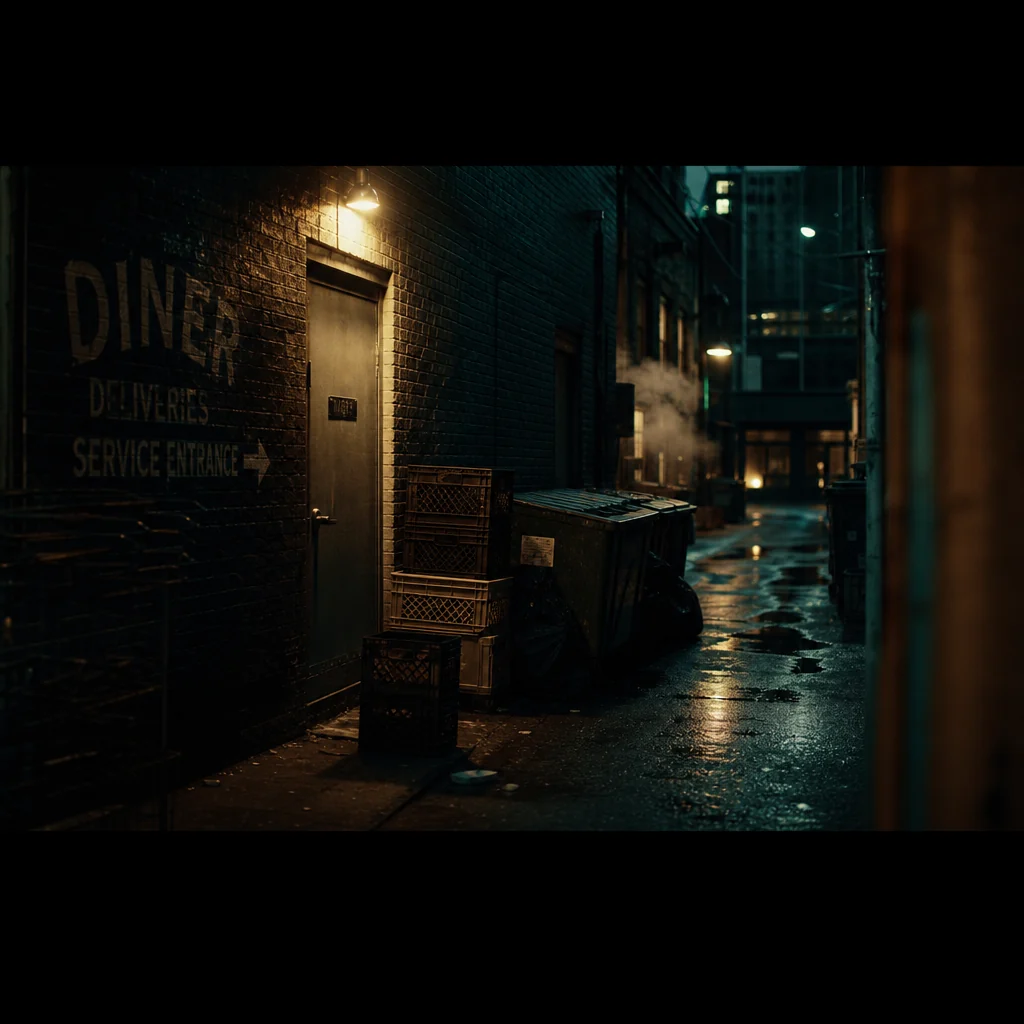
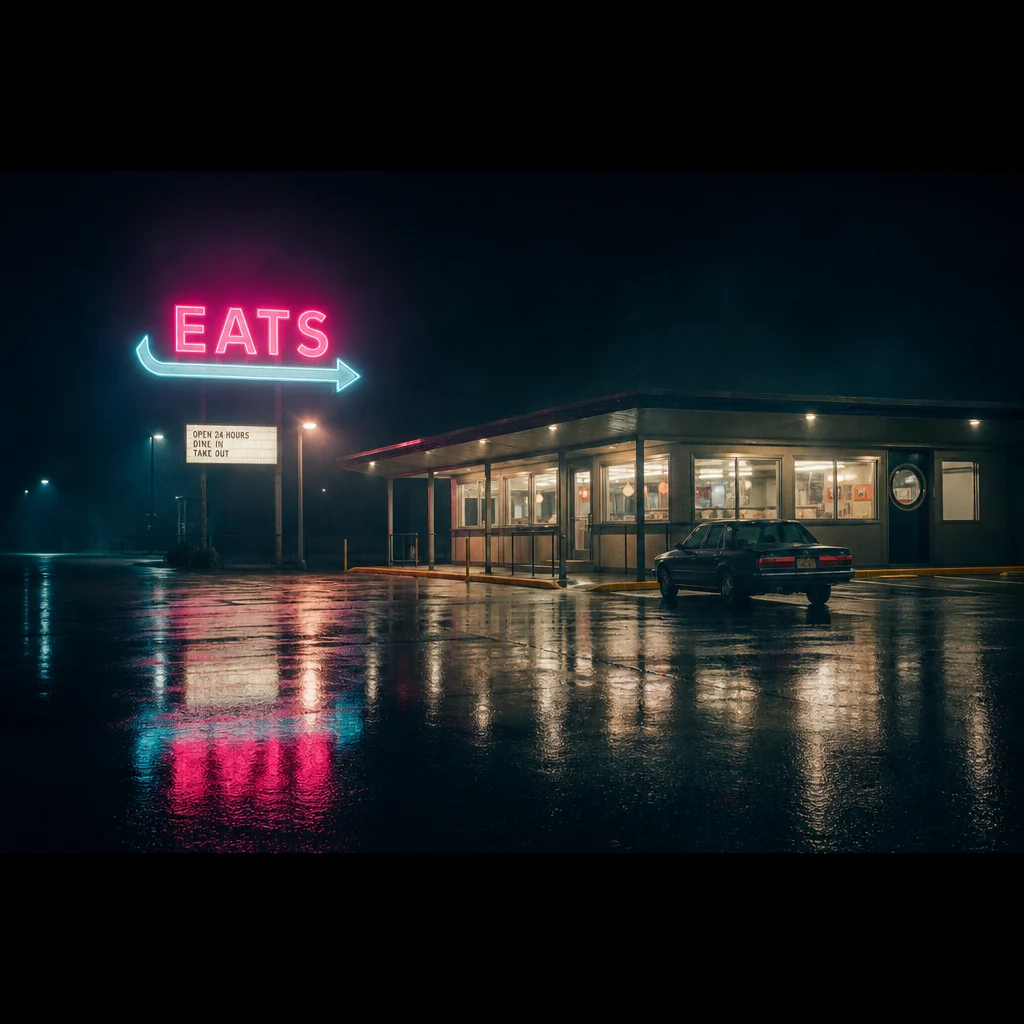
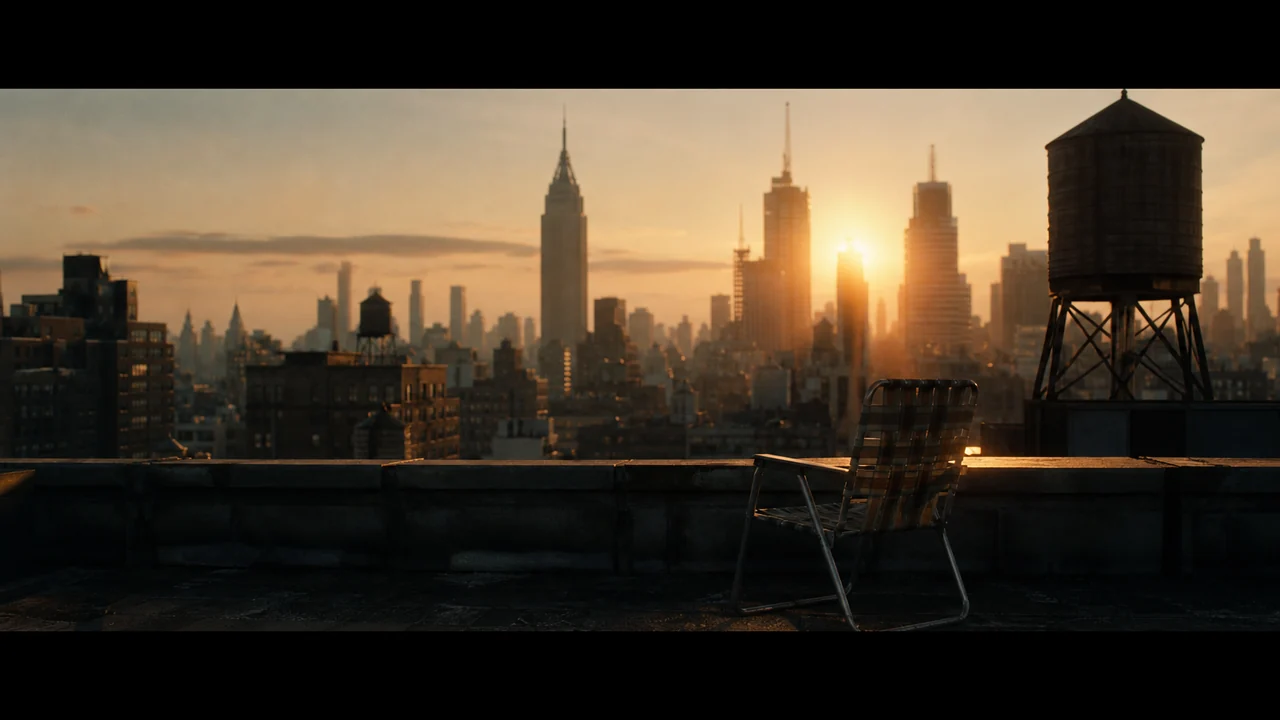
Sets and backdrops with a locked look and lighting, so a place stays the same place every time you return.
- Static, continuous, or generic persistence
- New angles without losing the look
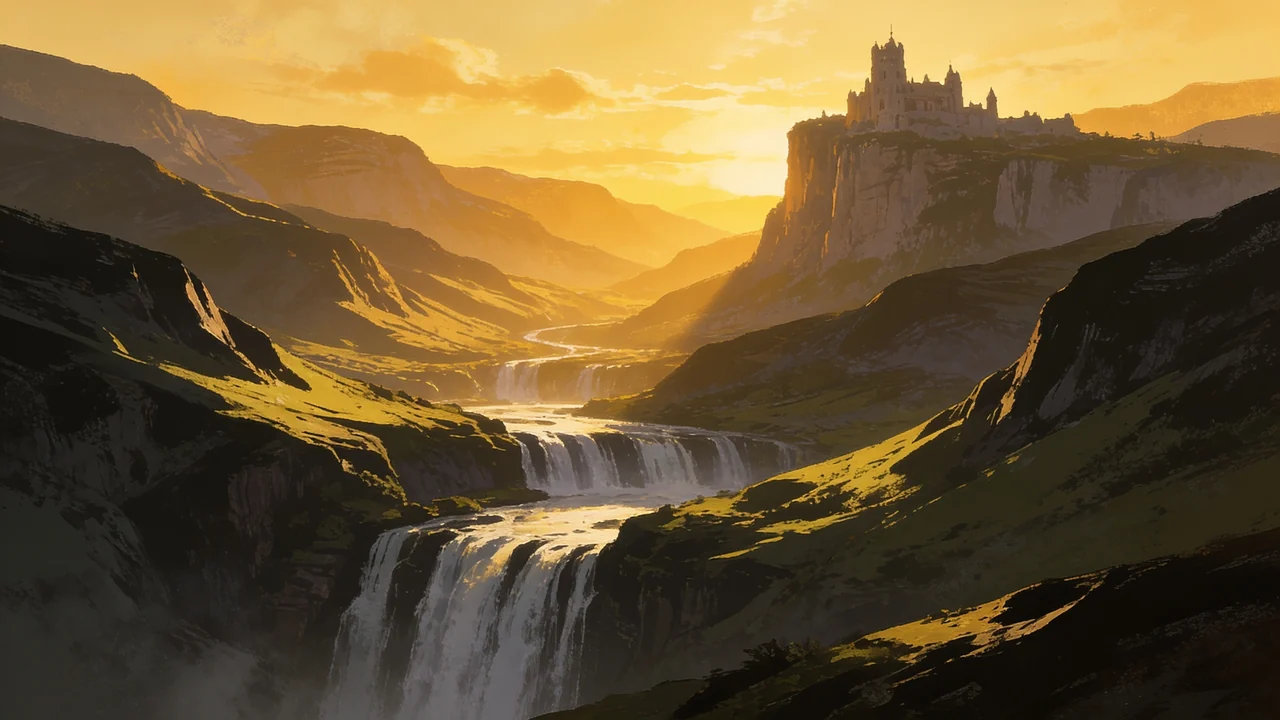
One look, reused
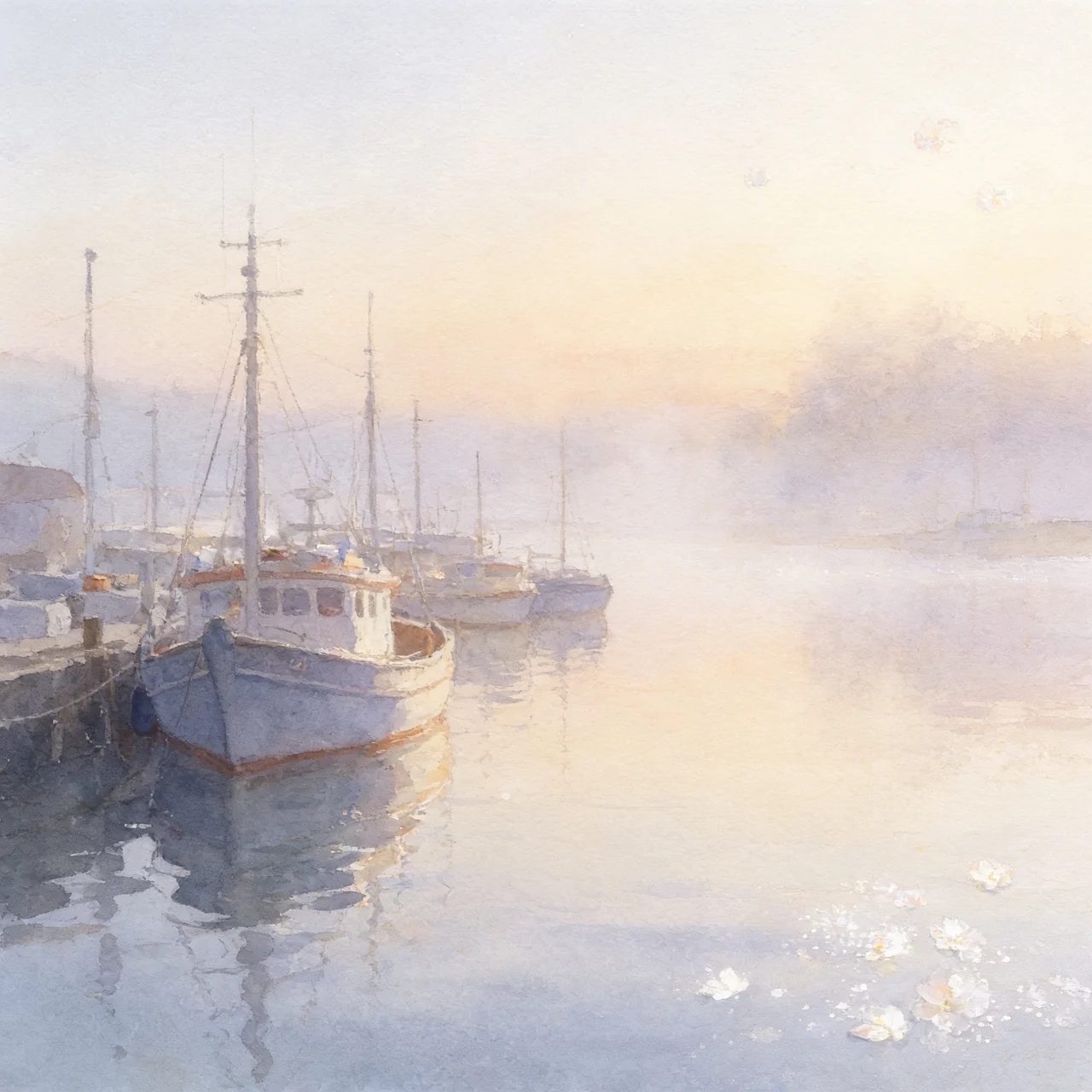
A consistent look saved as reusable master plates. Apply one to restyle an entire project at once.
- Style, environment, and character plates
- Swap the style to restyle every shot
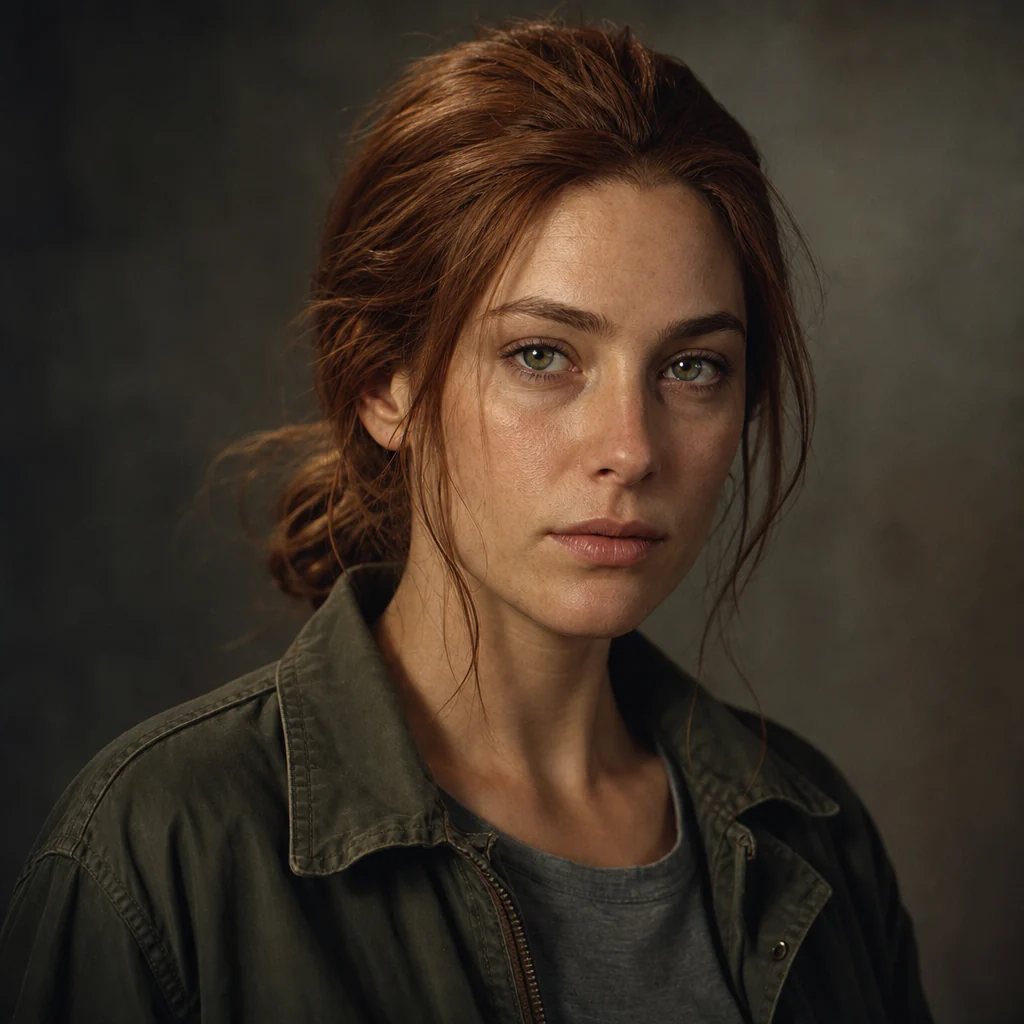
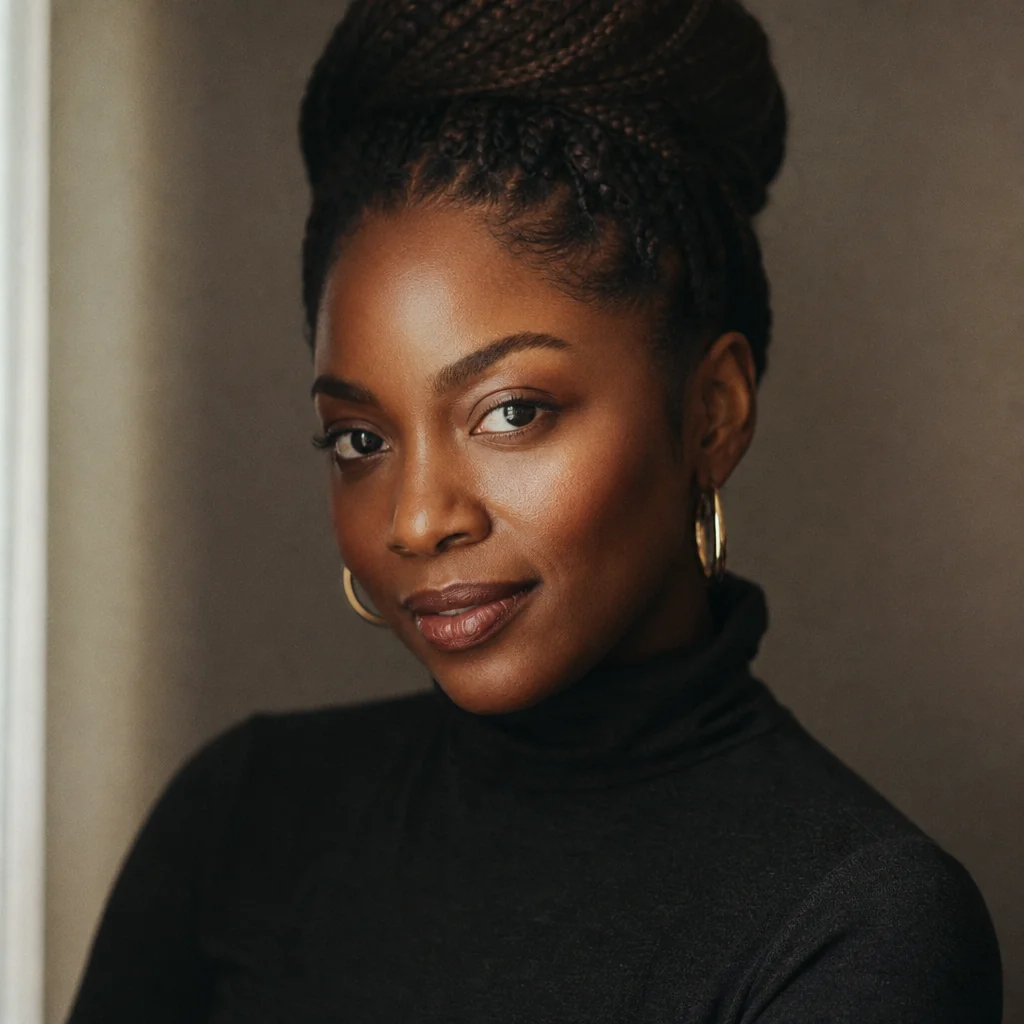
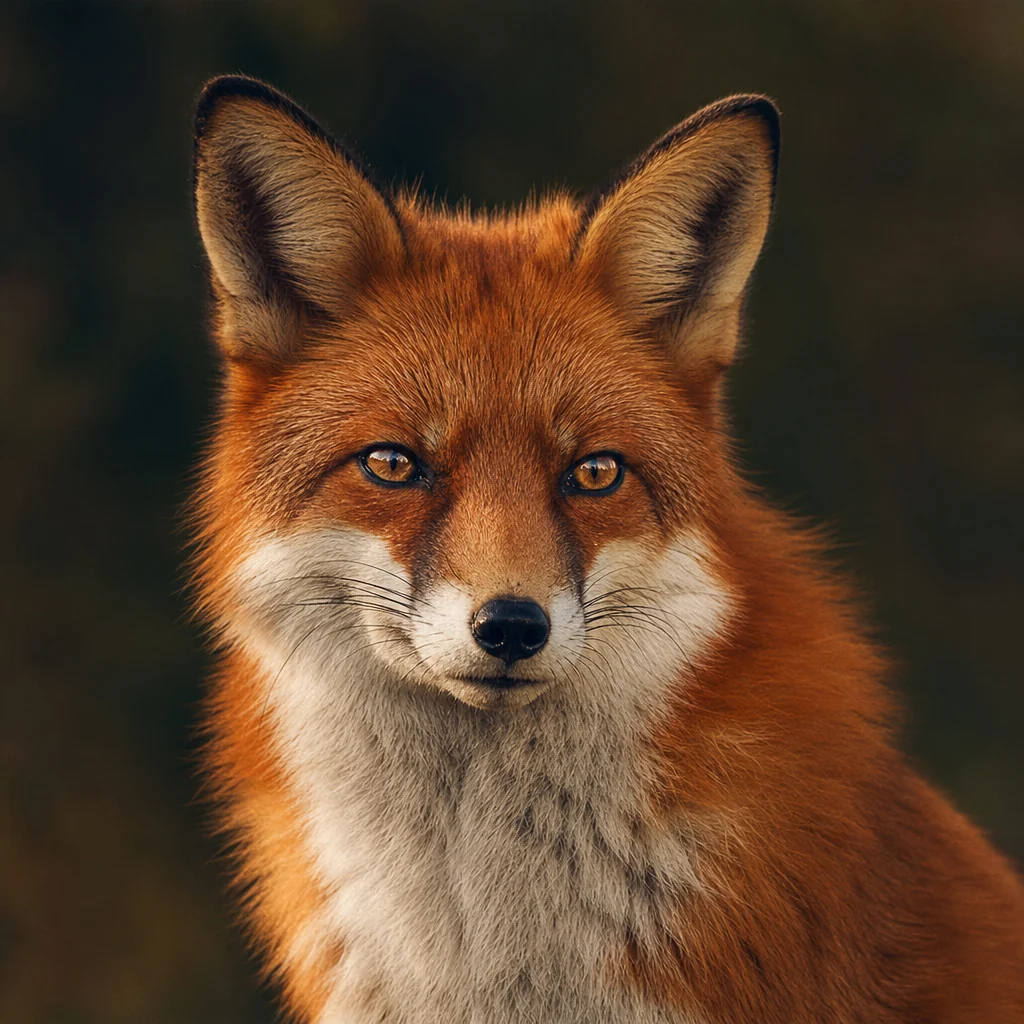
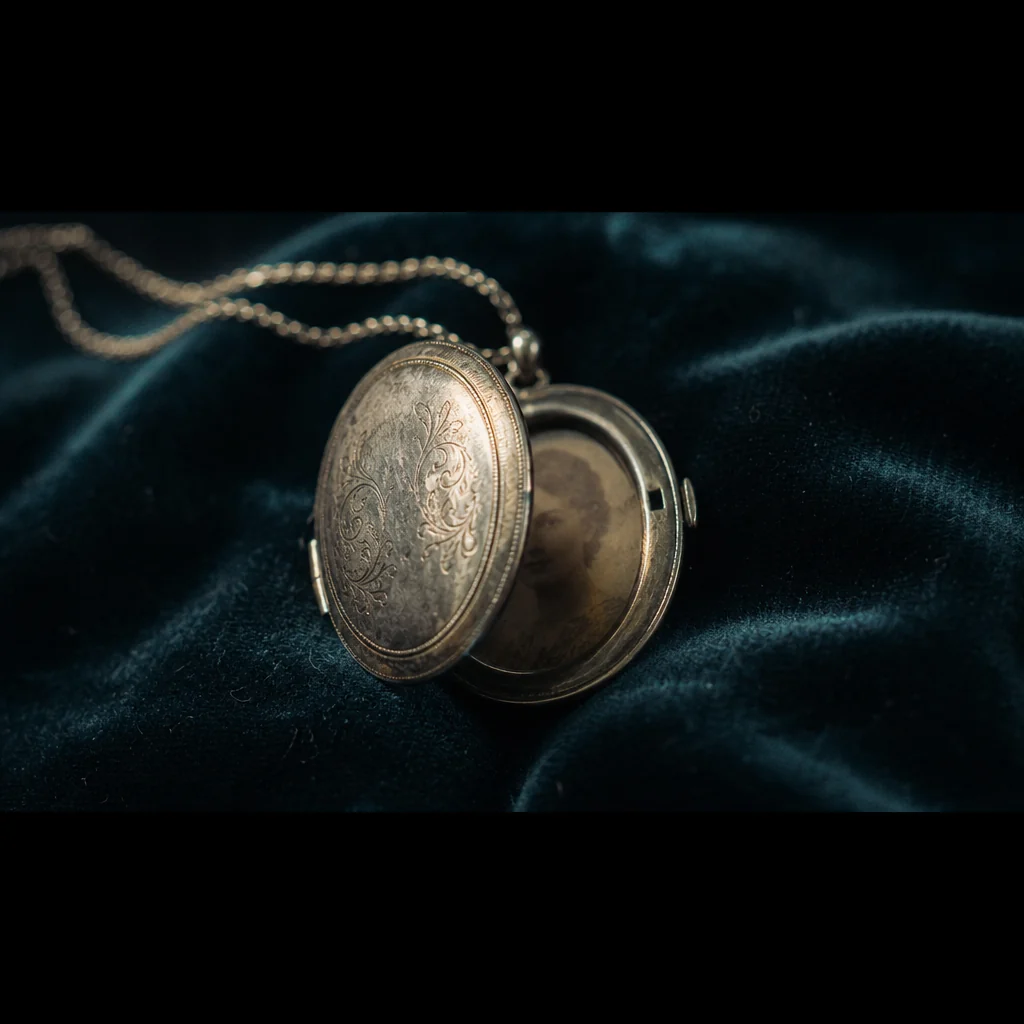
Cast your characters once. Reuse them everywhere.
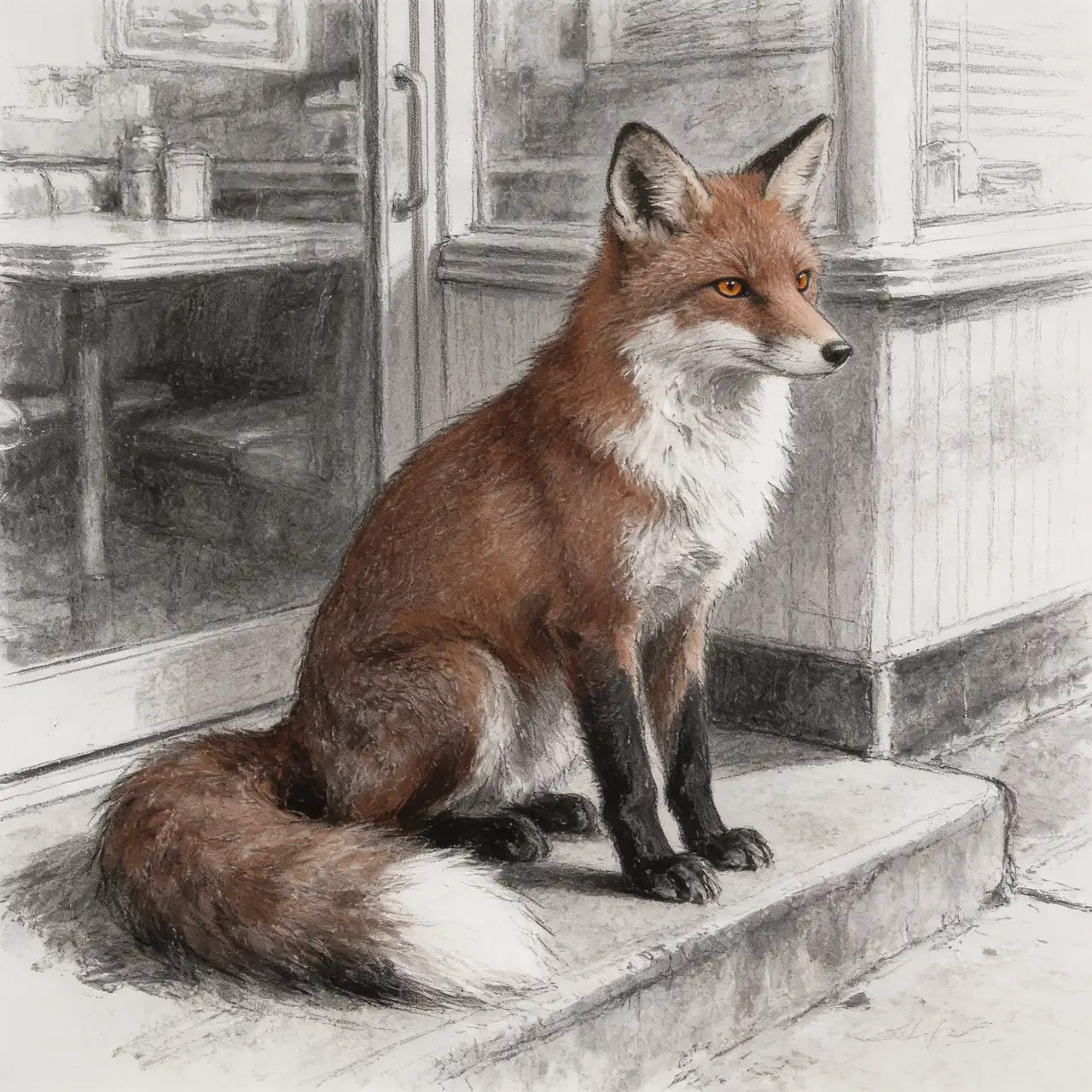
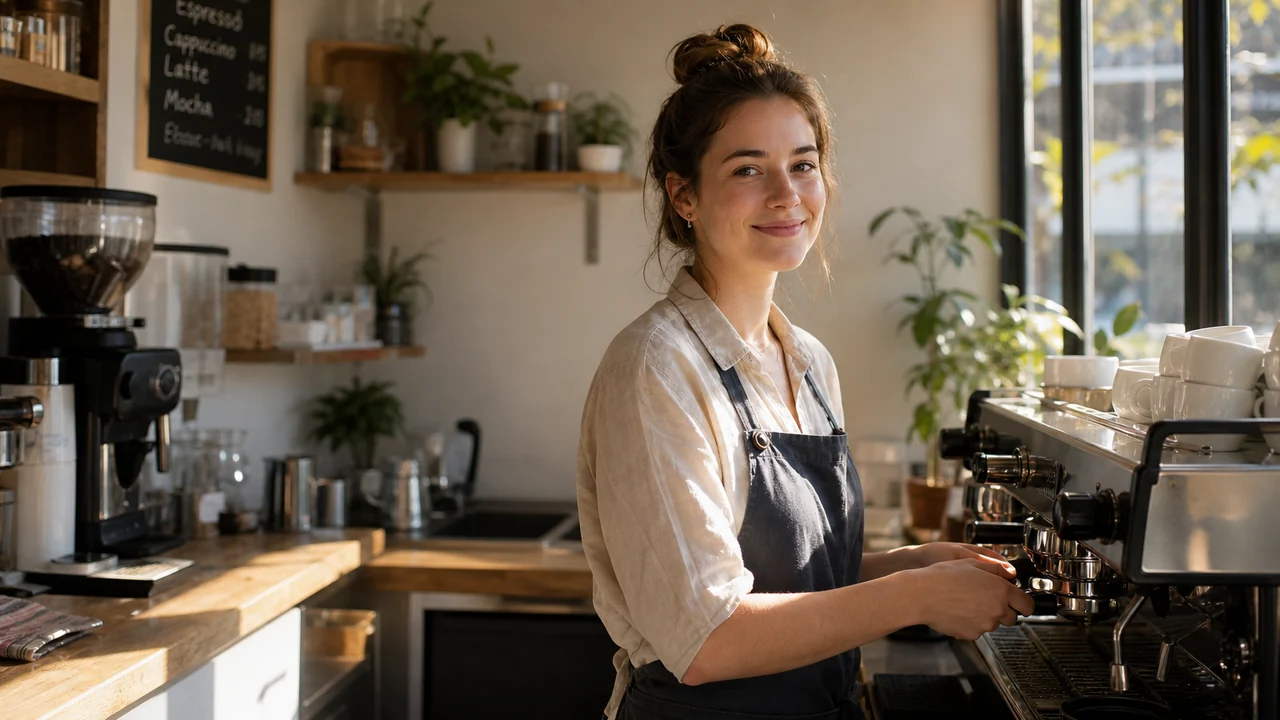
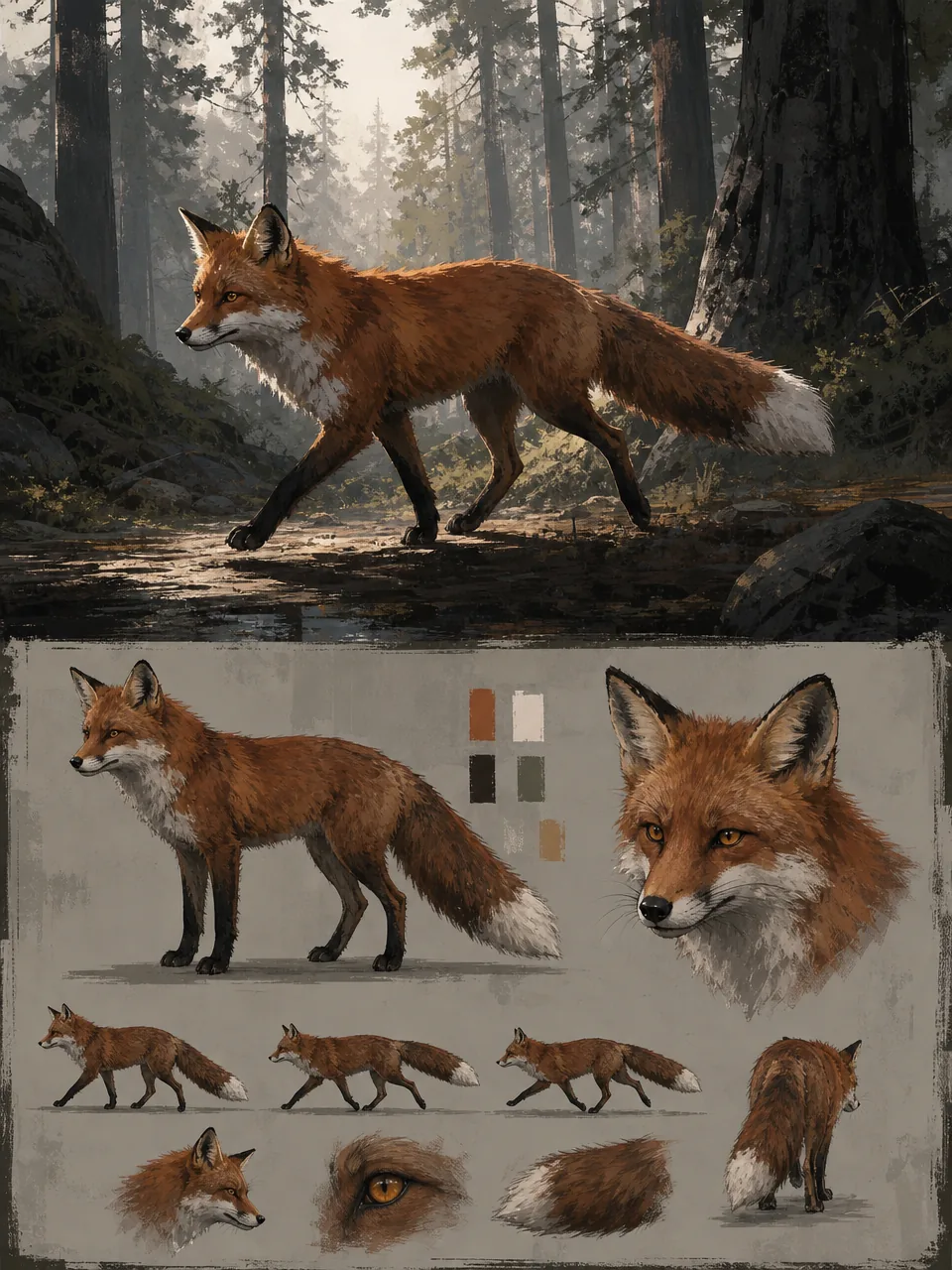
Give a character a reference portrait and a locked look, and Fawna keeps them on model across every scene and every project. Not just people: animals, objects, vehicles, and creatures all anchor the same way.
- Reference portraits, plus a second angle, kept on file
- A locked description so the same character looks the same in every frame
- A cast voice per character, with per-scene voice presets
- Save any generated image straight into your cast
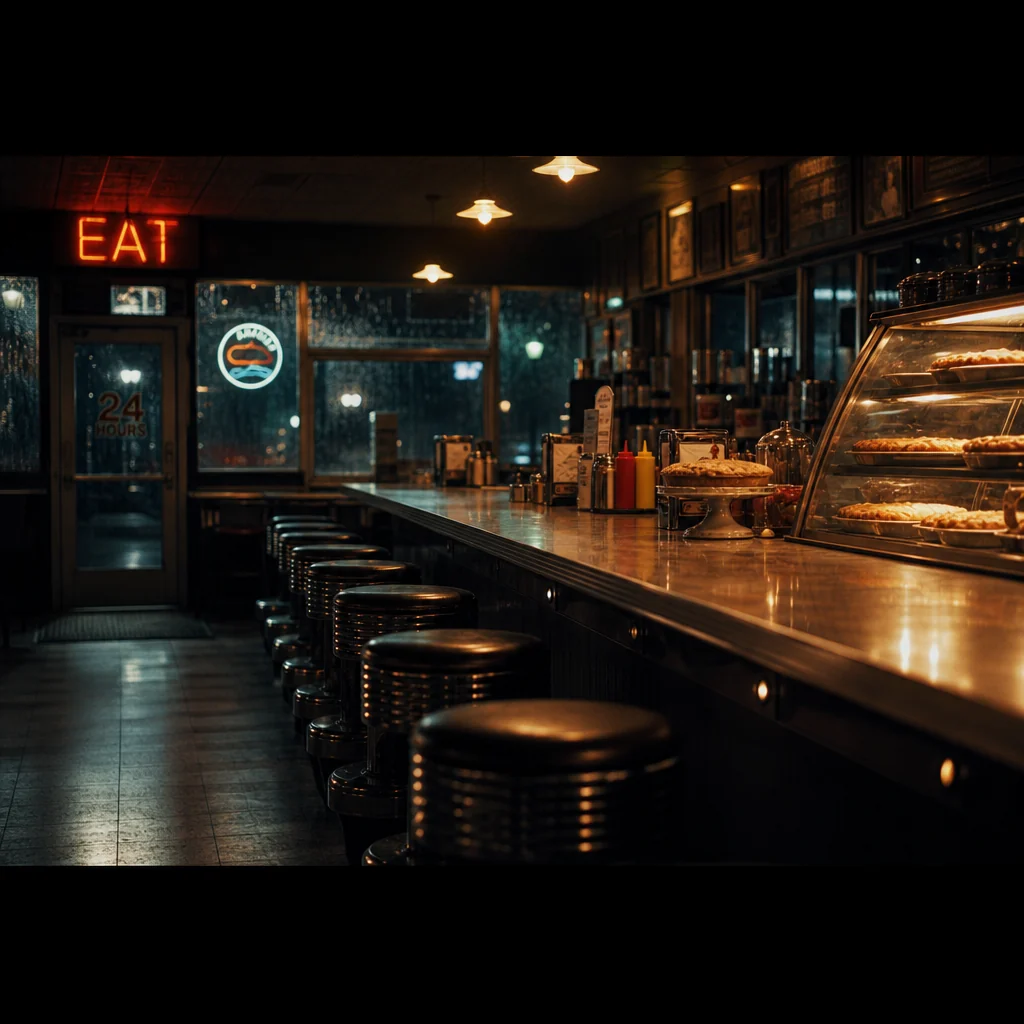
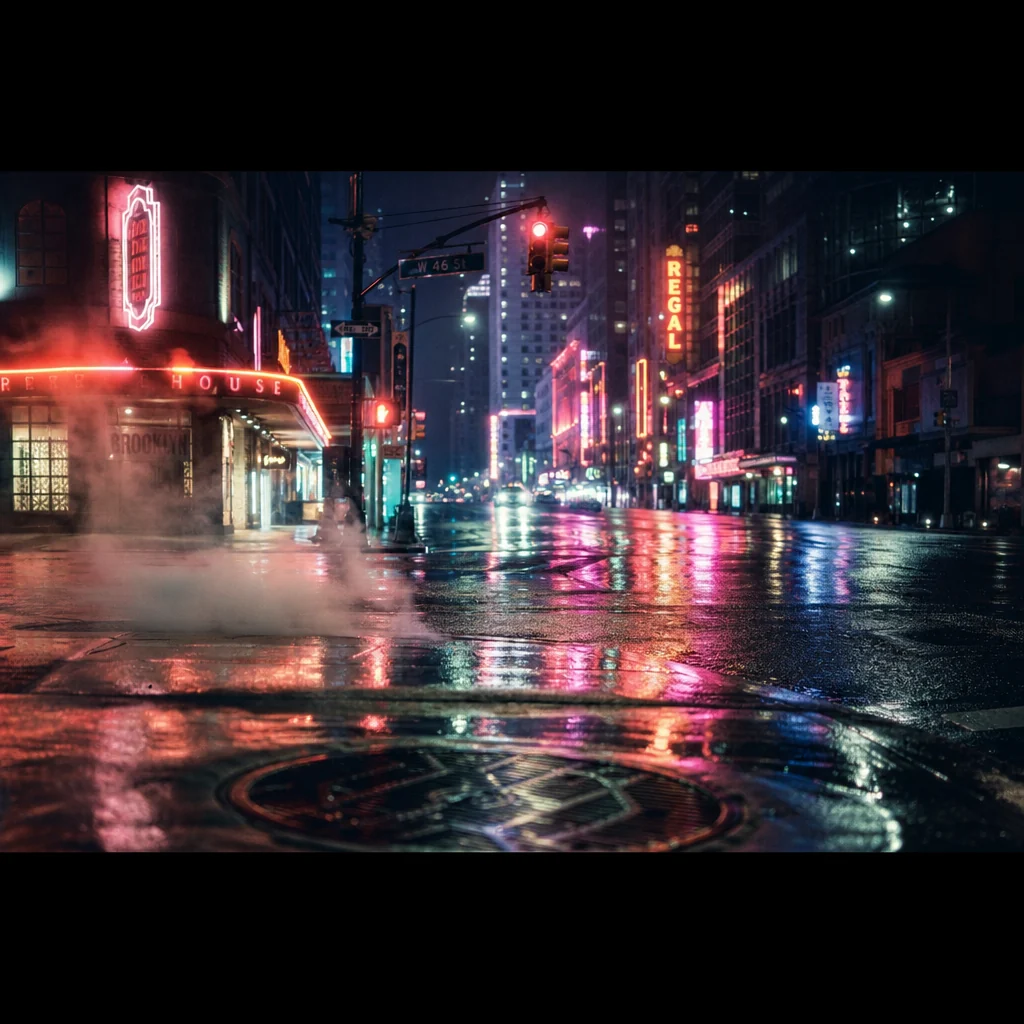
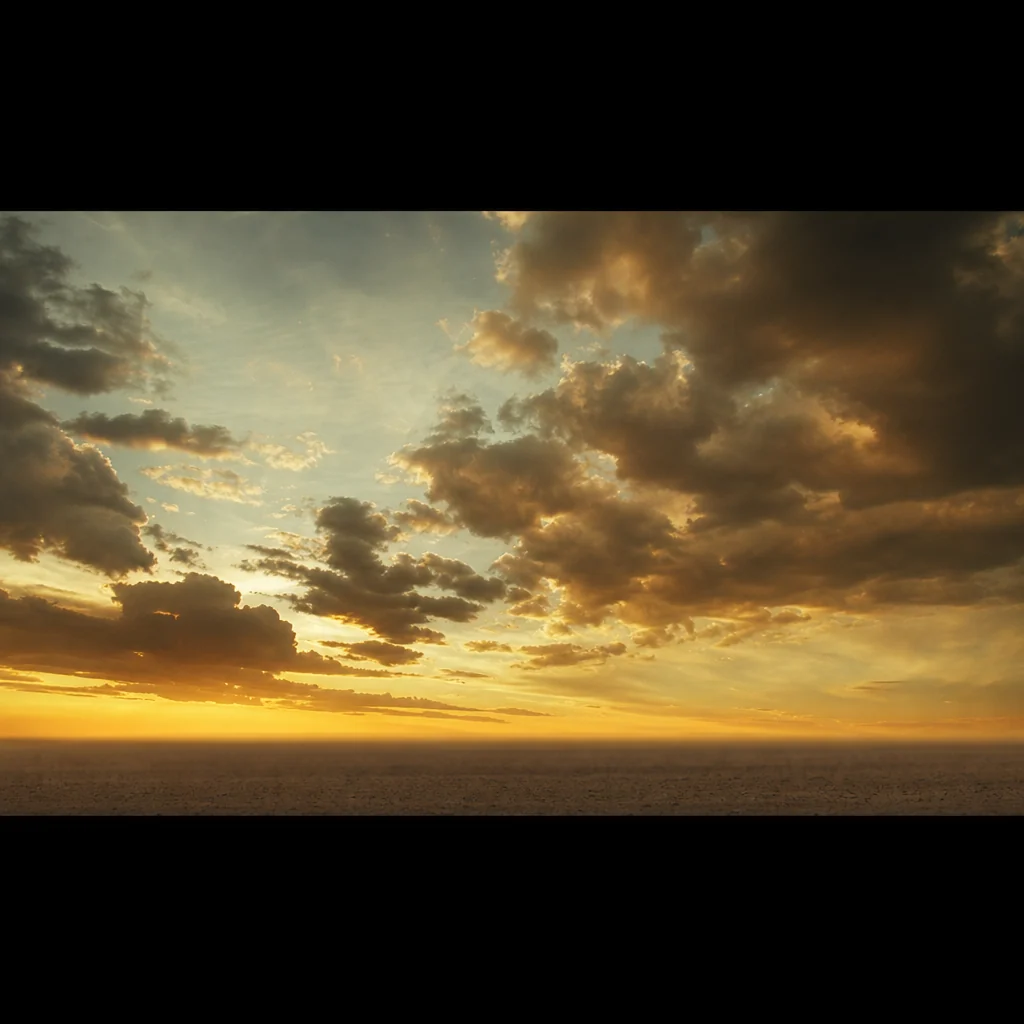
Sets that stay the same set.
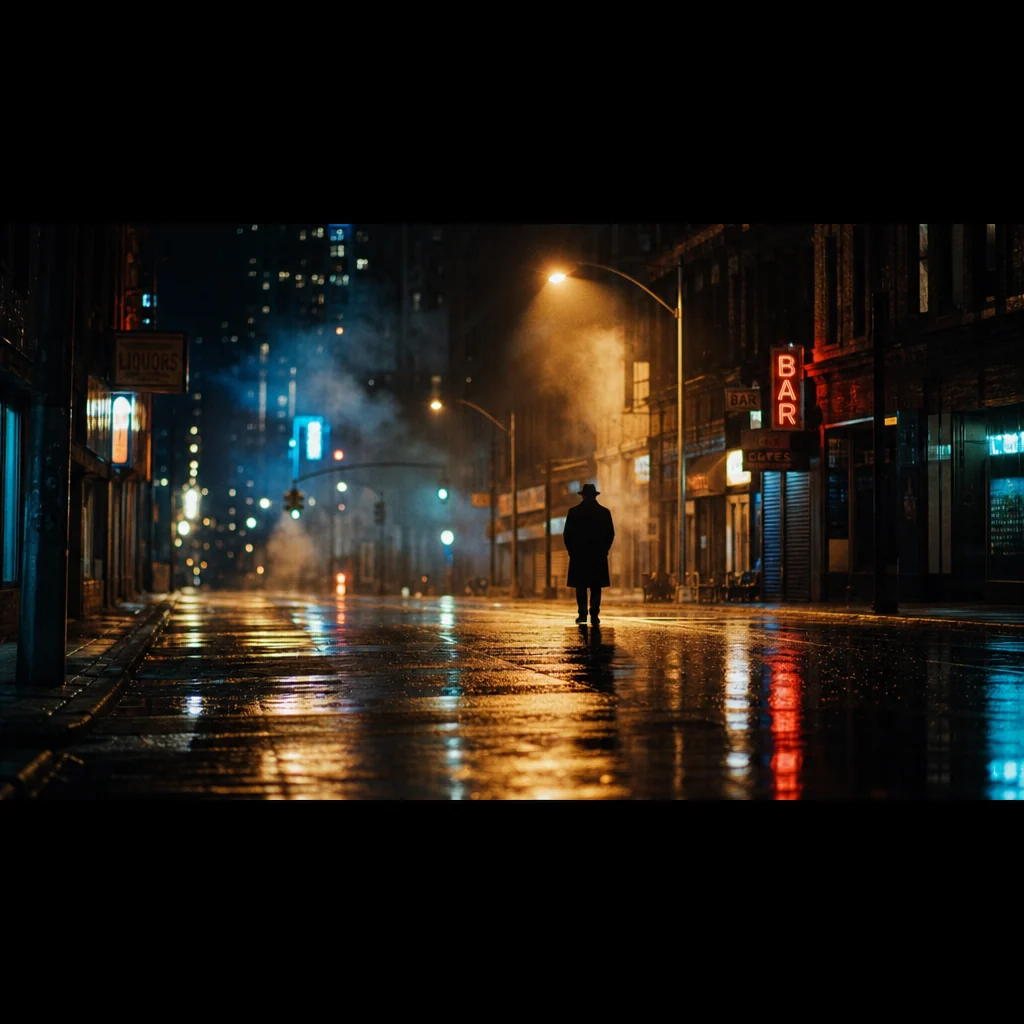
A location carries a locked description and locked lighting, so a place looks like the same place from the first shot to the last. Fawna sorts them by how they are used, so consistency follows the story.
- Static a specific anchored place, held exactly across scenes
- Continuous a setting the action moves through, same atmosphere
- Generic a one-off backdrop the script never returns to
- Save any image as a location, or let the script analyzer build them
 Mine
Mine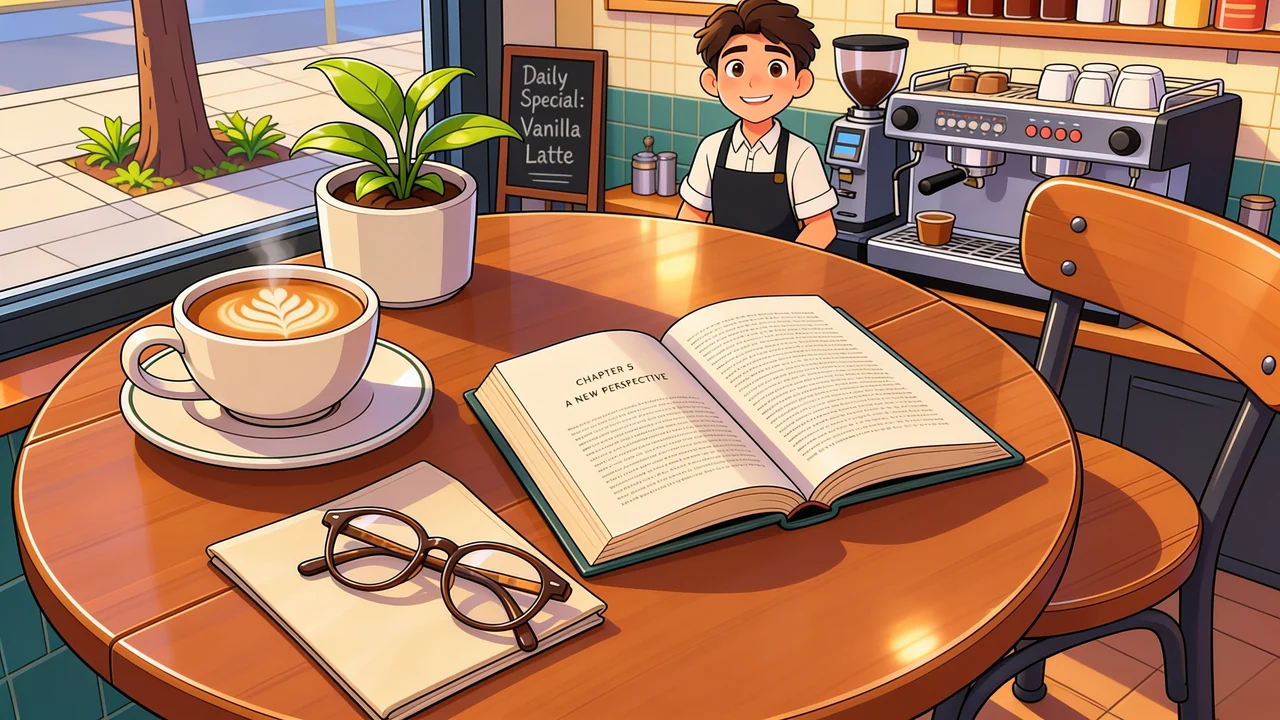 Native
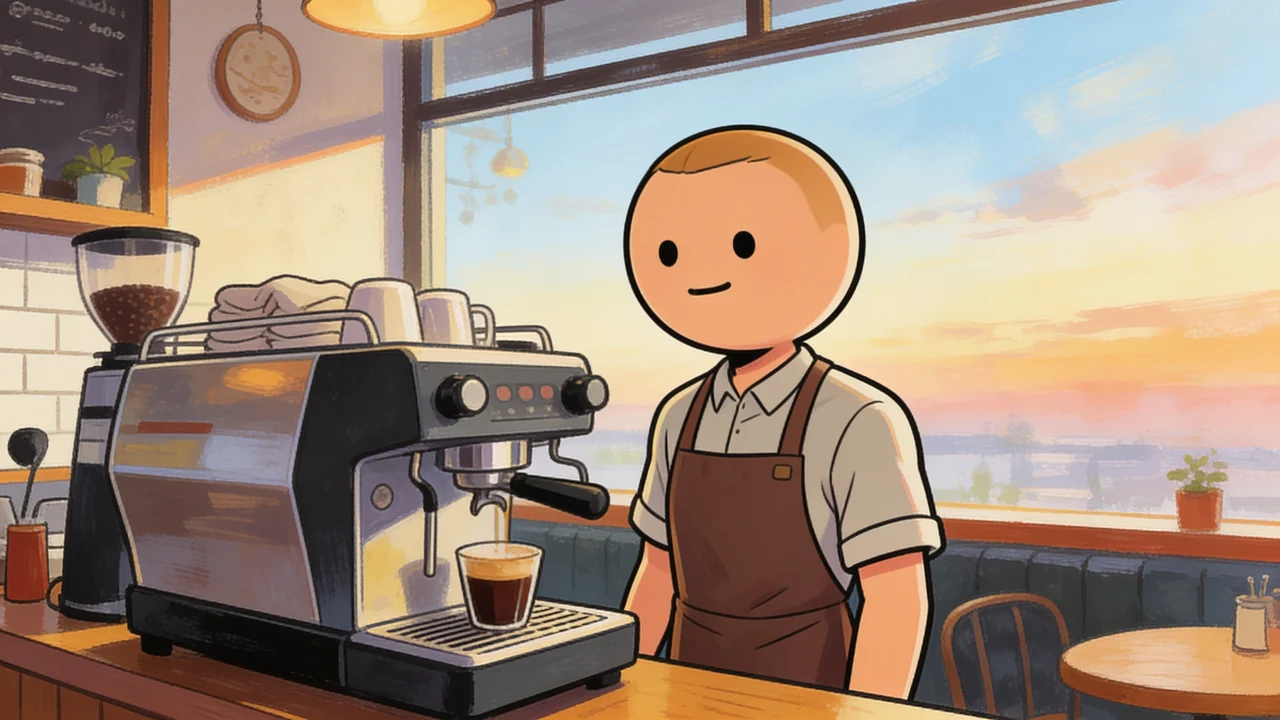 Native
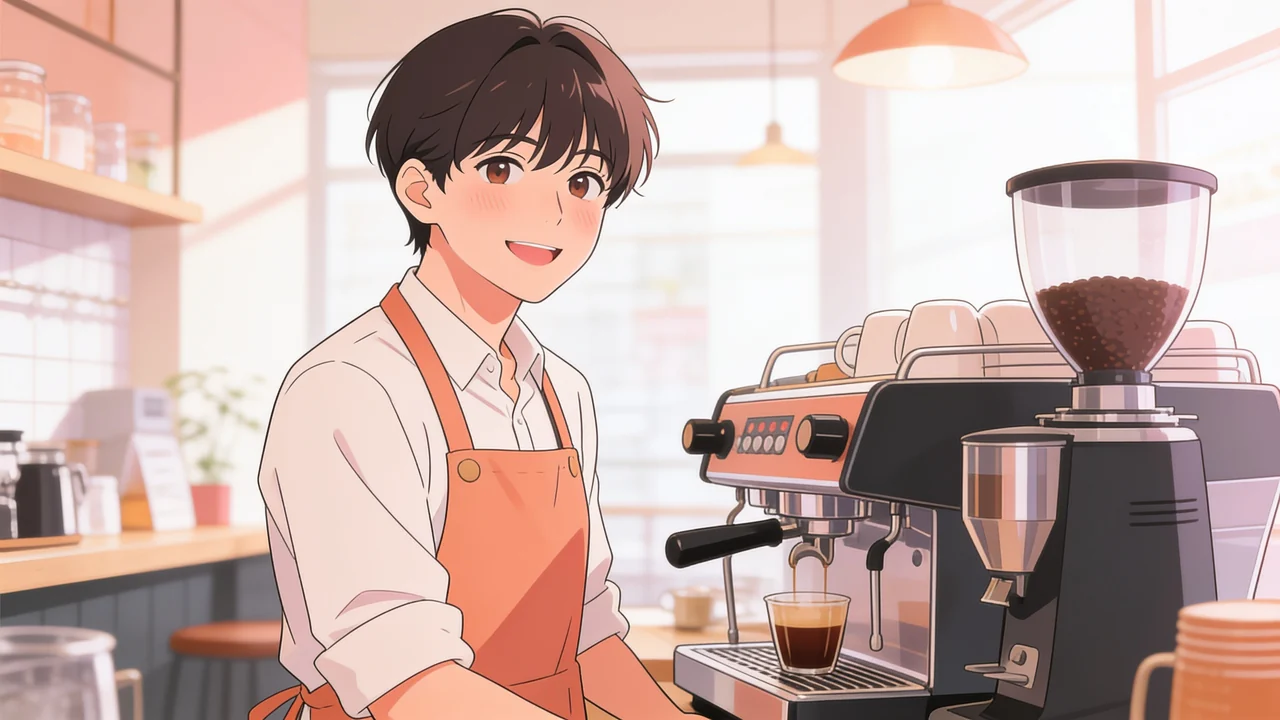 Native
Lock a look. Restyle everything.
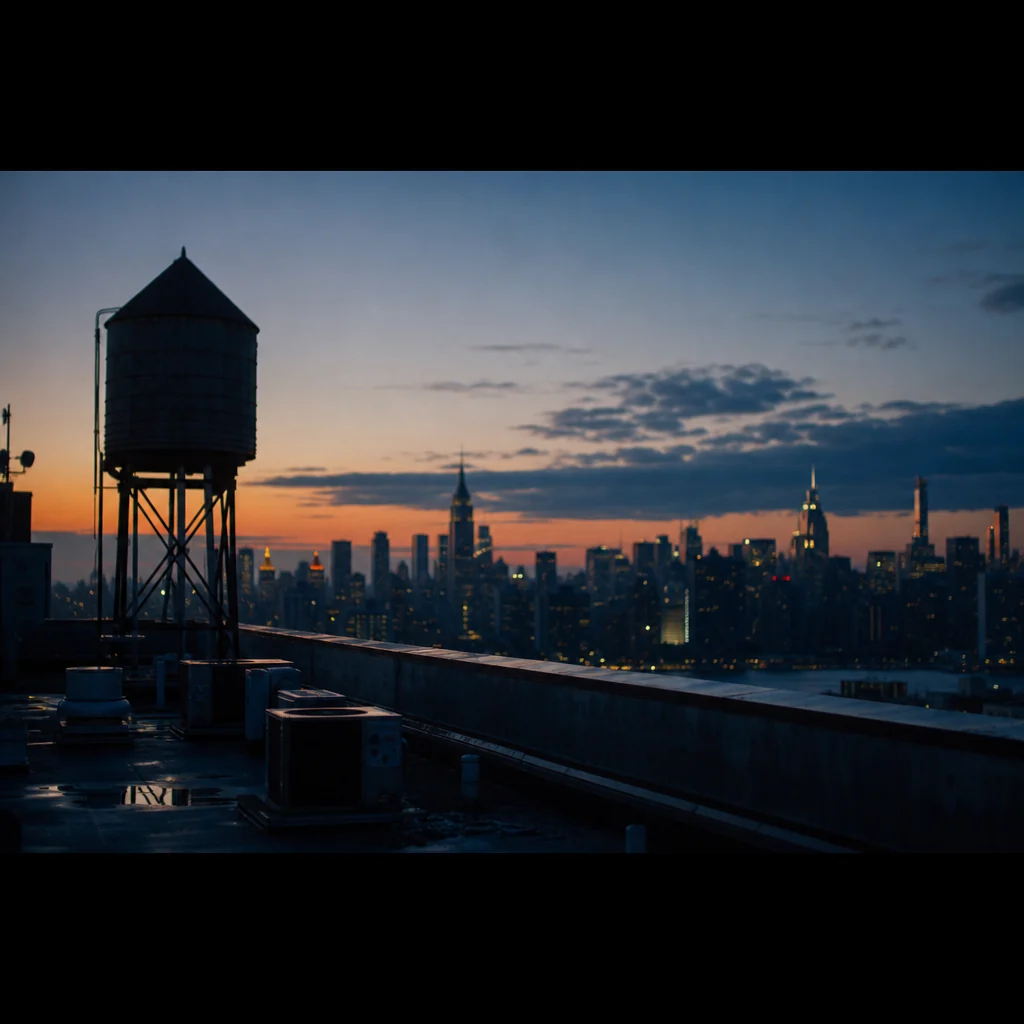
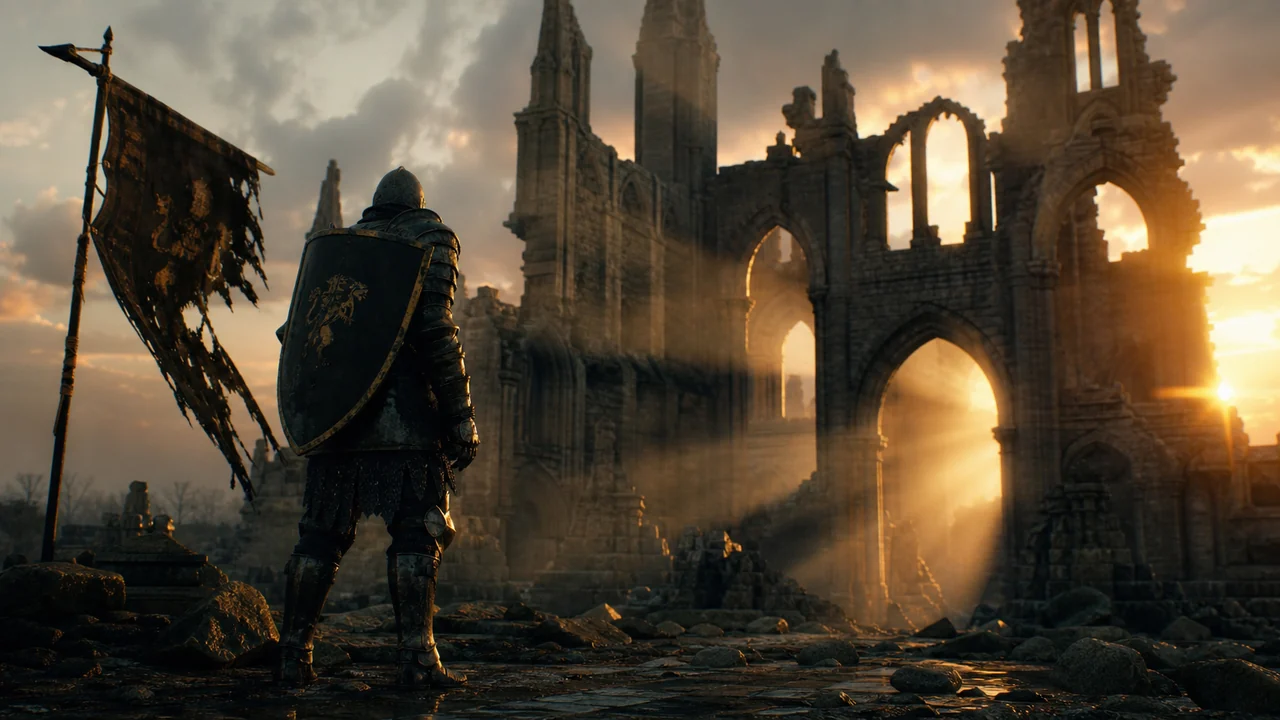
A style is three master plates, a treatment, an environment, and a character lineup, that anchor every generation. Apply one and the whole project takes on that look, on model.
- Three master plates per style, not a fragile text prompt
- Your own styles, plus native styles that ship with Fawna
- Apply a style to restyle an entire storyboard at once
- Remix a native style into your library and make it your own
 Current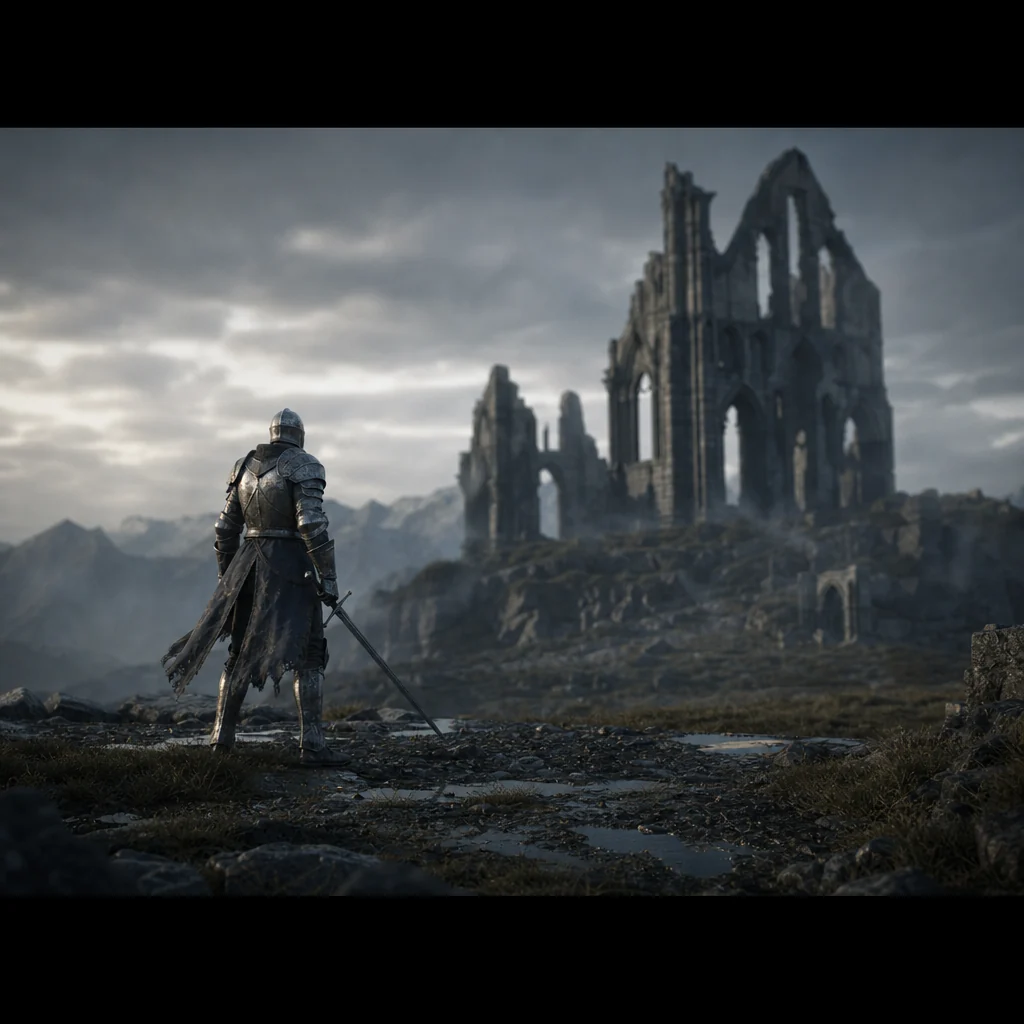
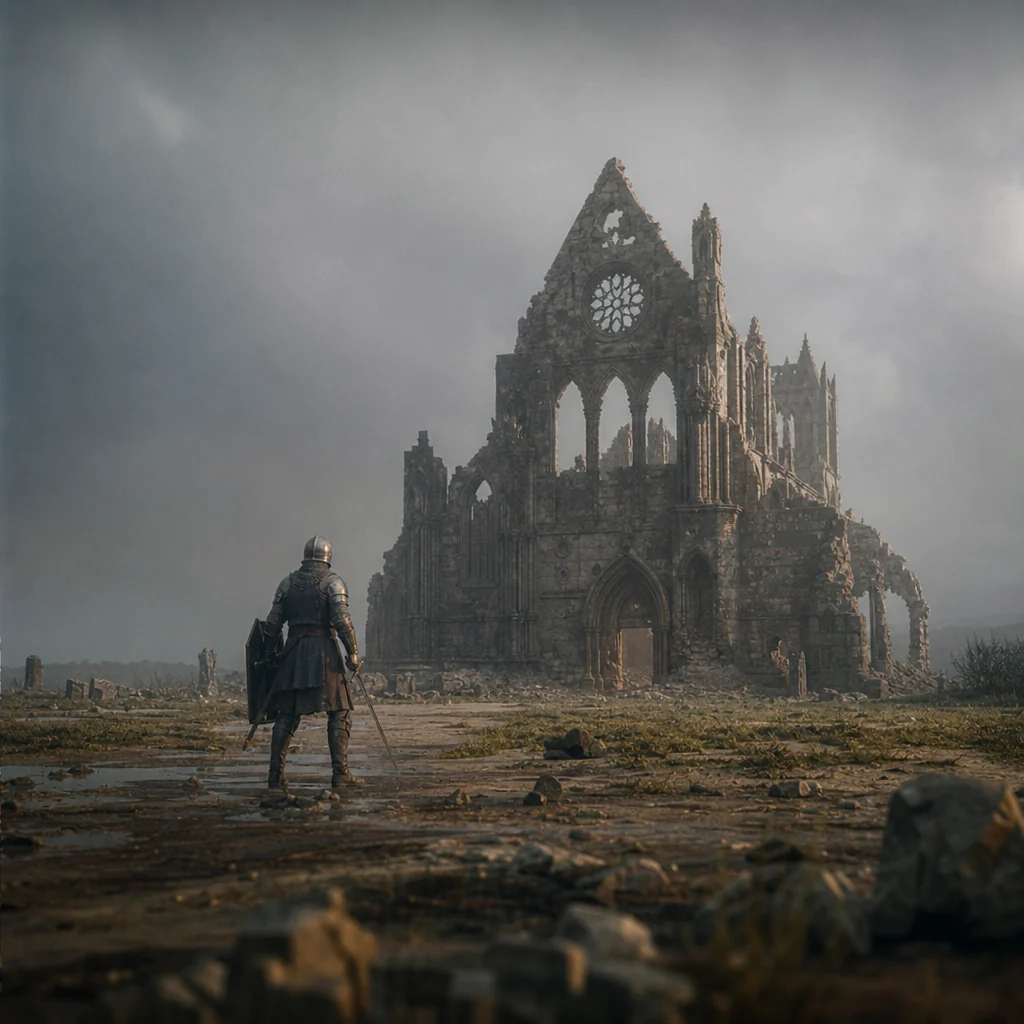
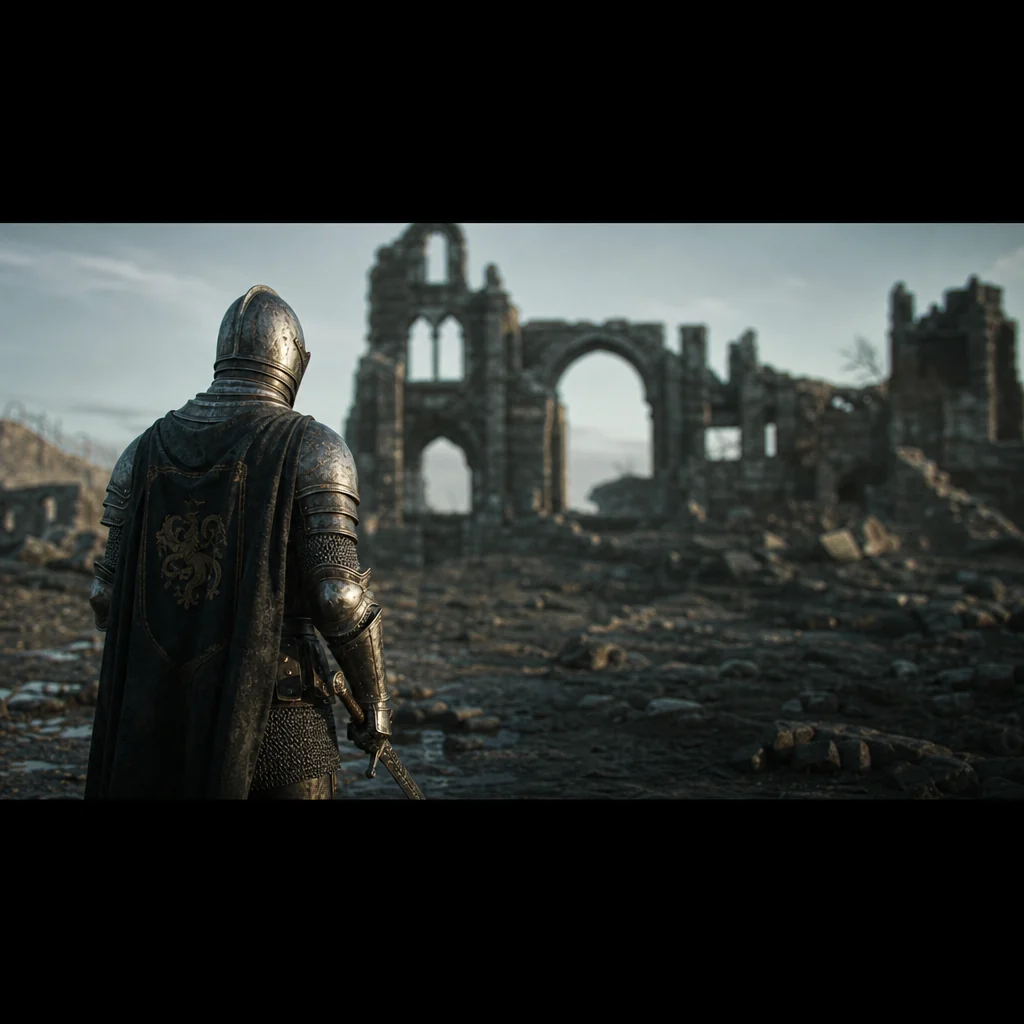
Every version, kept.
Regenerate as much as you want. Fawna never overwrites: each new take is a new asset, and the old one stays in history. Don't love the new version? Restore the old one in a click.
- Immutable storage, so a saved frame never changes under you
- Up to 20 prior takes kept per shot, newest first
- Restore any previous generation, nothing is lost
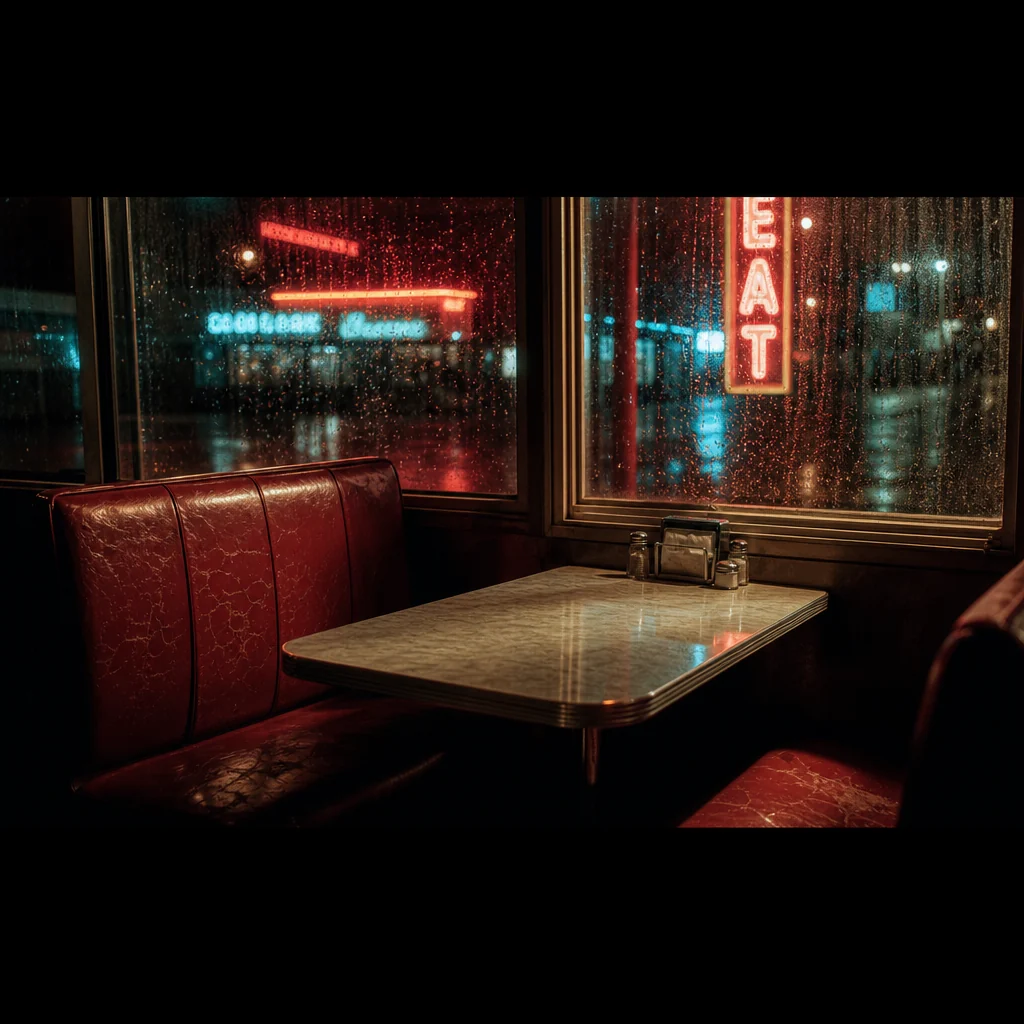
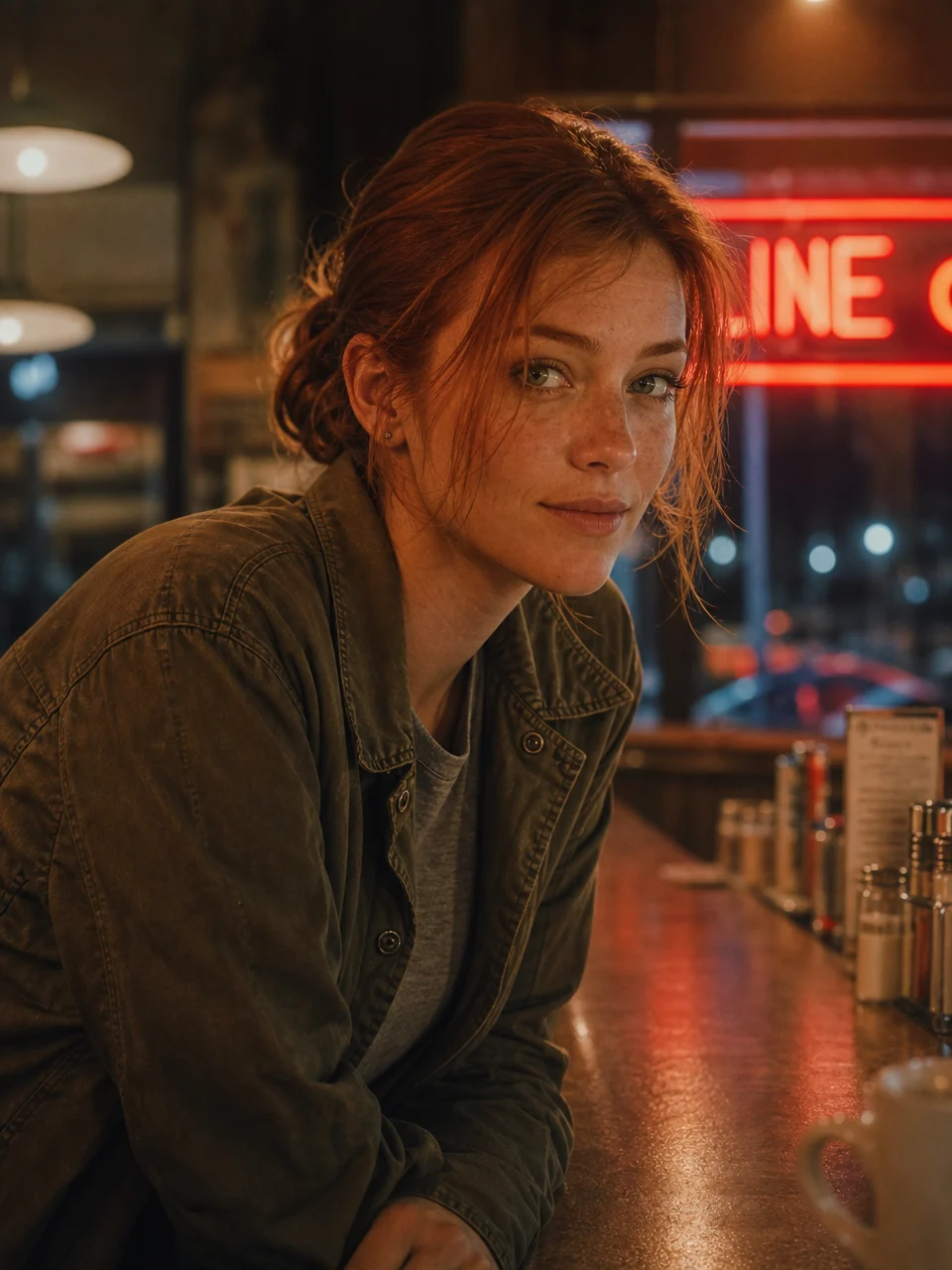
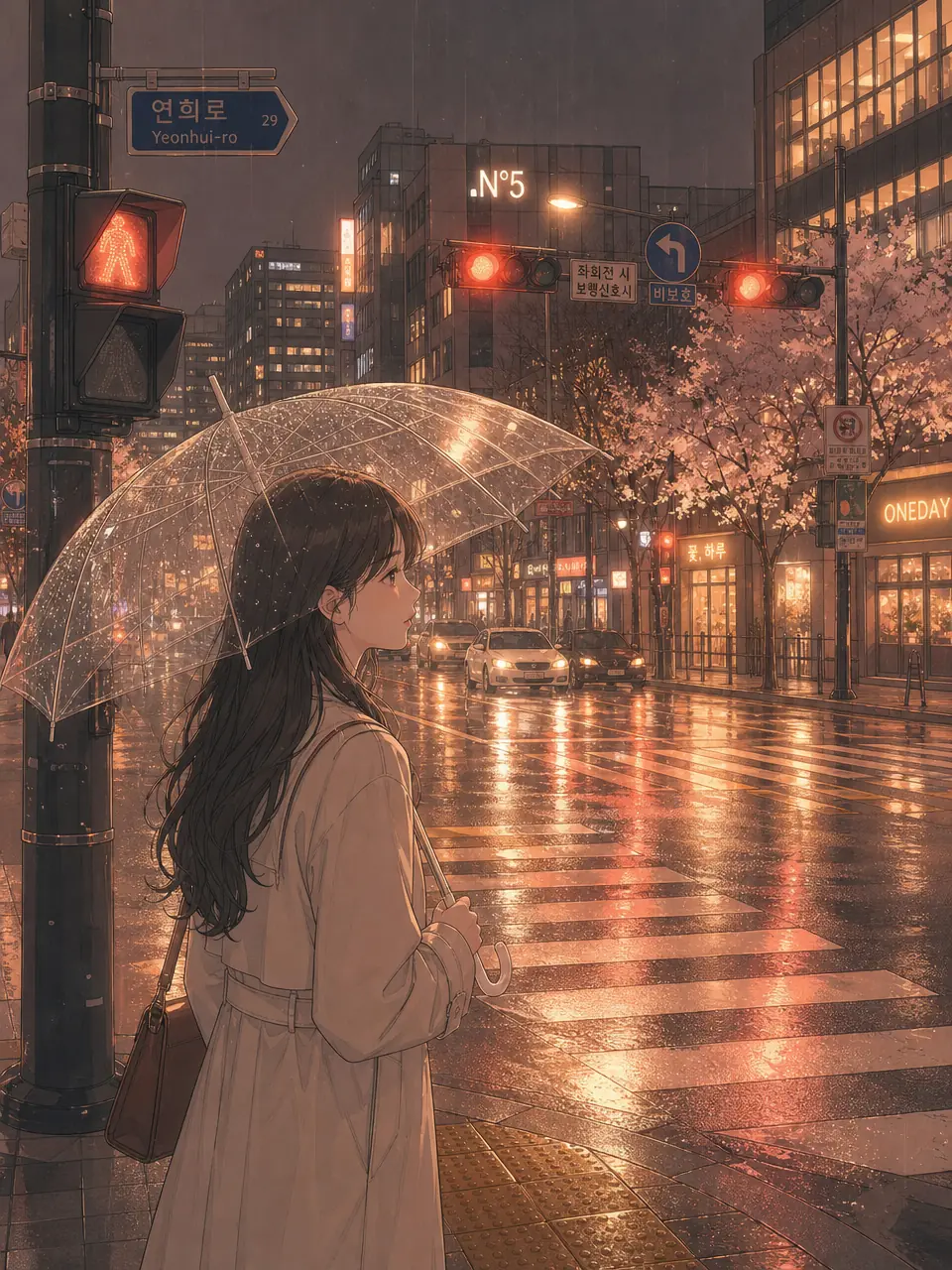
Everything you make, in one place
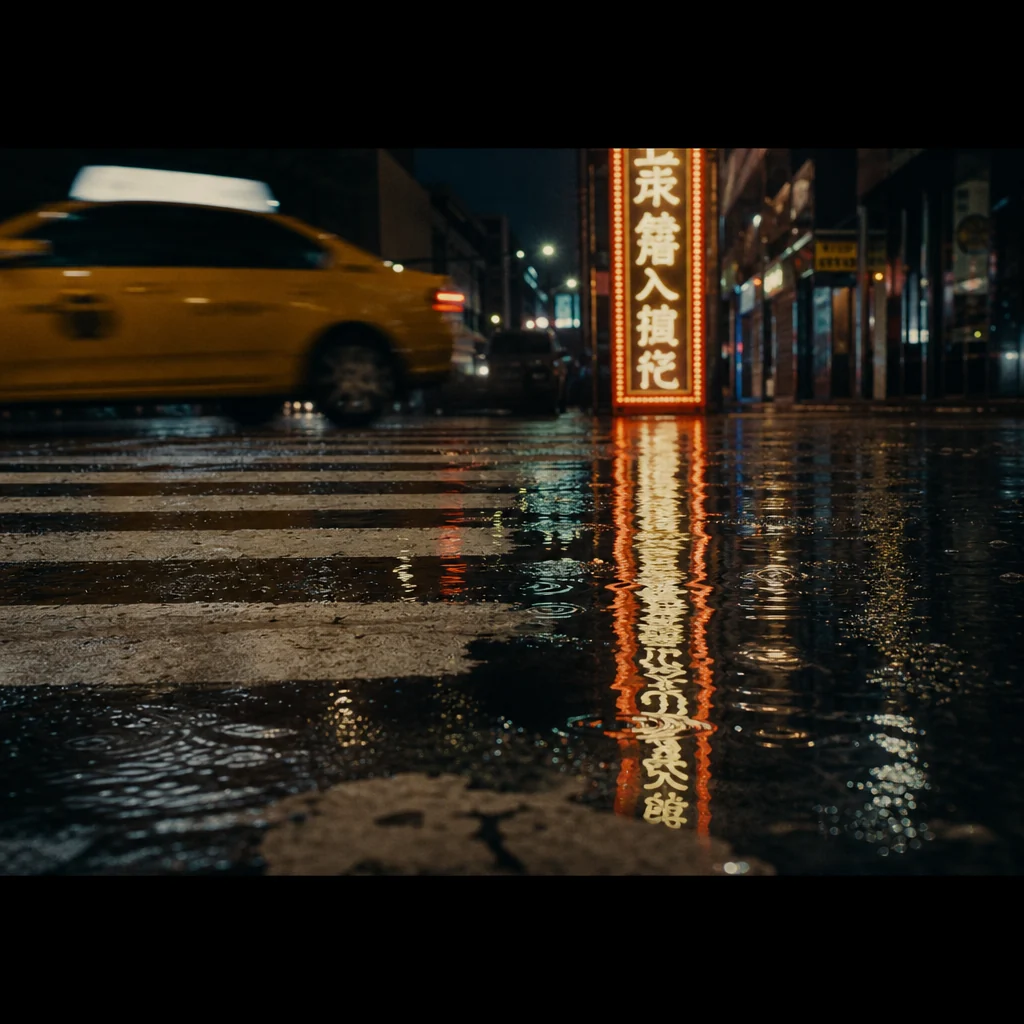
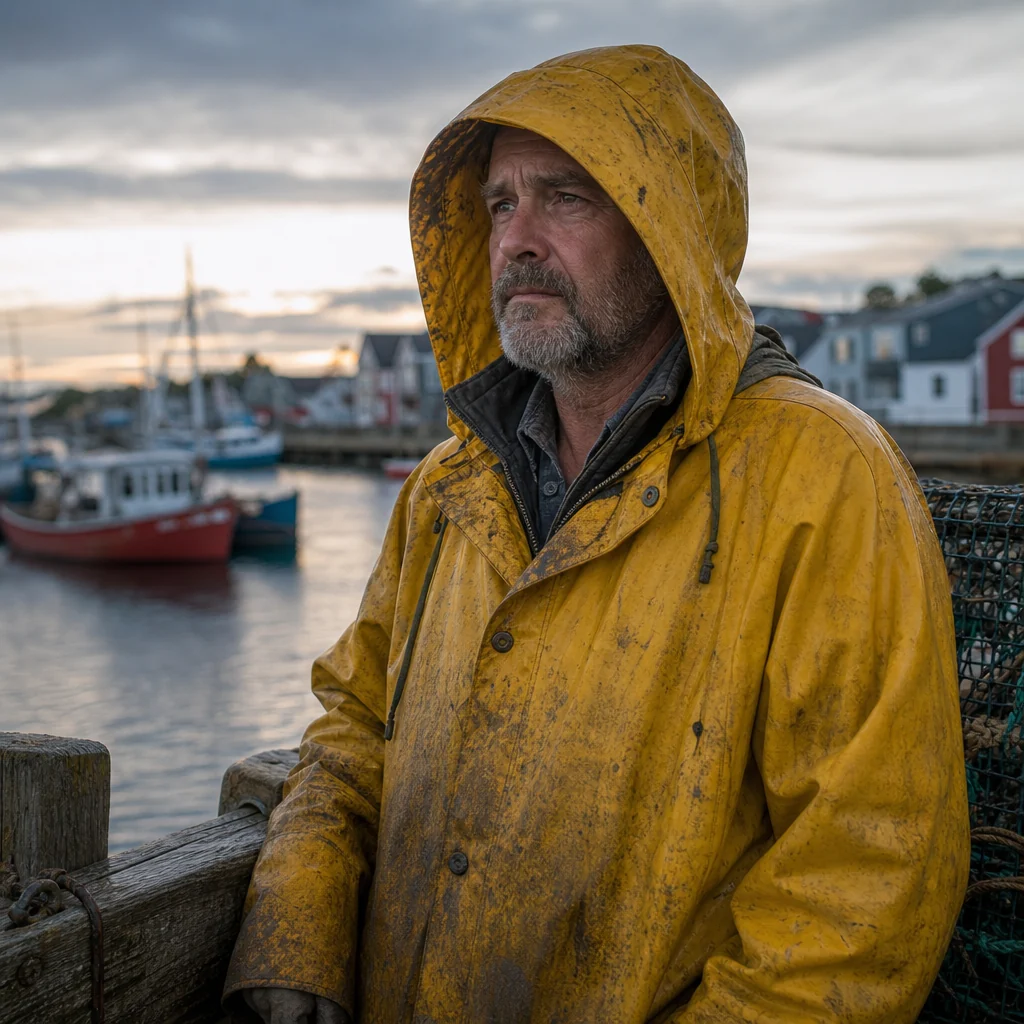
Images, footage, characters, locations, and styles, side by side in a library that grows with every project.
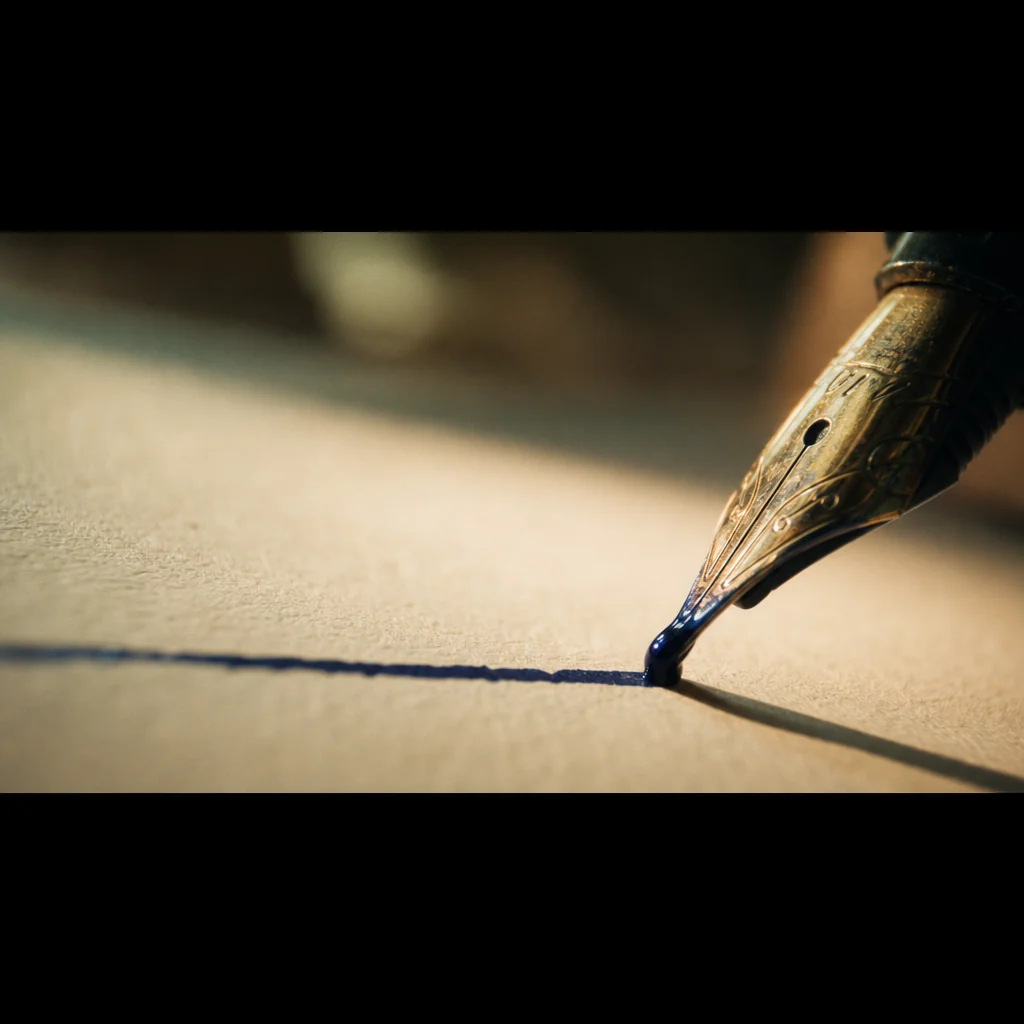
It flows through your whole studio
The library is not a folder you forget about. It feeds every tool, and pulls every result back in.
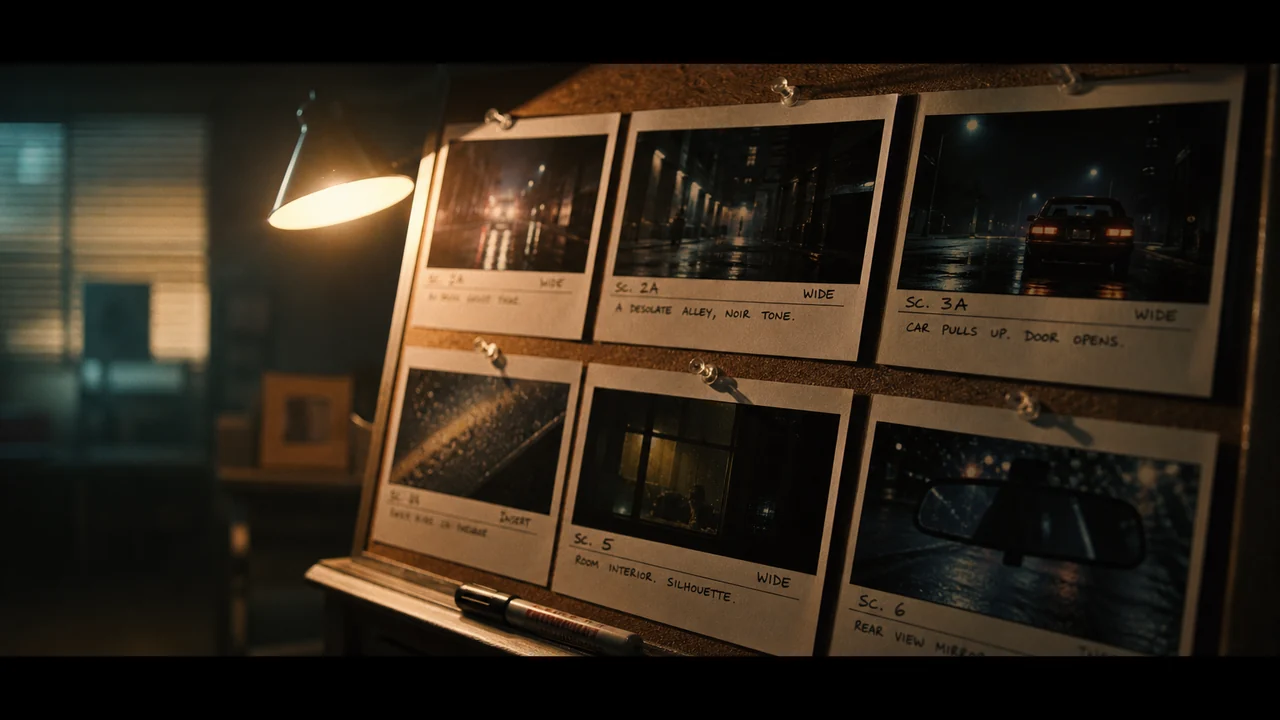
Feeds your storyboards
Pull a saved character, location, or style into a new board and start on model from frame one.
AI Storyboard Maker →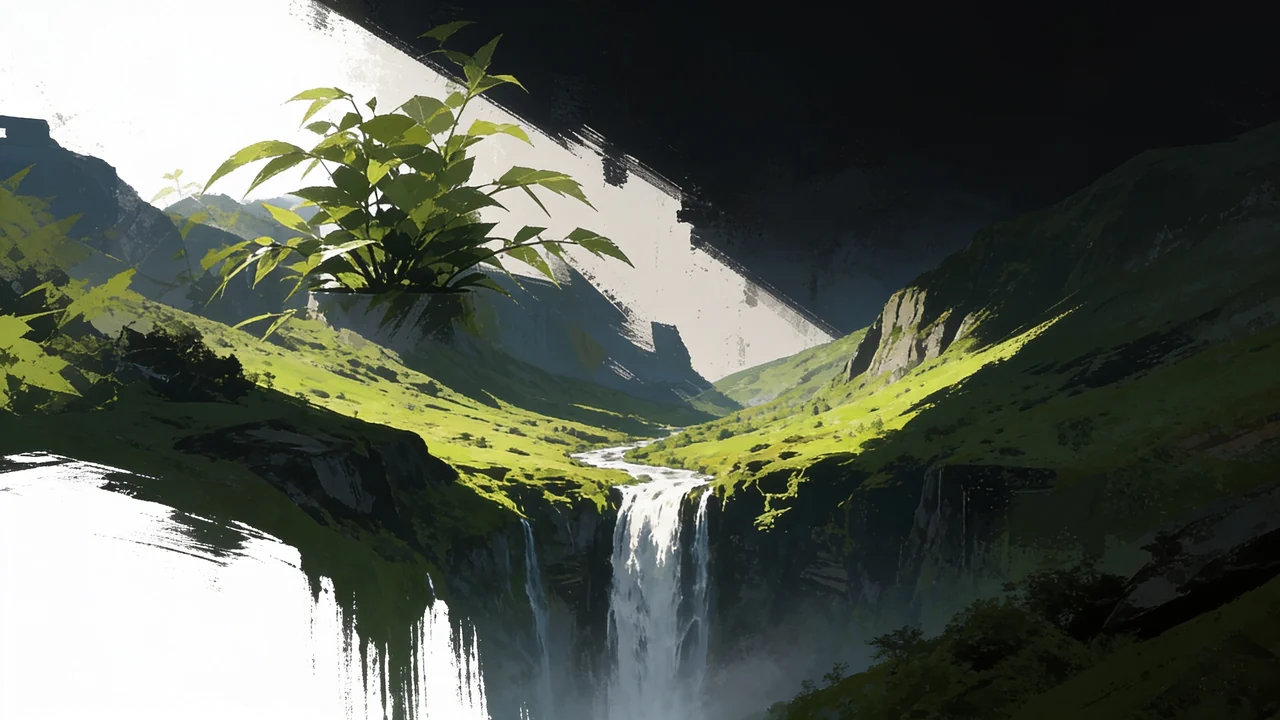
Catches every generation
Whatever you make in Image and Video gen lands here automatically, ready to reuse.
AI Image Generator →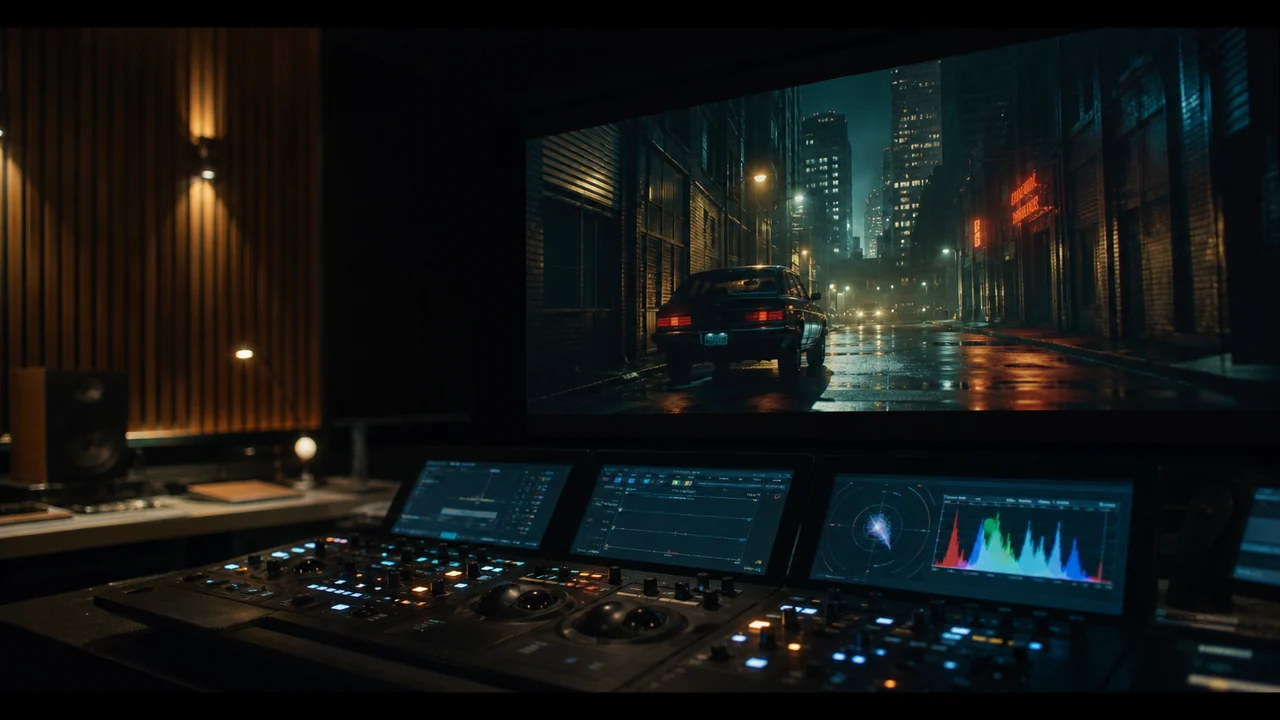
Drops into the editor
Drag any asset straight onto the timeline, reuse a clip across as many cuts as you want.
Video Editor →Asset library questions
What lives in the asset library?
Can I reuse a character or location in a new project?
What happens when I regenerate something?
How do I keep it organized?
Is a style just a text prompt?
Where do assets come from?
Start building your library
Create one character, one location, one look, and watch every project after it move faster.