Your own art style,
locked across every shot.
Describe a look in a sentence, or upload a few images to guide it. Fawna builds the master plates that capture your style, then holds it on model across every storyboard, scene, and clip you make.
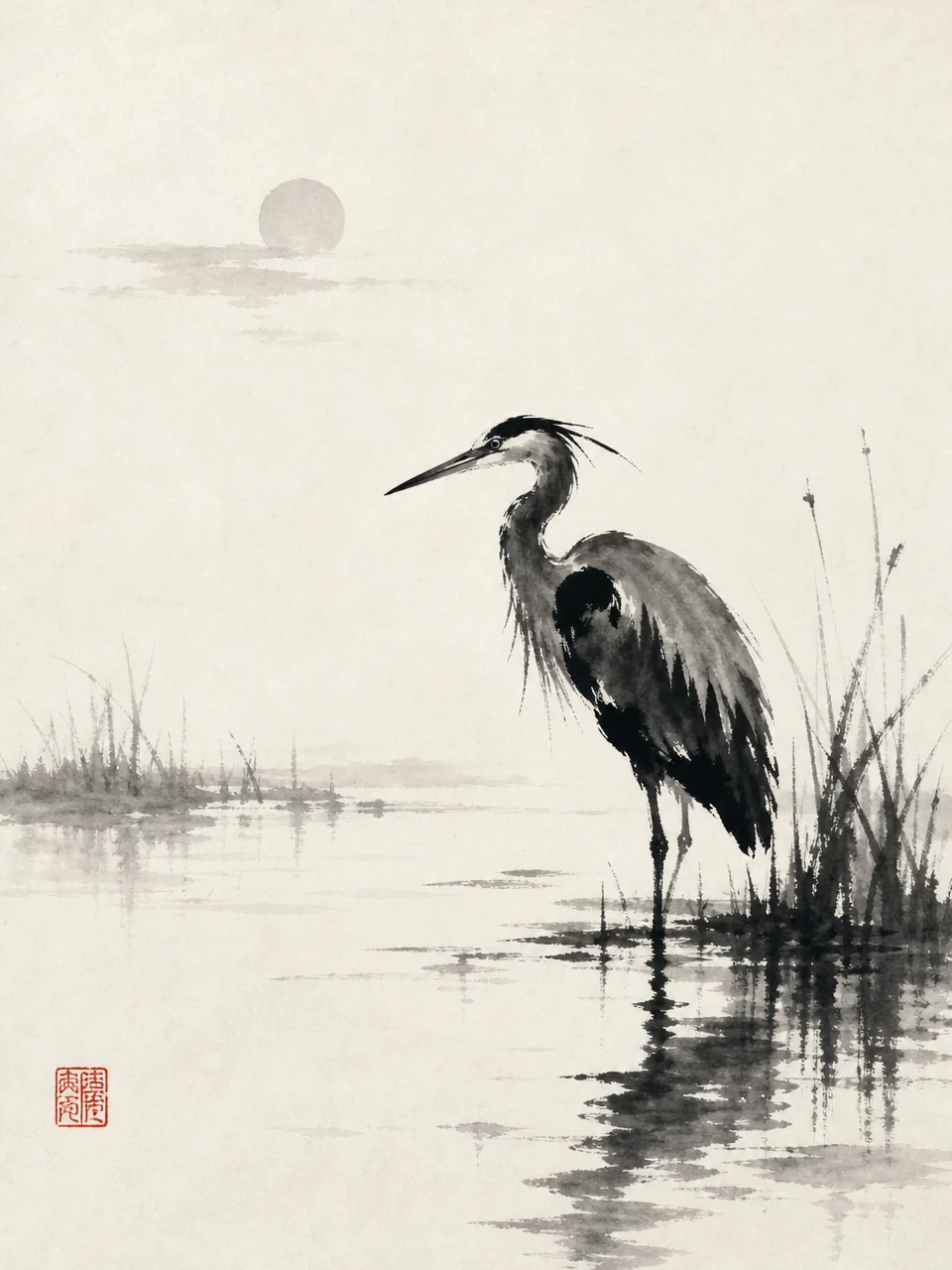

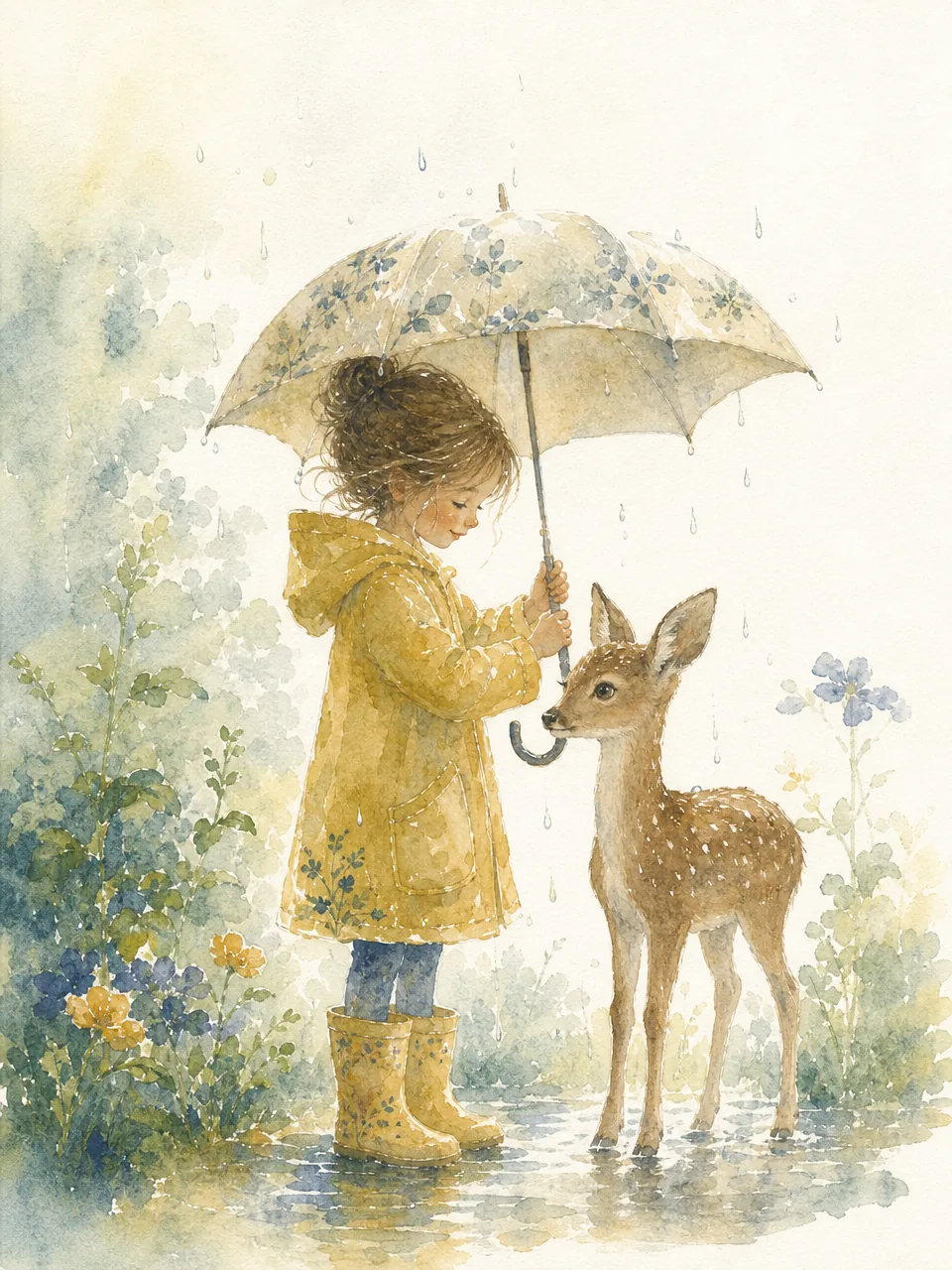
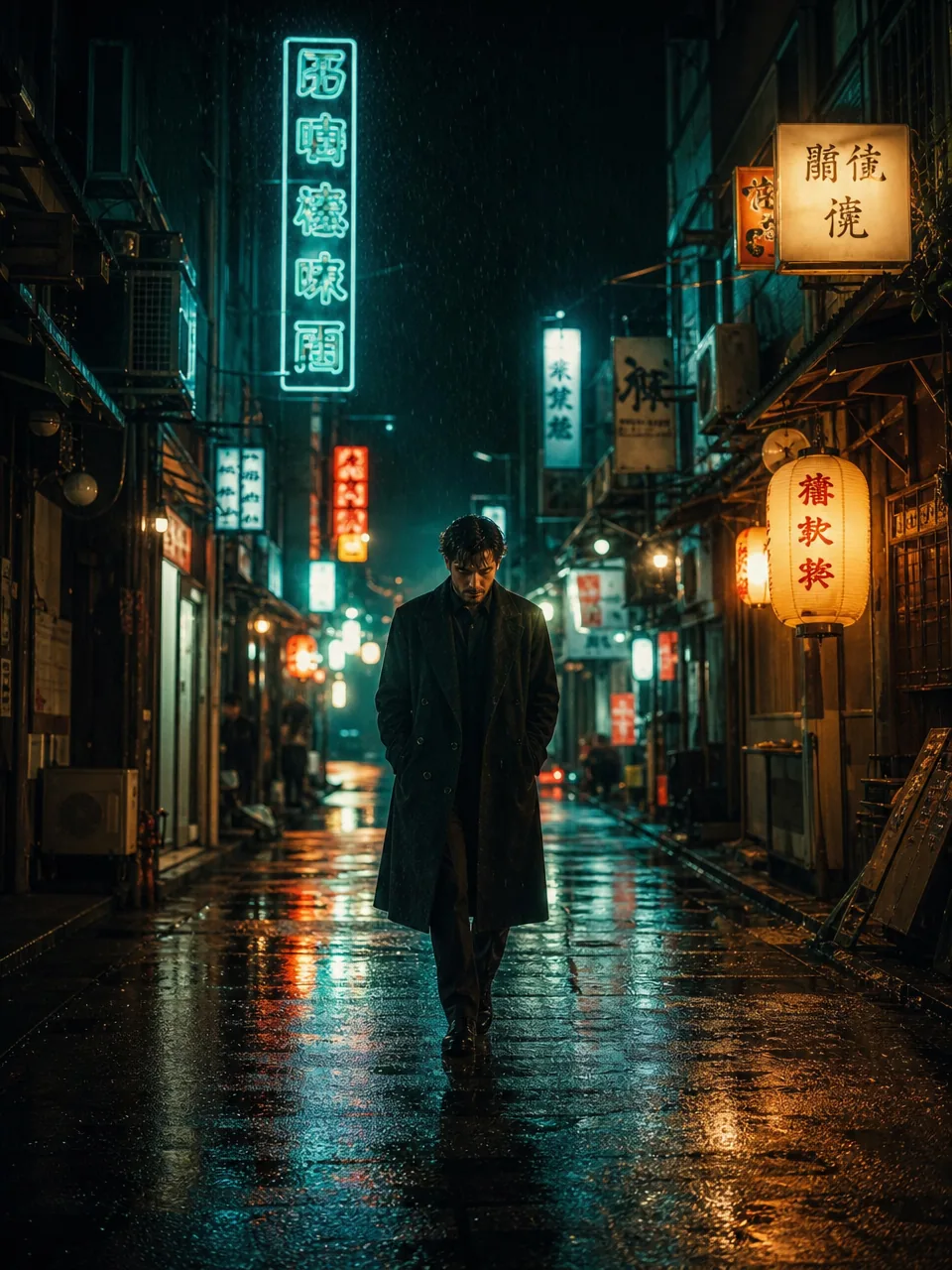
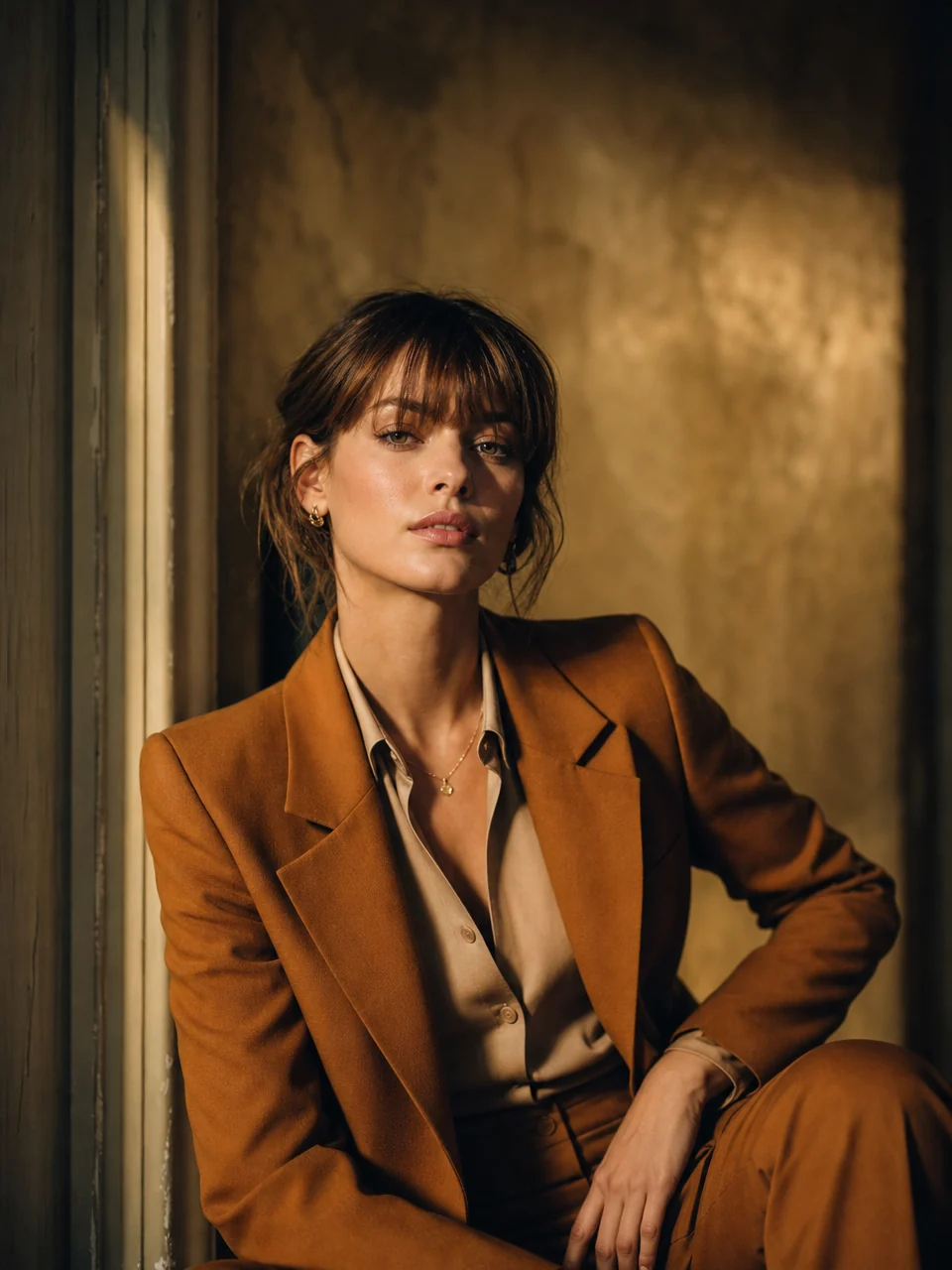
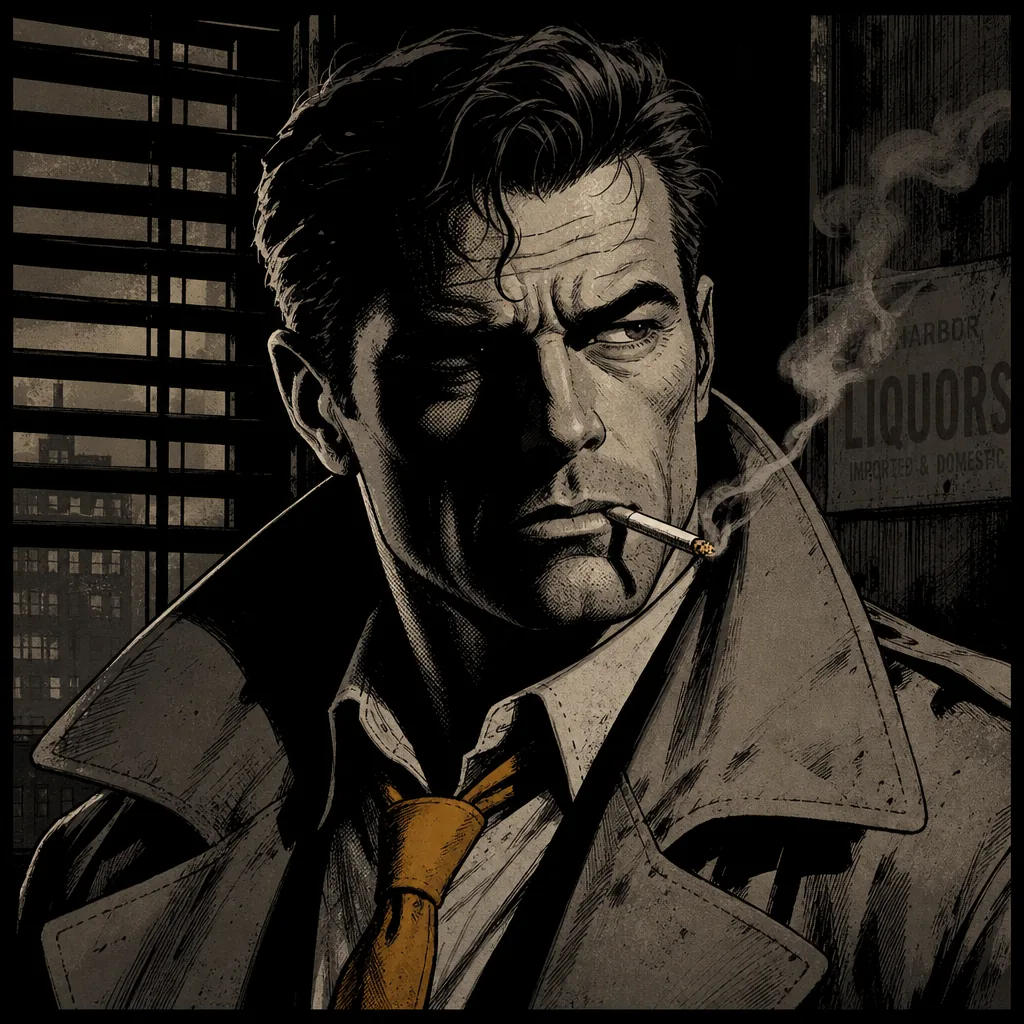
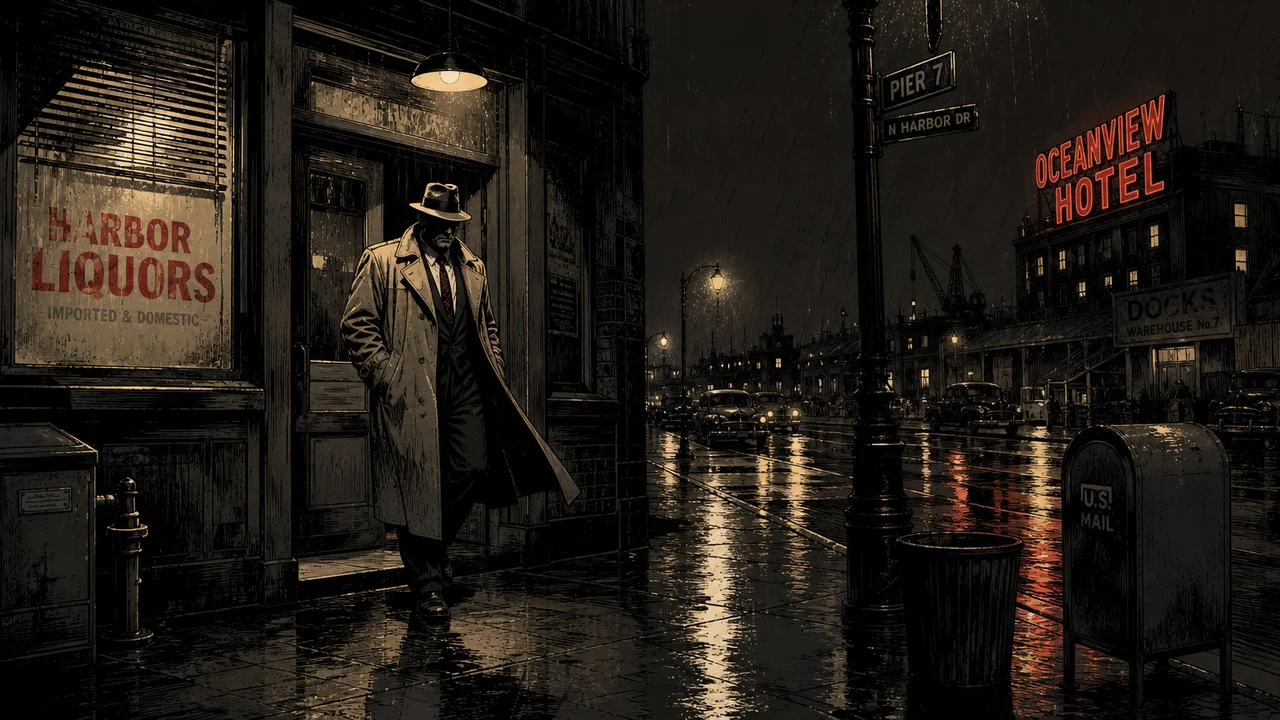
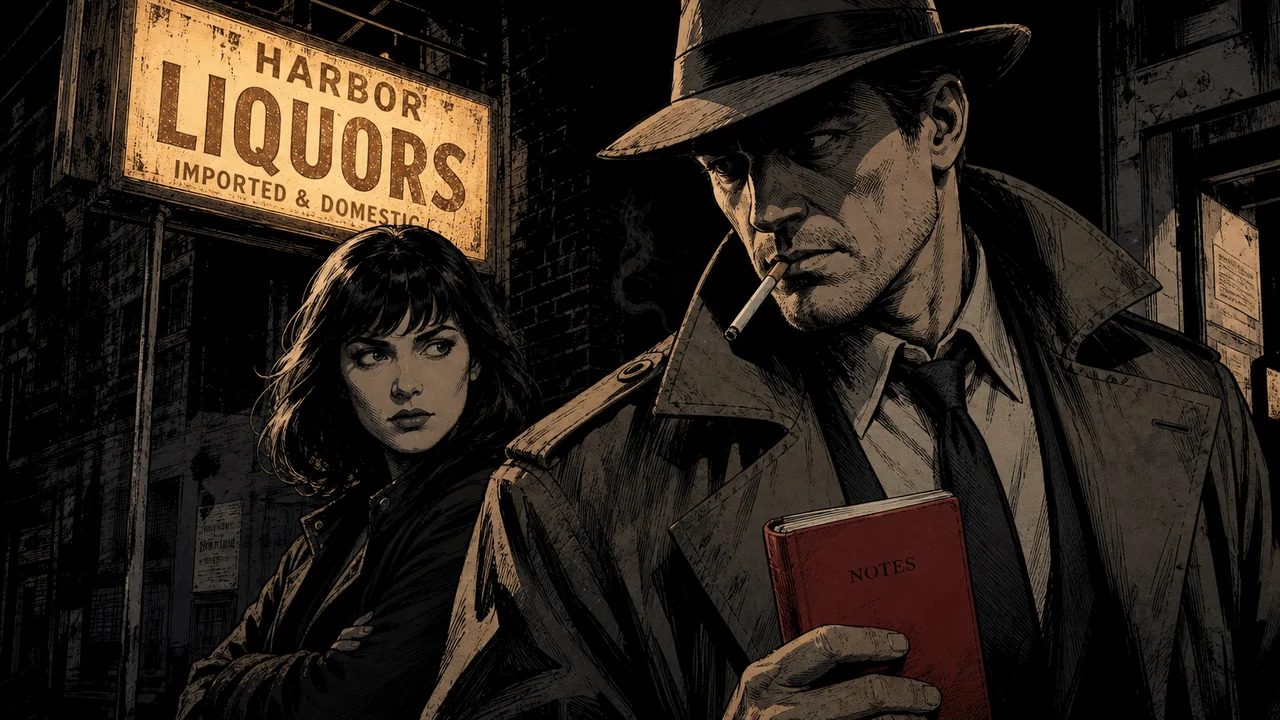
A style is three master plates
Behind every Fawna style are three reference plates that teach the model your exact look. Generate them once, and every shot draws from them.
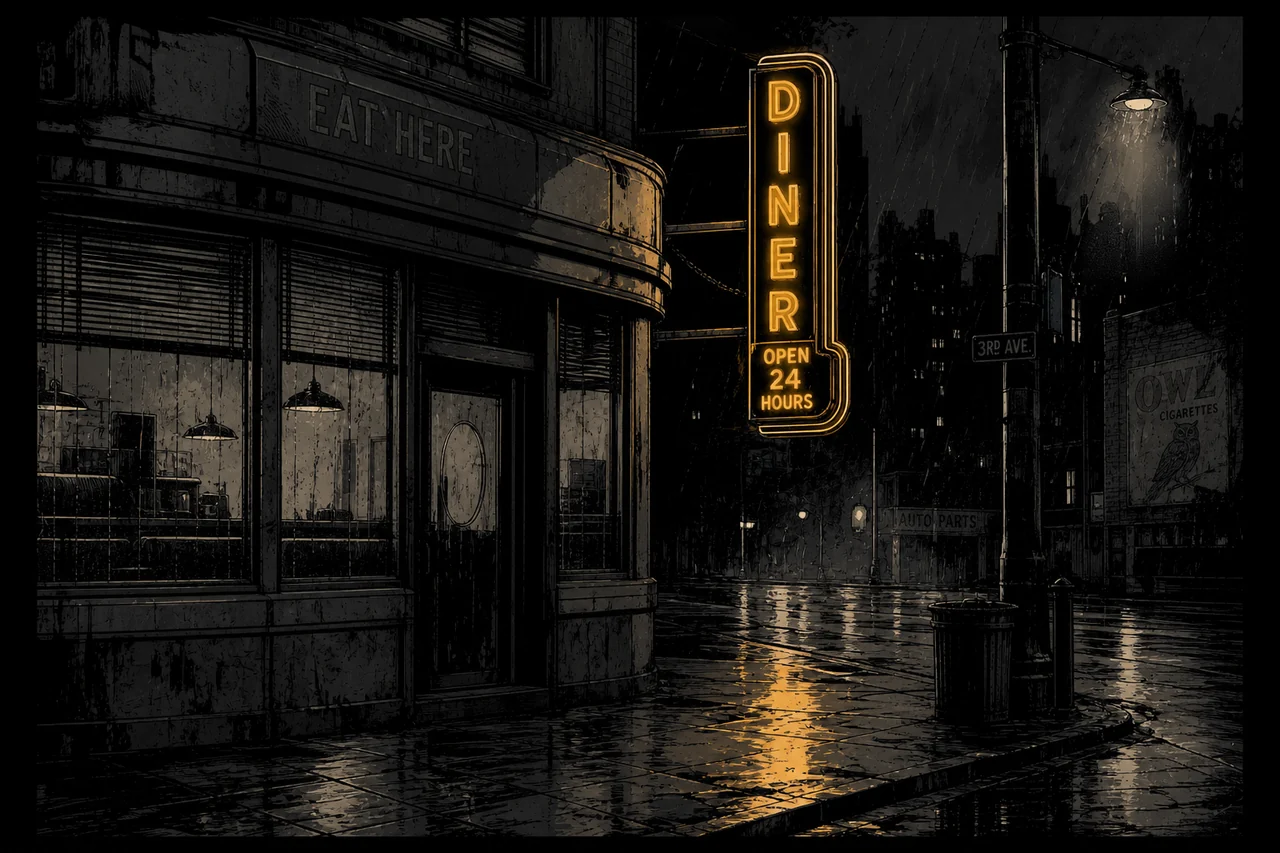 Style master
Linework, palette, shading, and light, demonstrated on a simple scene with no characters.
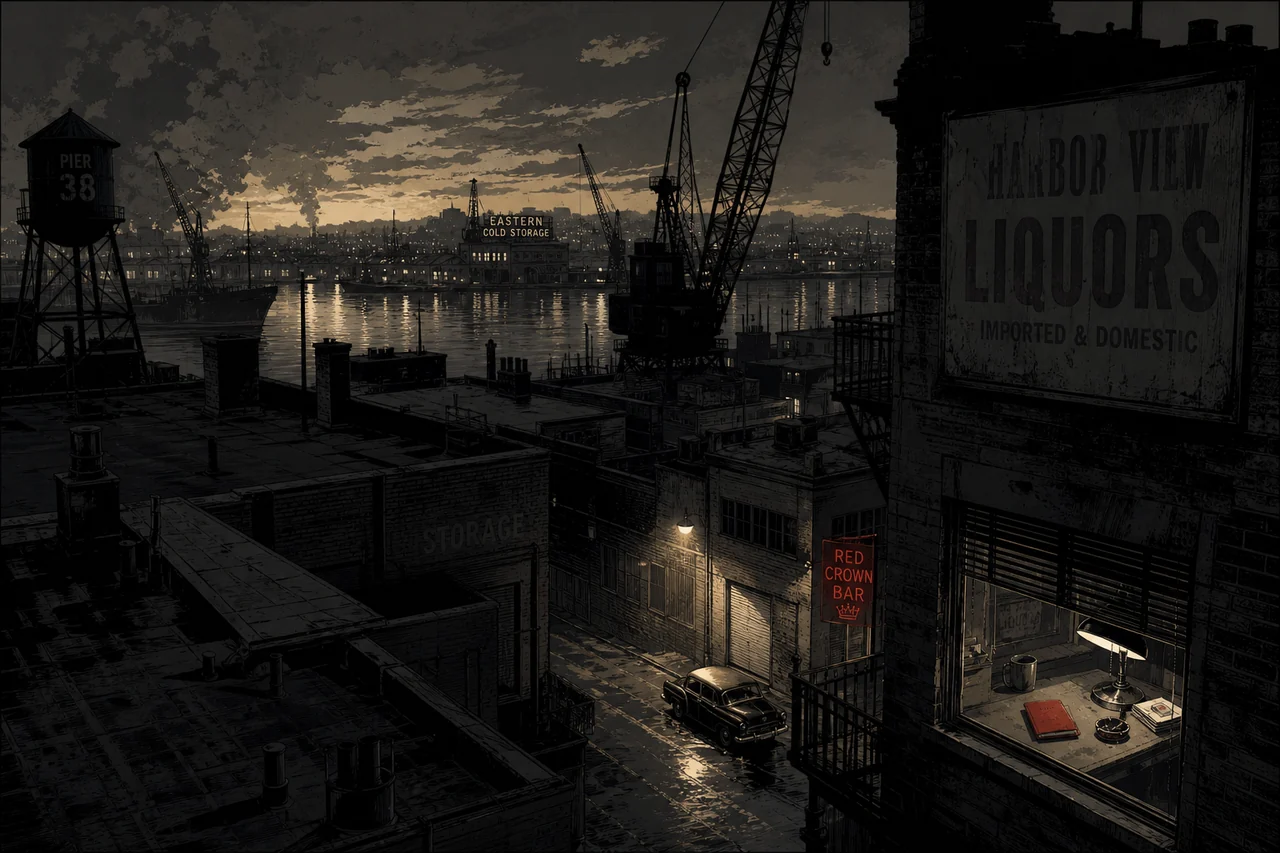 Environment master
A wide establishing shot that locks architecture, atmosphere, depth, and the palette of your world.
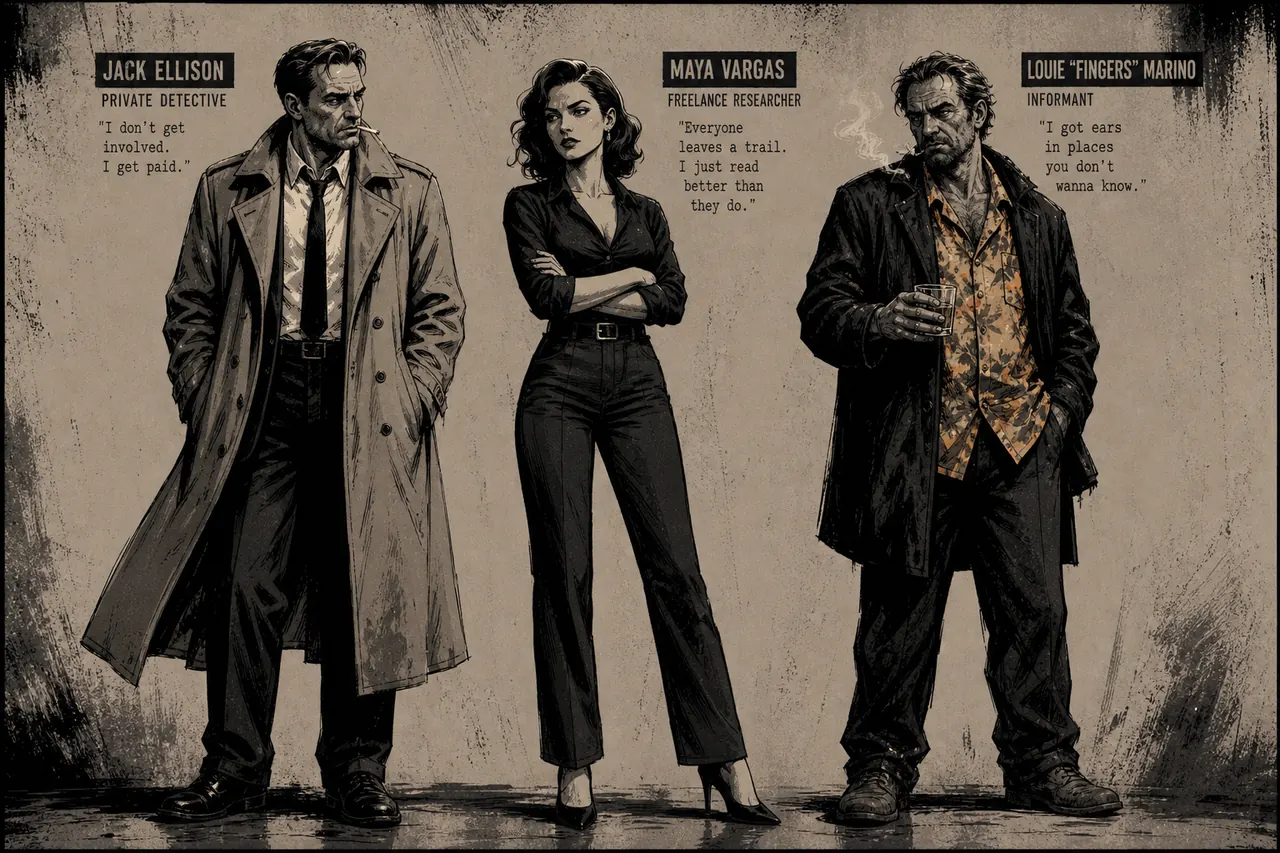 Character lineup
Characters rendered in the look so people stay recognizable and on model from shot to shot.
From a sentence to a signature look
Four steps from an idea to a reusable style you can pull into anything.
Describe the style
Write a few words: the medium, palette, linework, and mood you want. That descriptor is the seed Fawna builds from, no prompt-wrestling required.
Guide it with references optional
Have a look in mind? Drop in reference images and Fawna pulls the linework, palette, and shading straight from them, so you can match a vibe without describing every detail.
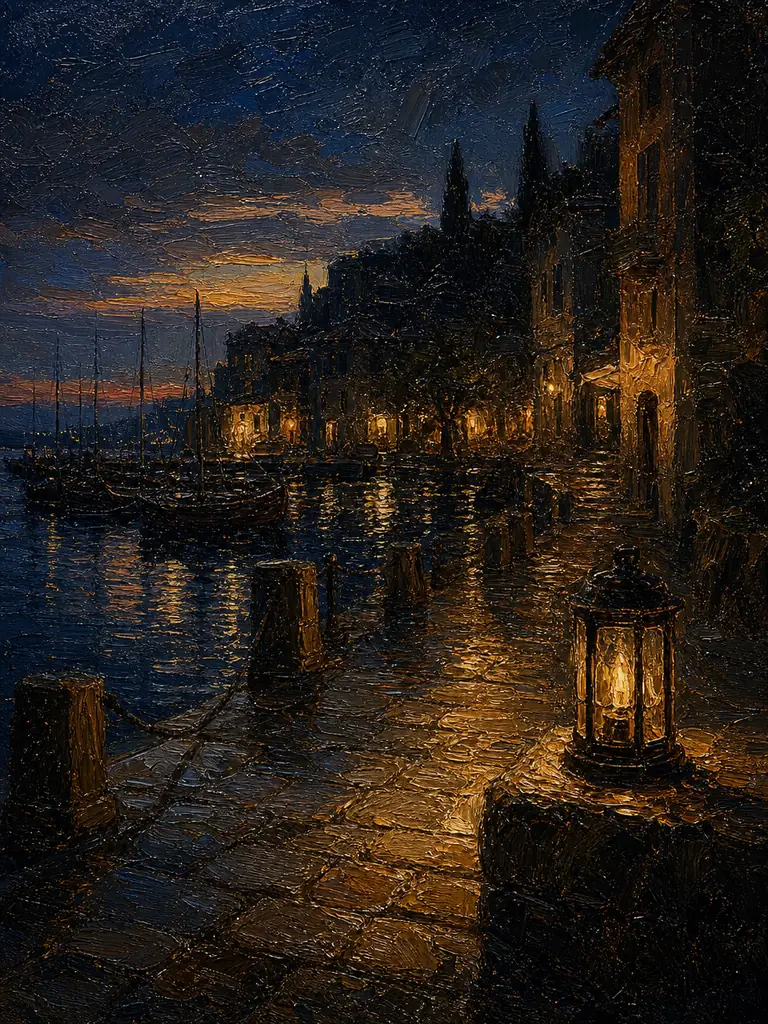
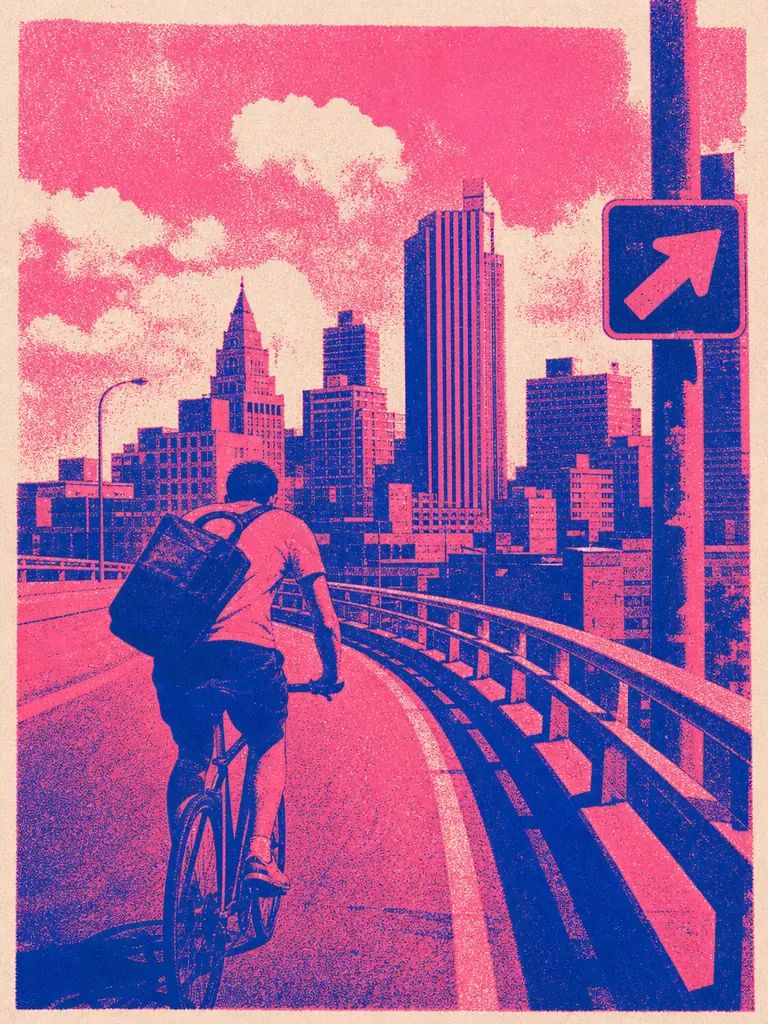
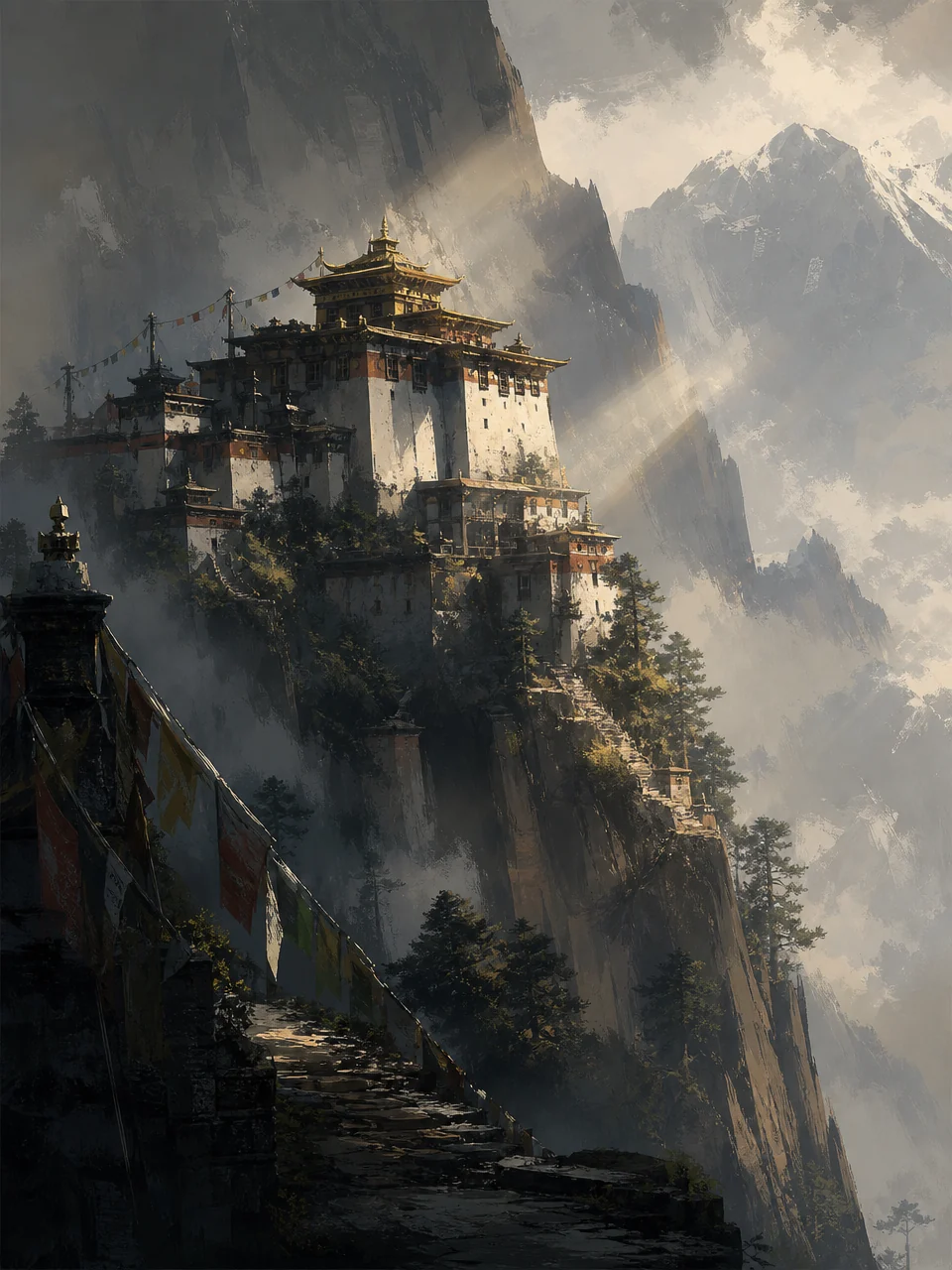
Generate your master plates
Fawna renders the style, environment, and character masters that capture the look from every angle. Don't love one? Tweak the prompt and regenerate just that plate.
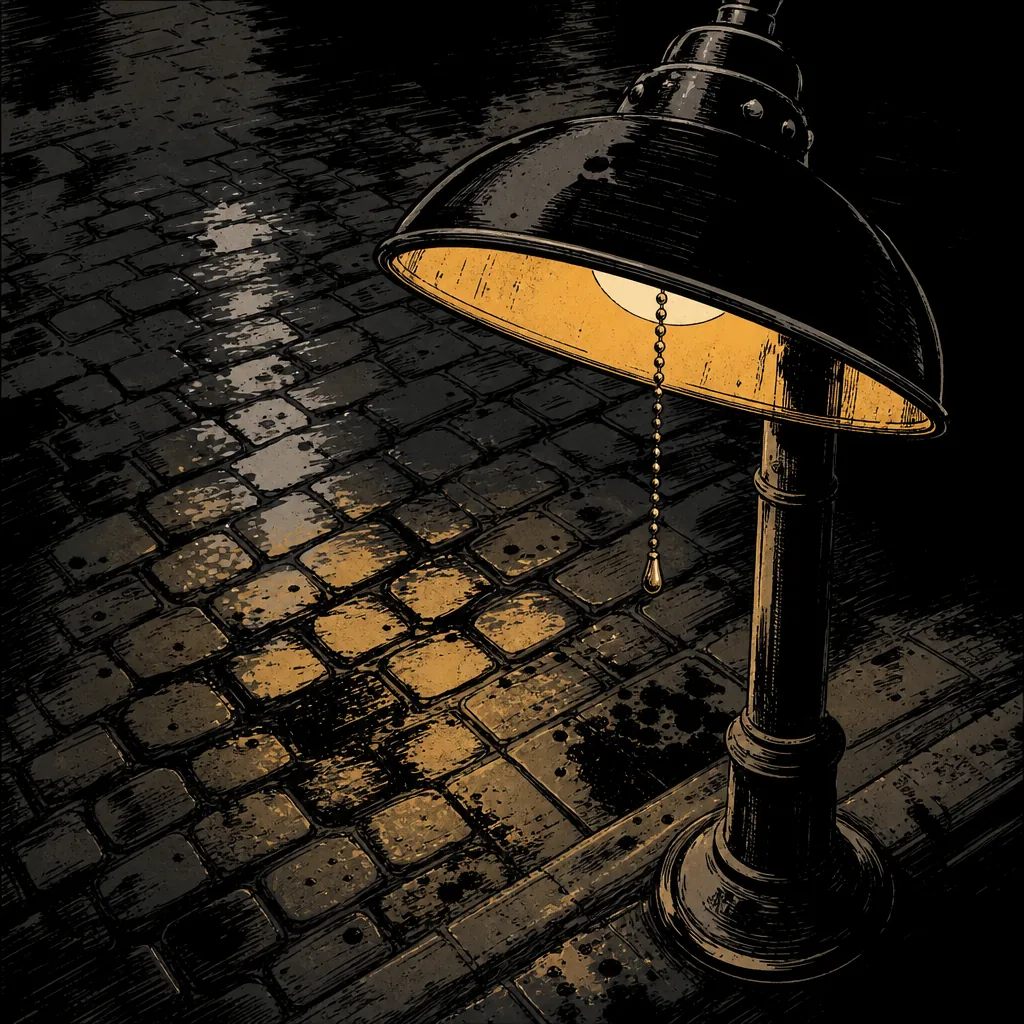
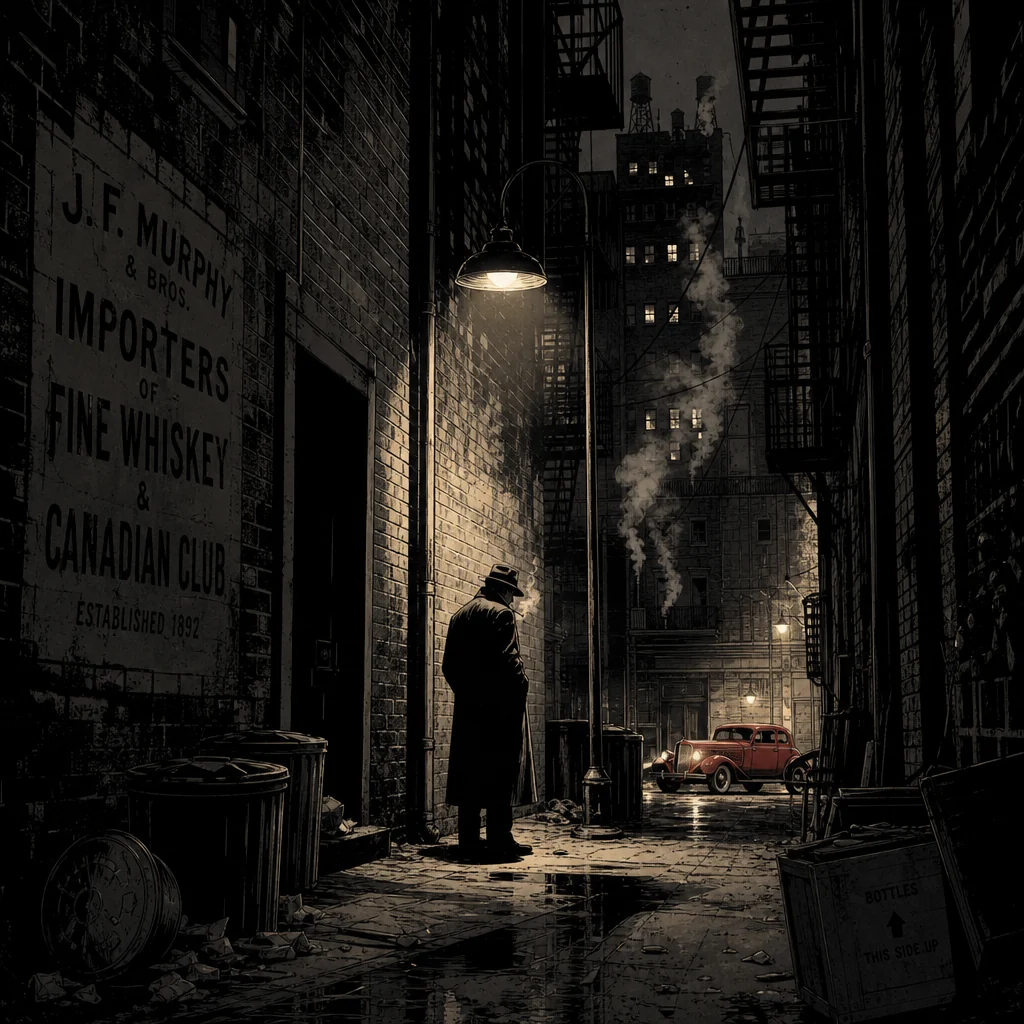
Create with it everywhere
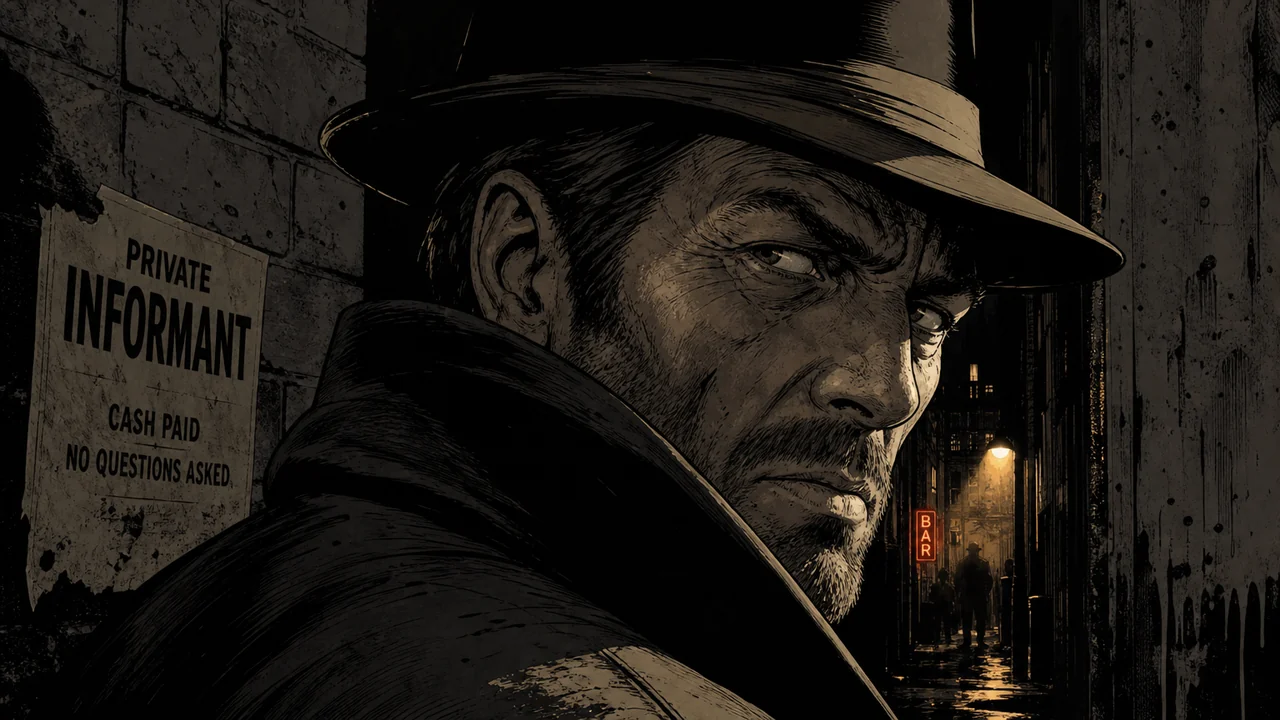
Apply the style to a storyboard and every shot inherits it. It stays on model from the first frame to the last, and it's saved for the next project too. See it in the storyboard maker →
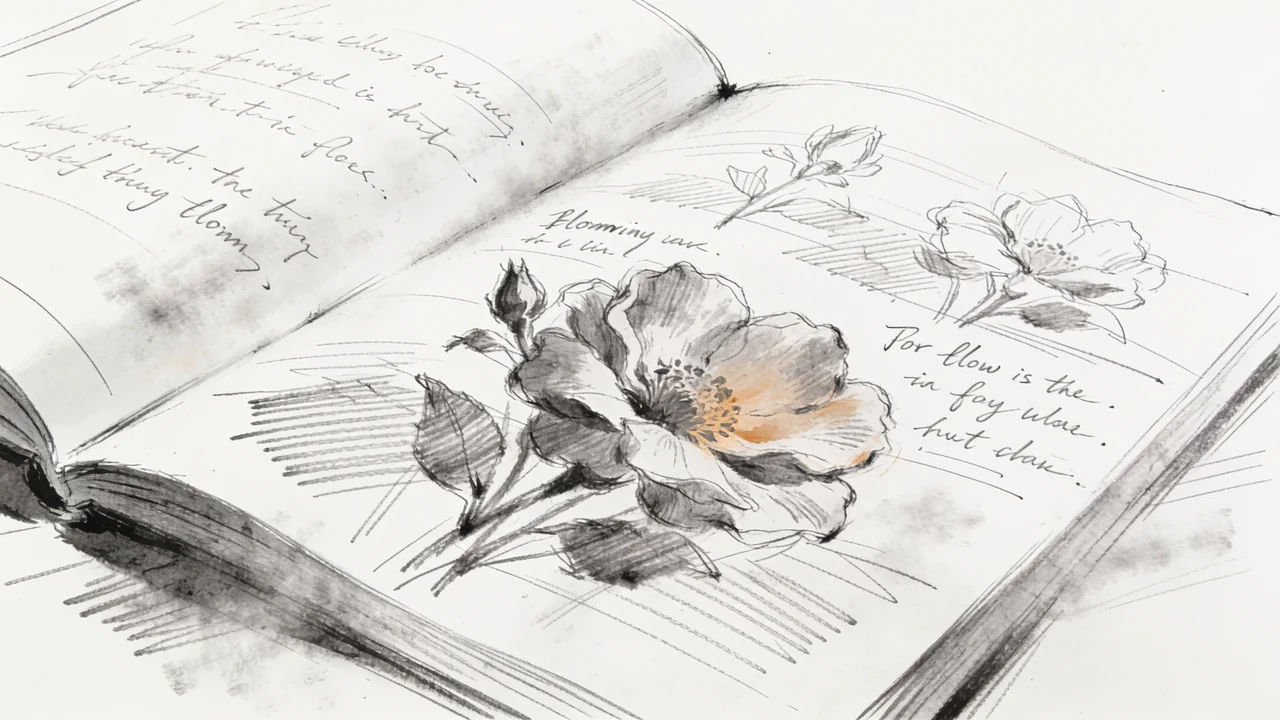
Remix a style, or build one from scratch
There is no blank page. Begin from a description, from your own images, or from a style that already exists.
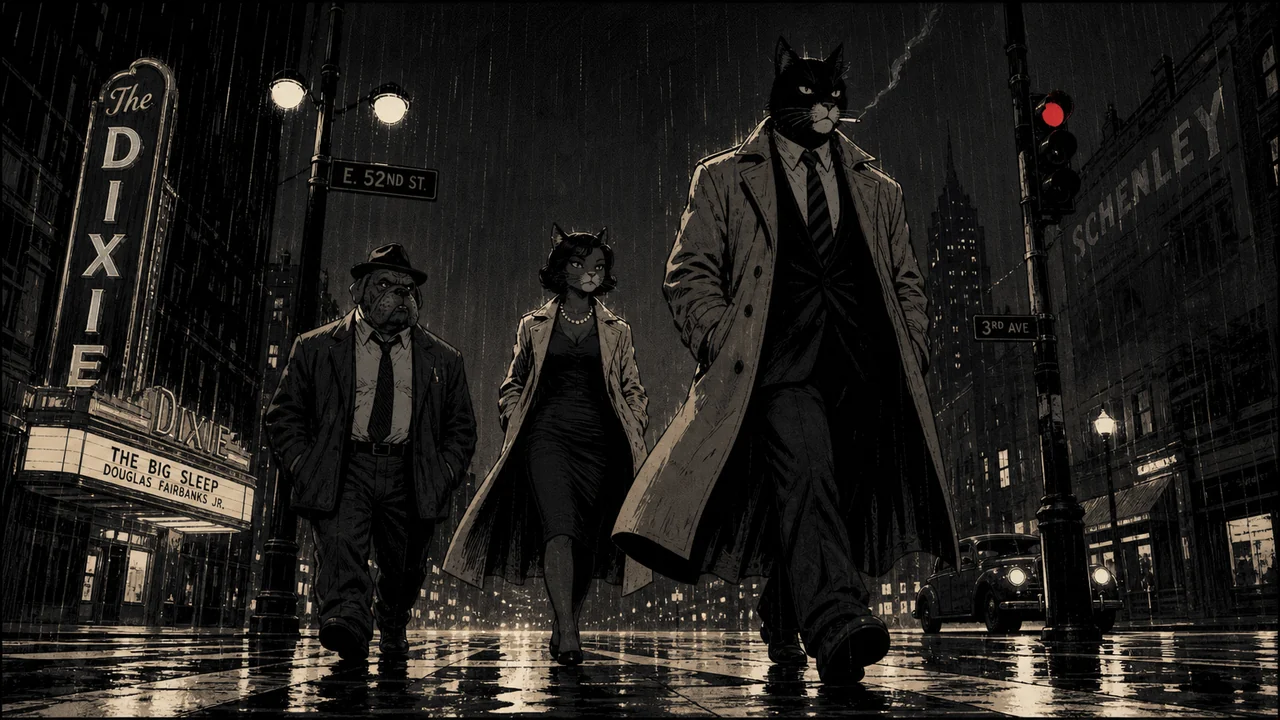
 01From a description
Type the look you want and let Fawna interpret it into a full, consistent style.
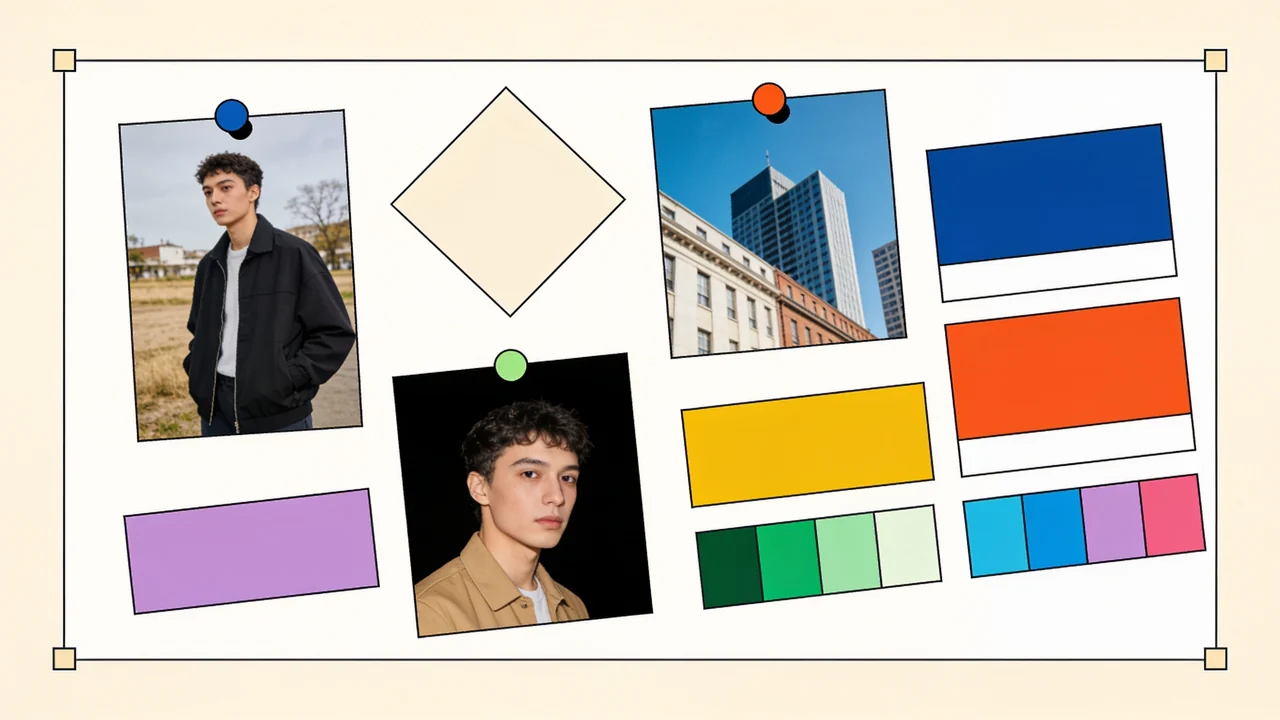 02From your images
Upload references and Fawna lifts the palette, linework, and treatment from them.
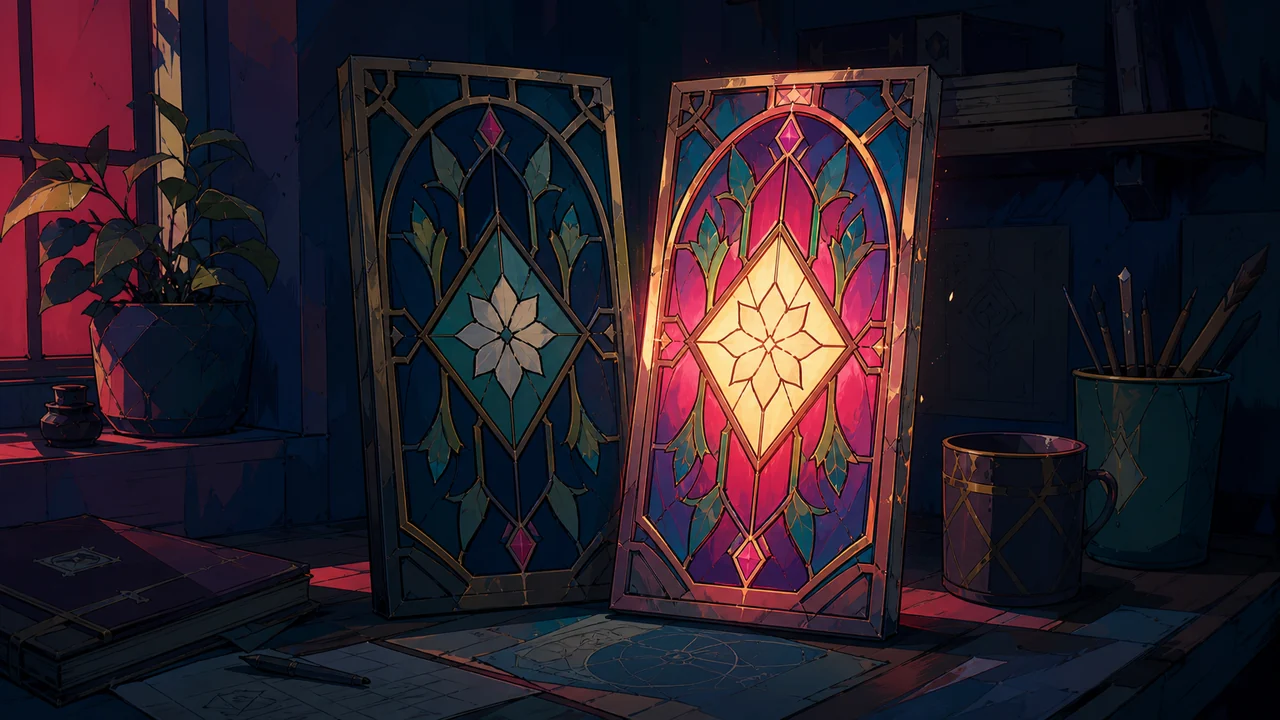 03Remix an existing one
Branch a built-in style or one of yours, nudge the prompt, and make it your own in seconds.
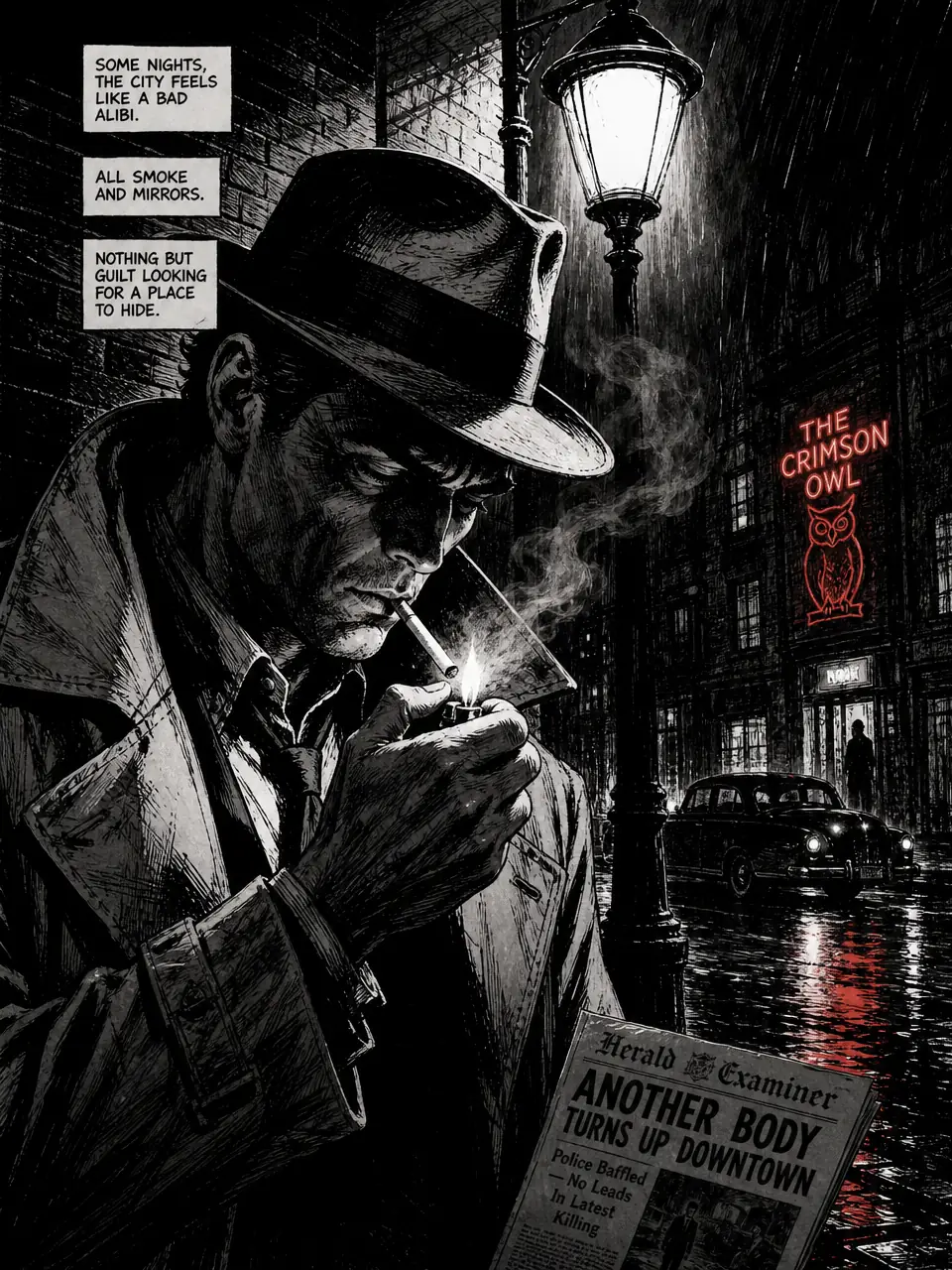
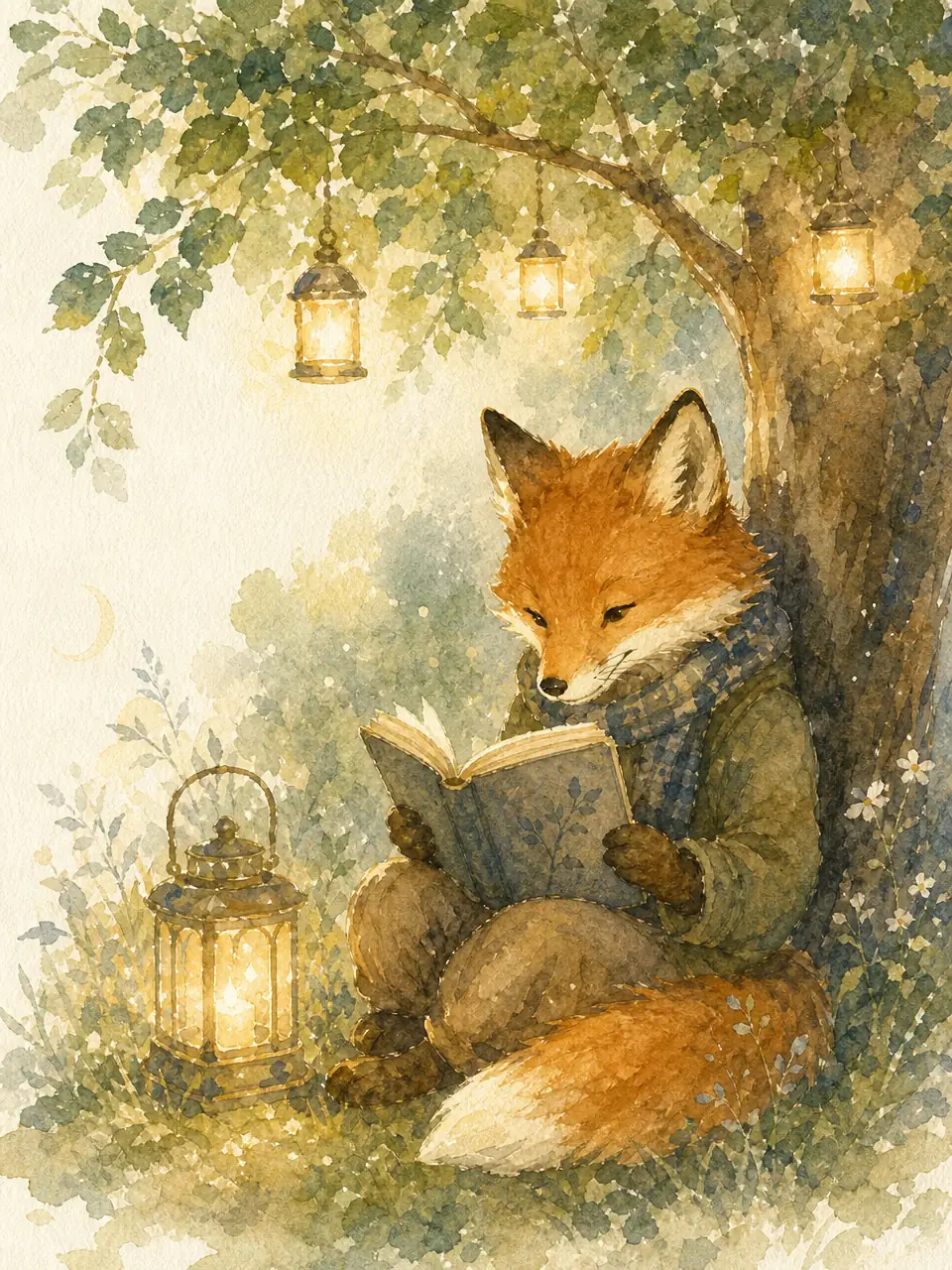
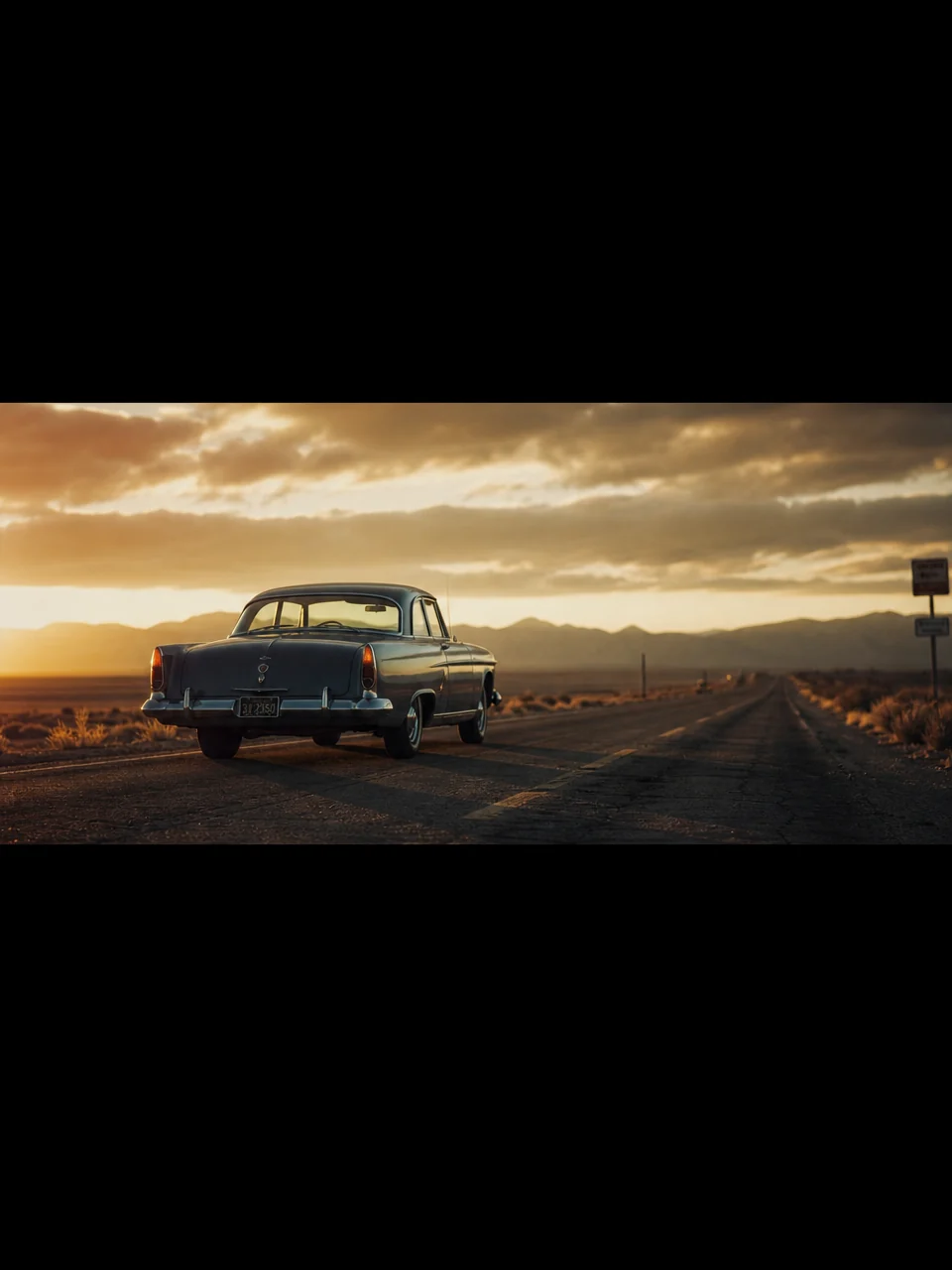
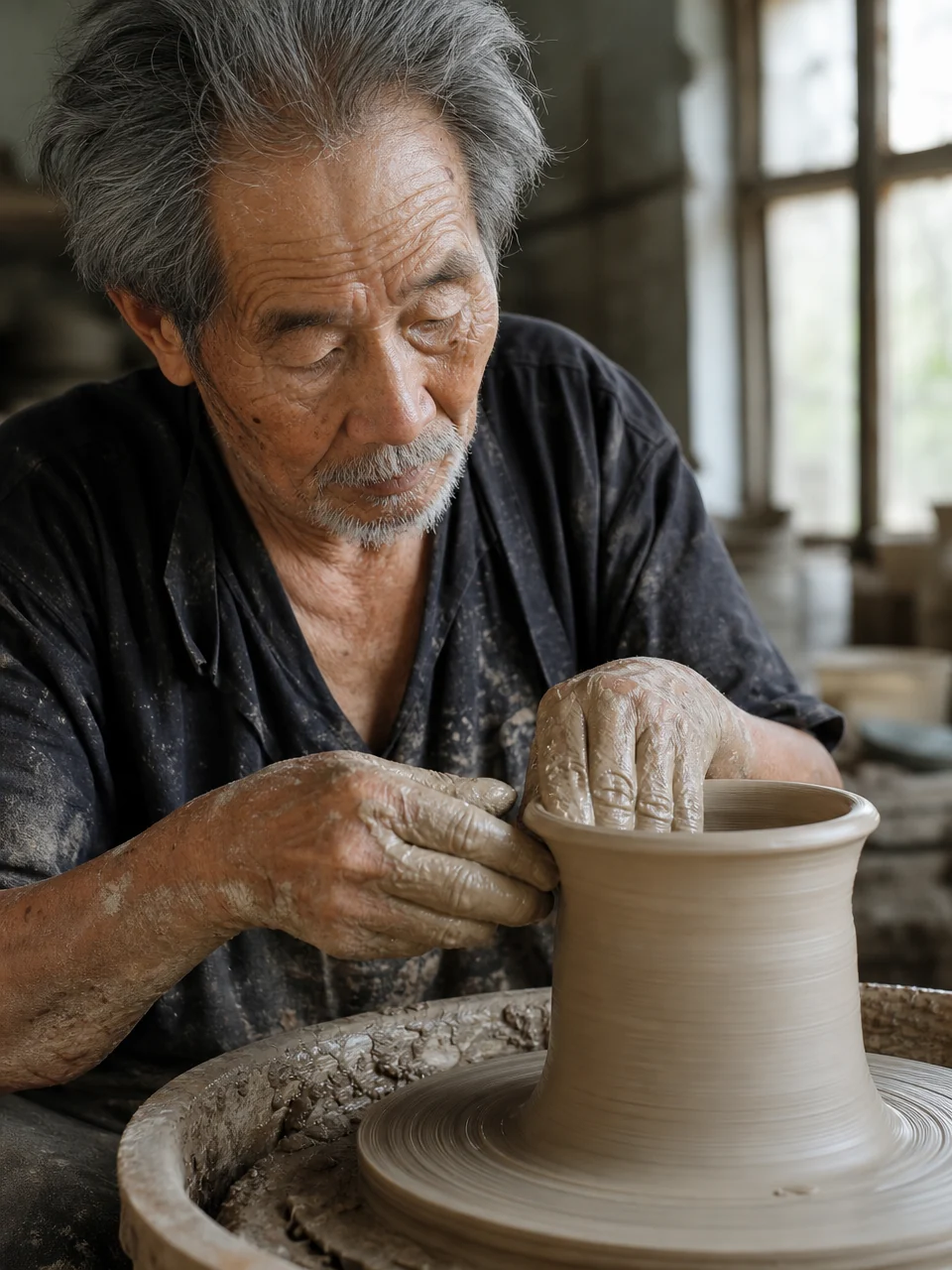
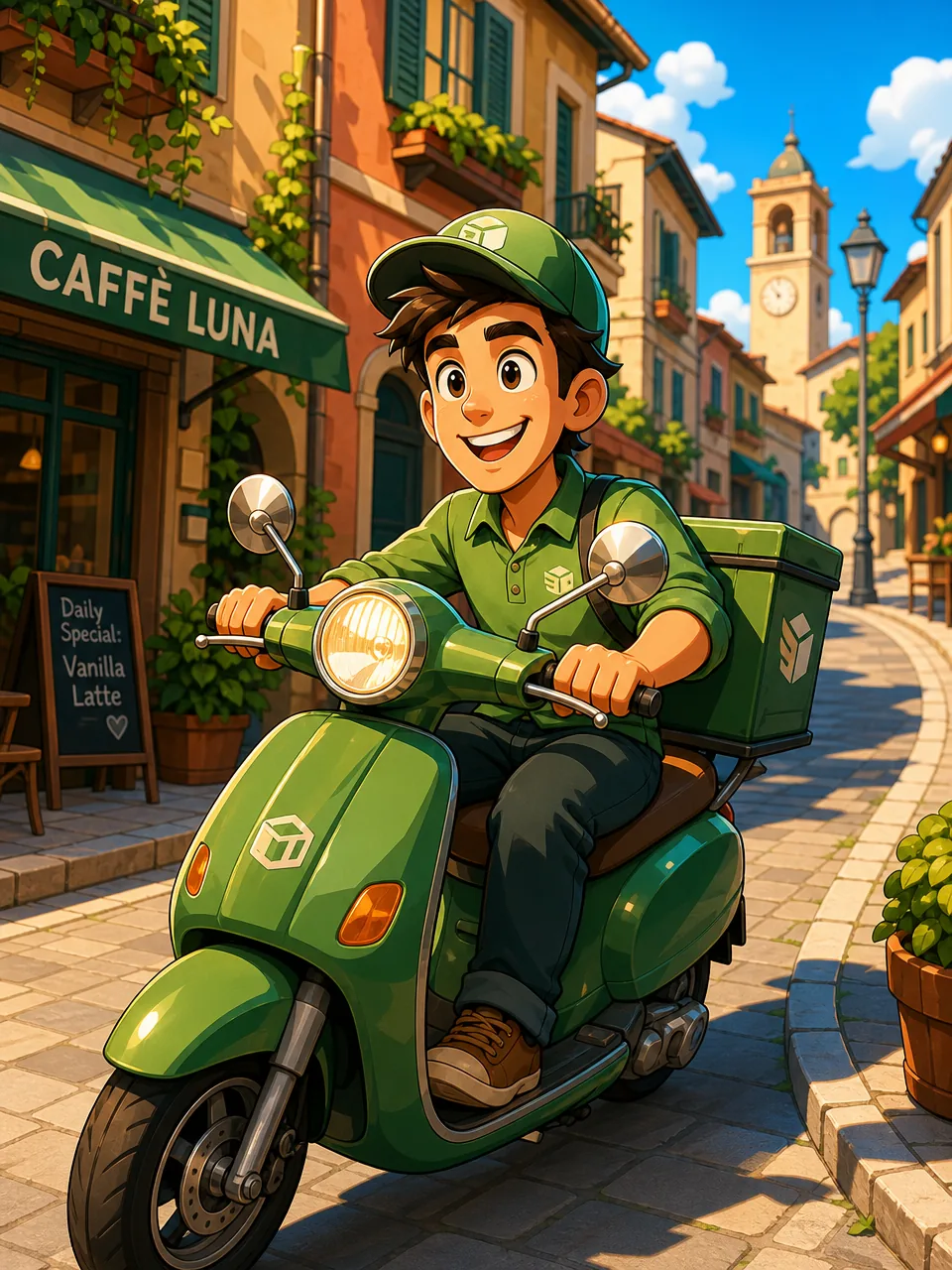
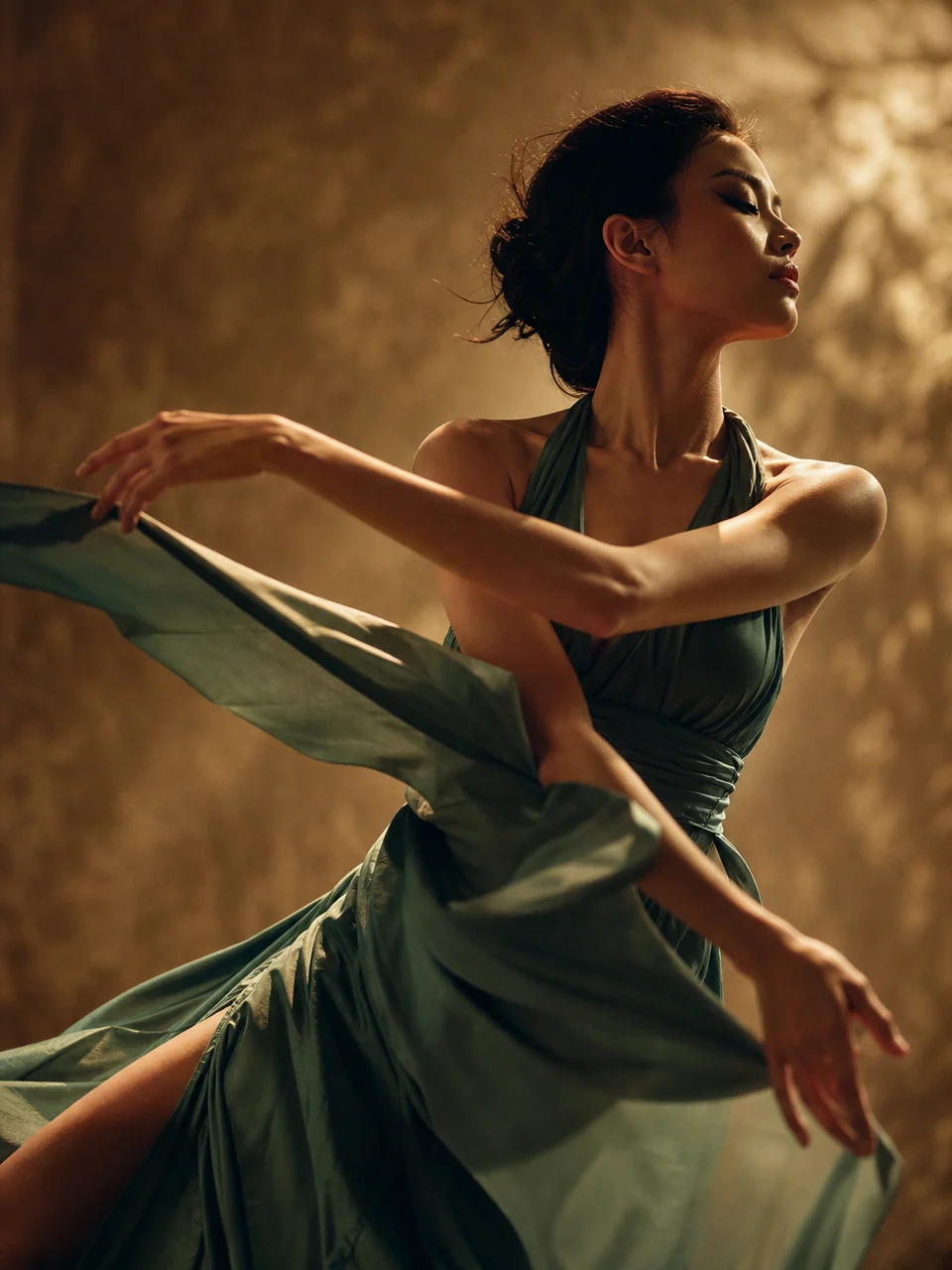
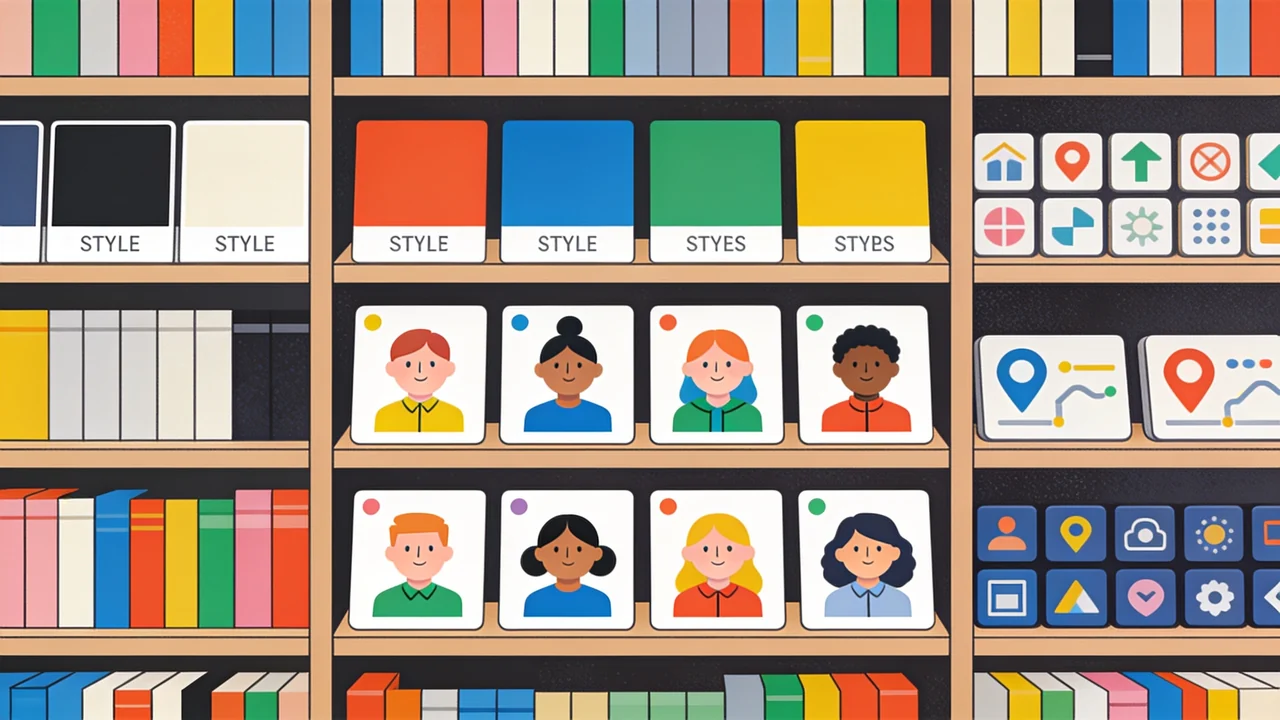
Every style lives in your library
Build a house style once and reach for it forever. Each style is saved, versioned, and one click from any new project, right alongside your characters, locations, and assets.
- Saved to your library and reusable across projects
- Regenerate or retire a master without losing the rest
- Sits beside your characters, locations, and clips
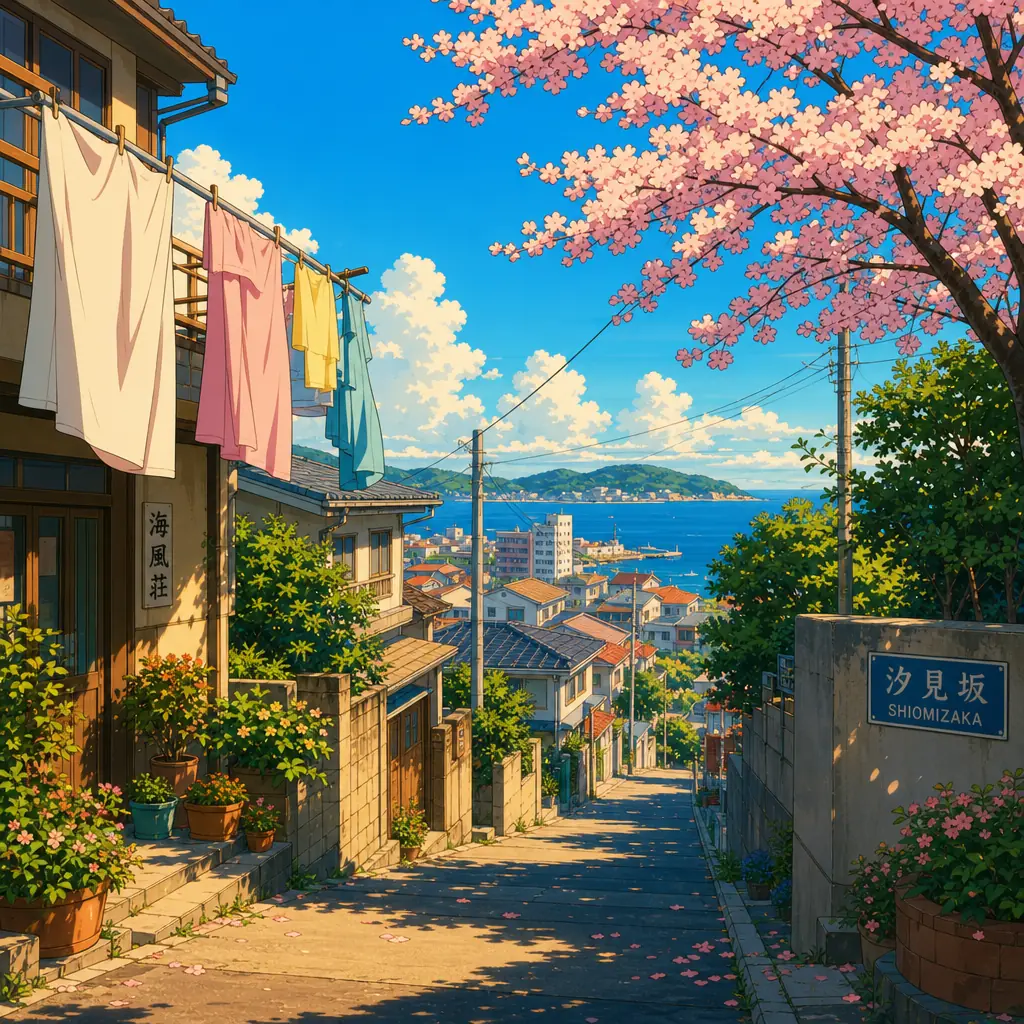
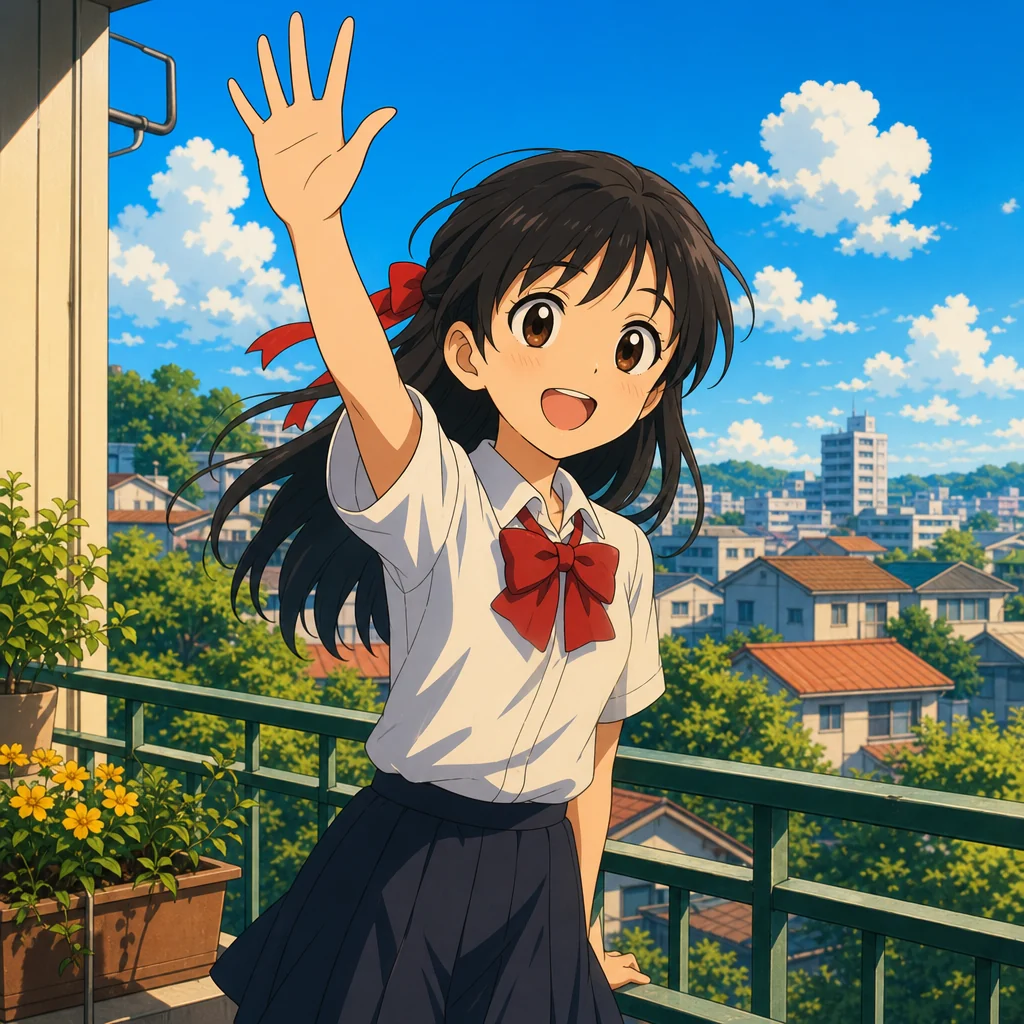
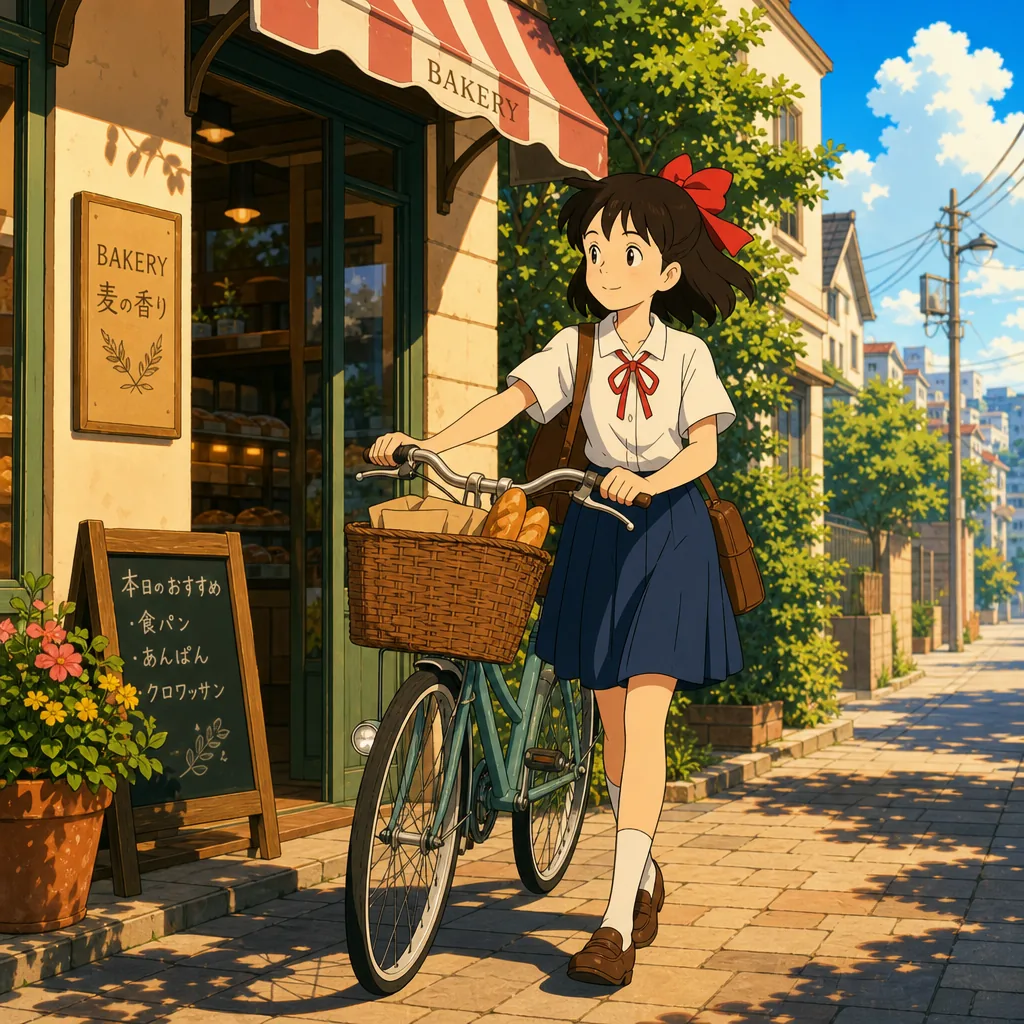

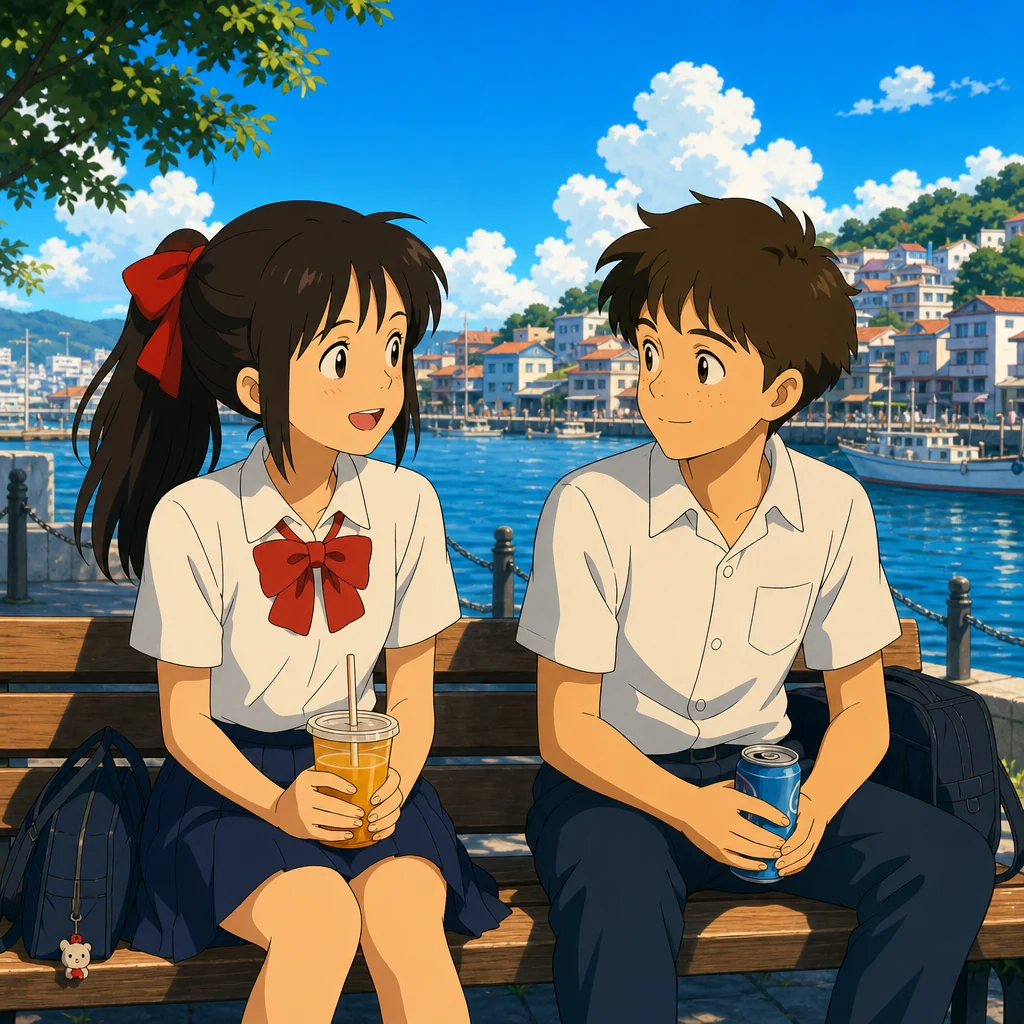
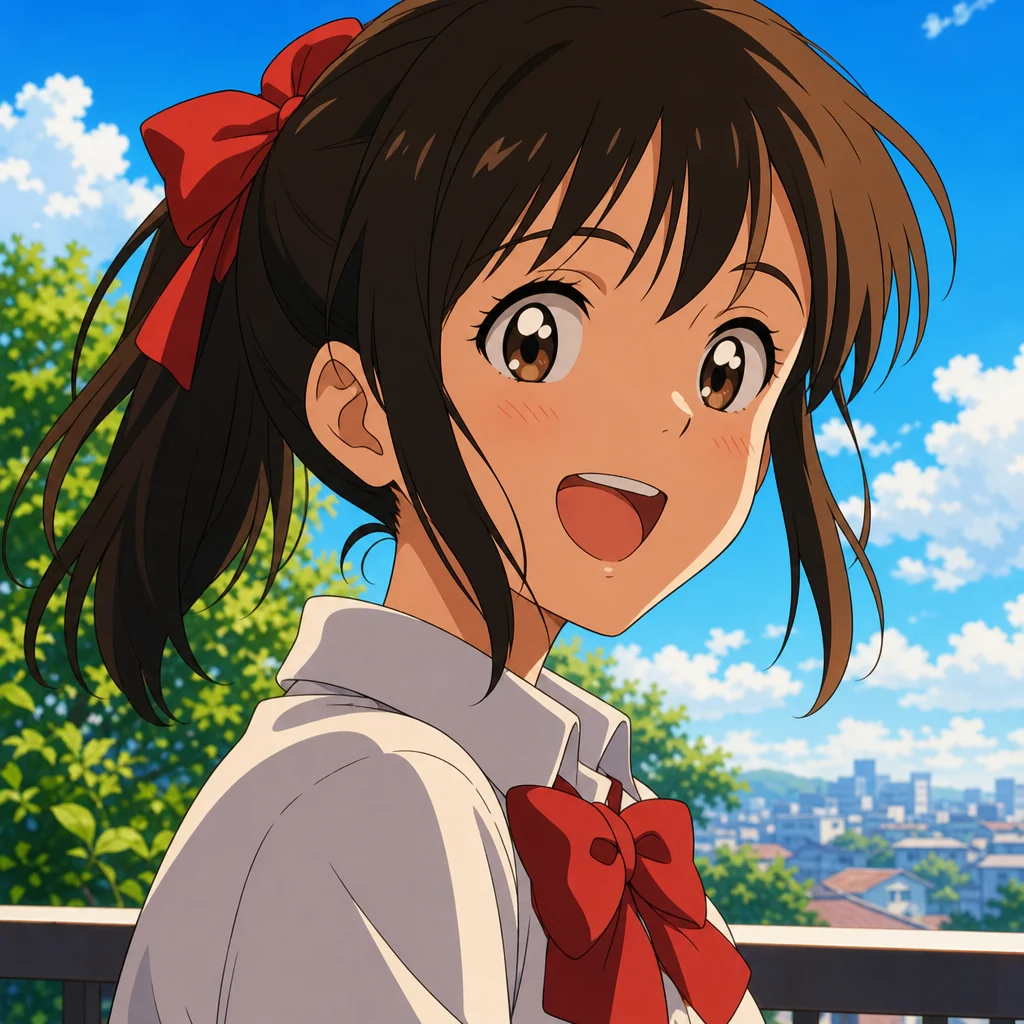
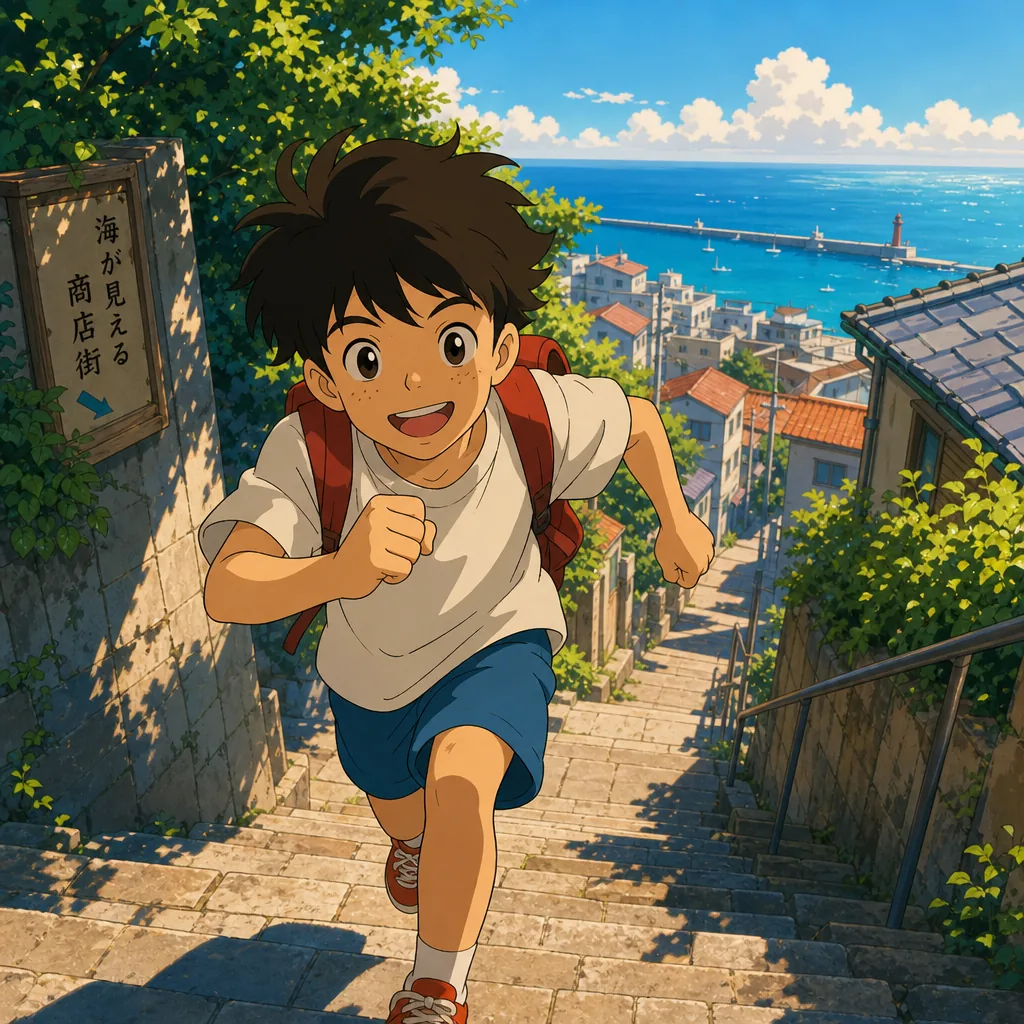
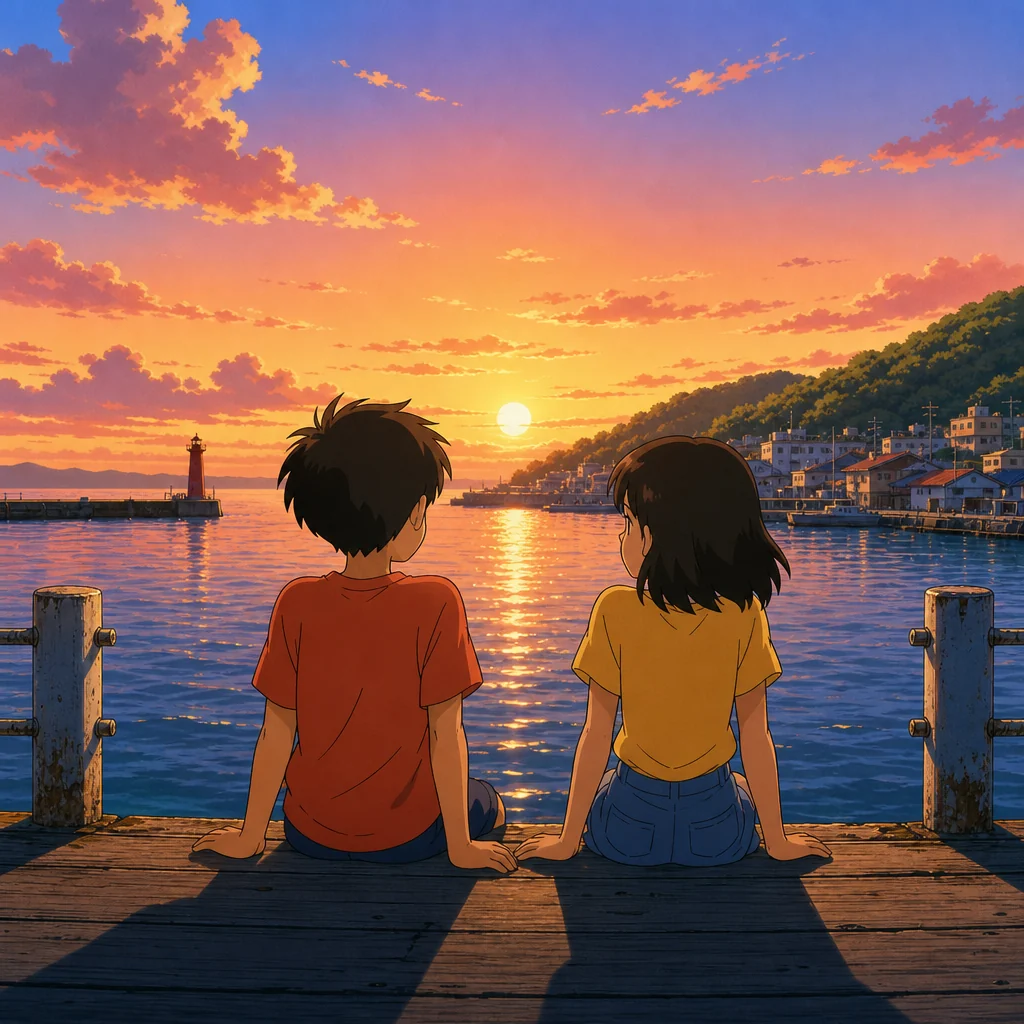
One look, held across the whole board
Apply a style to a storyboard and every shot inherits it automatically. No drift between scenes, no re-prompting each frame, just the same world from the first shot to the last.
- One style applied to every shot in a project
- Swap the style to restyle the entire board at once
- Pairs with reusable characters and locations
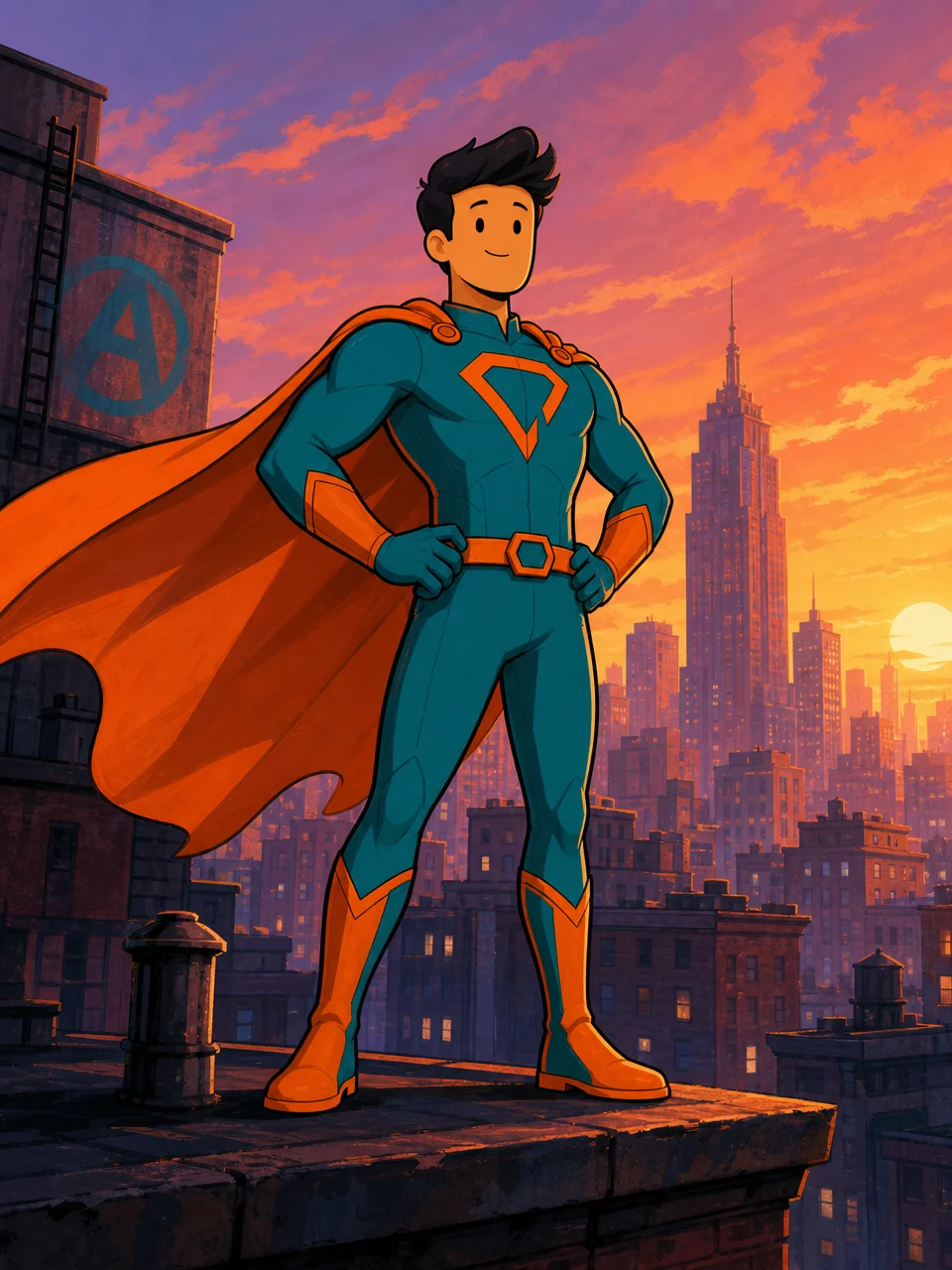
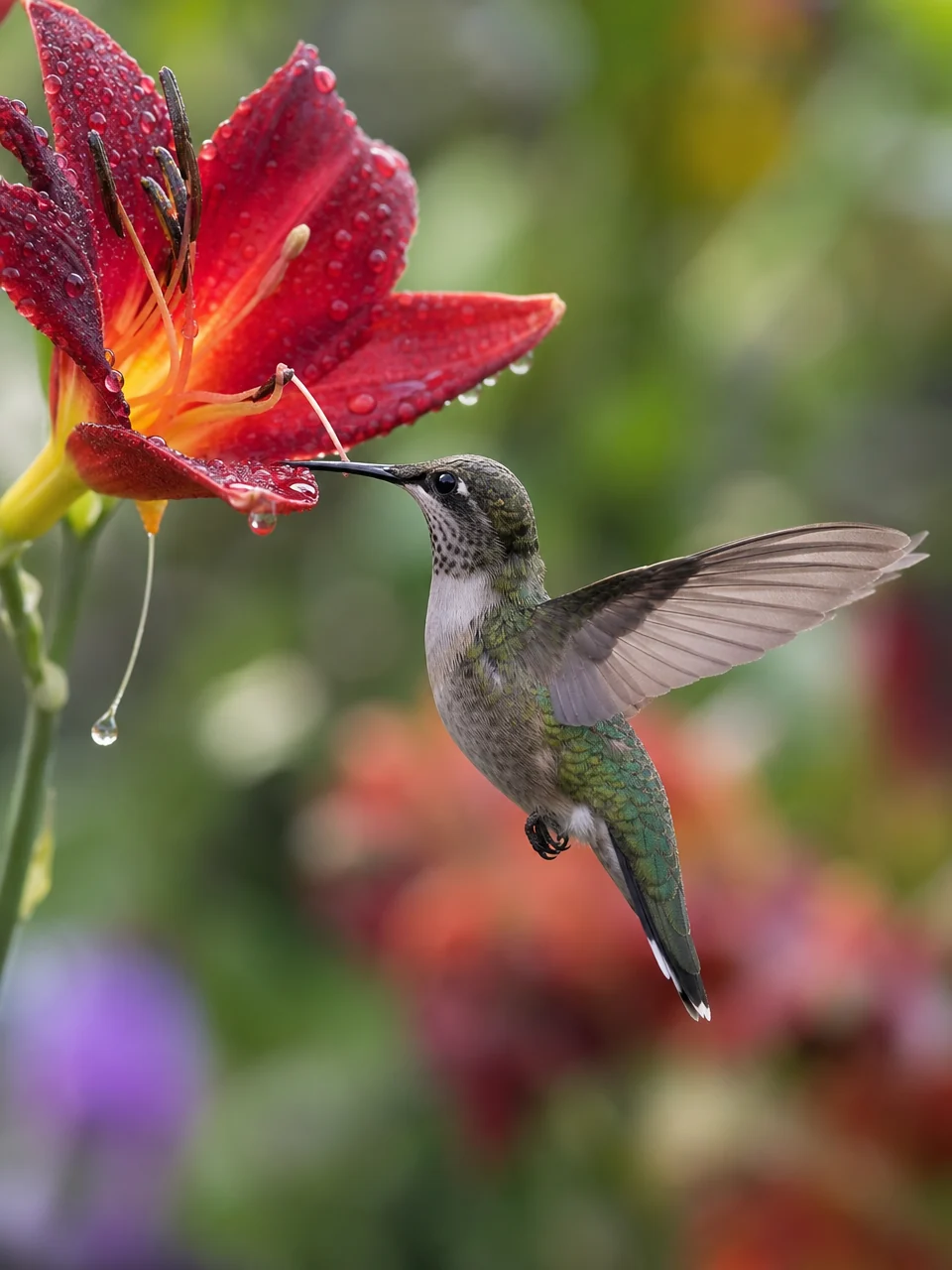
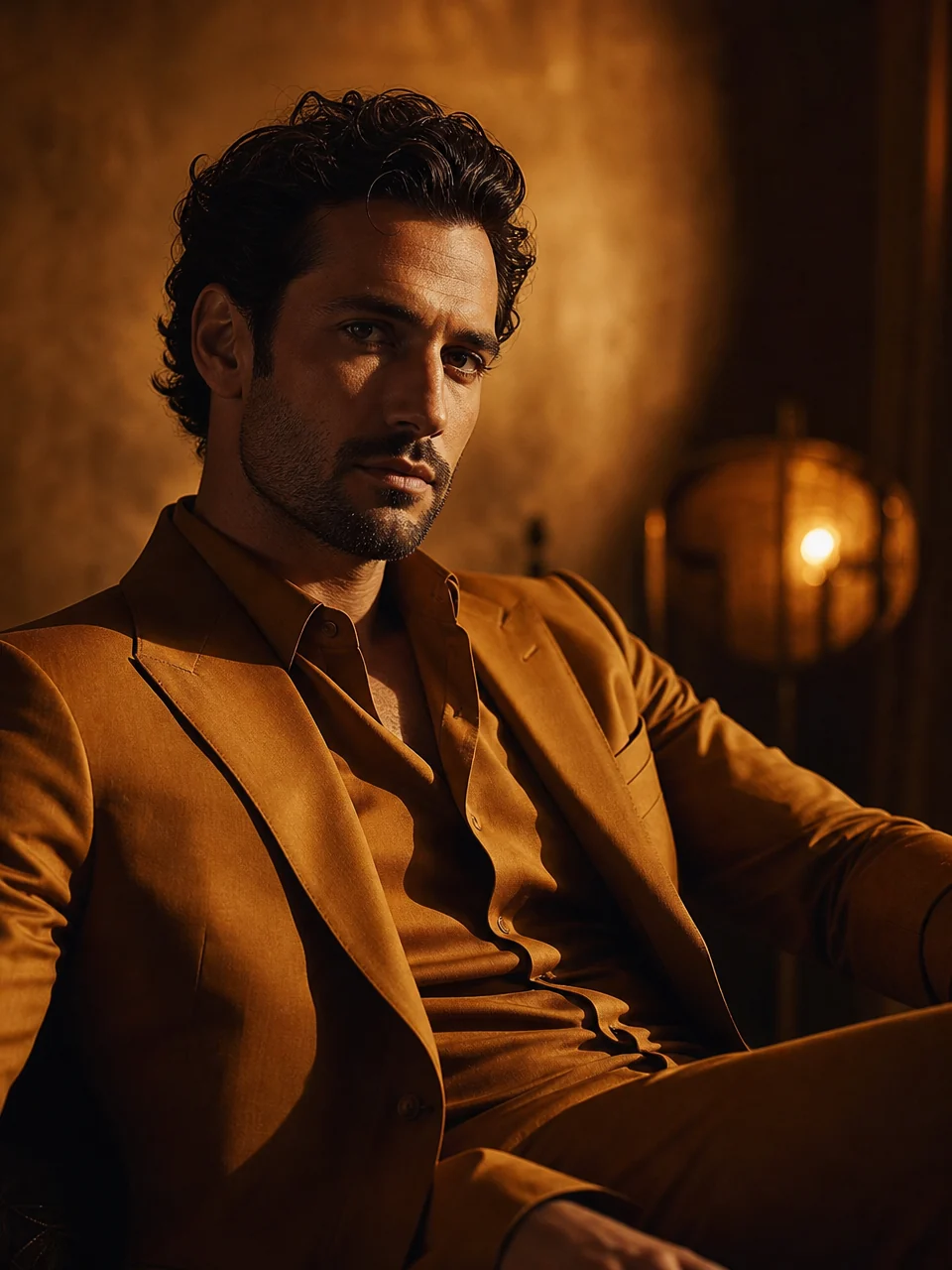
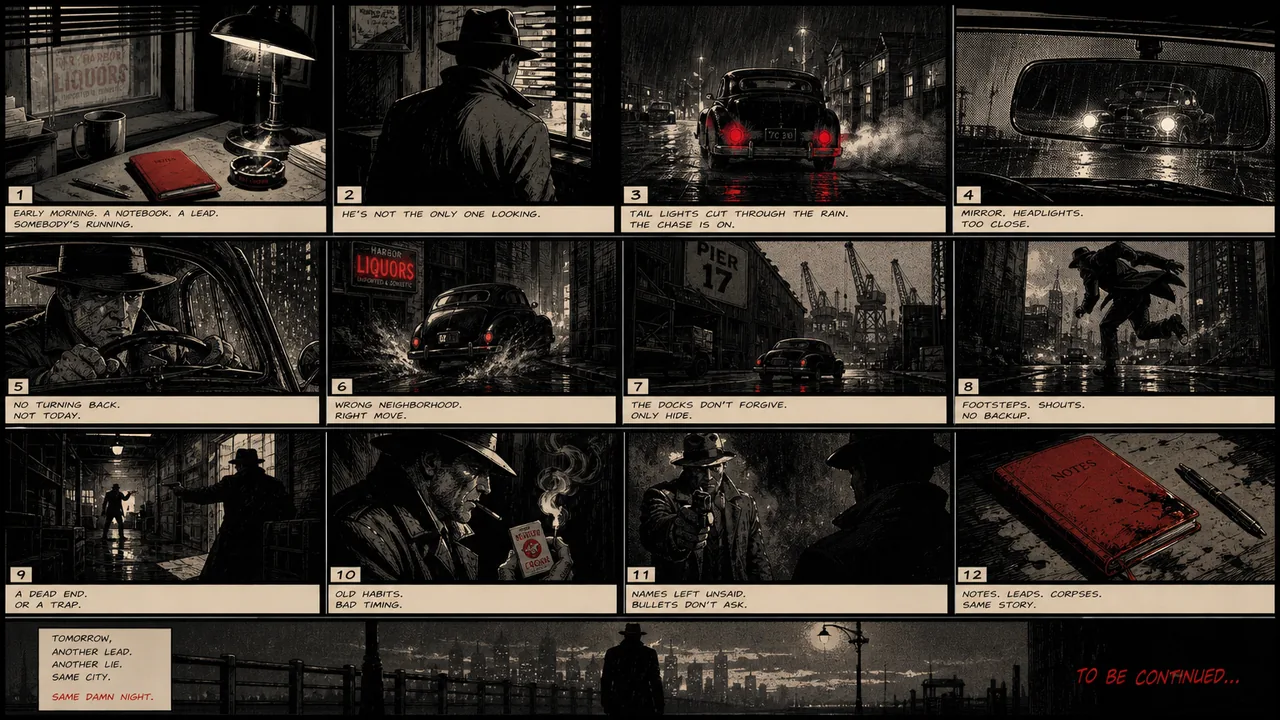
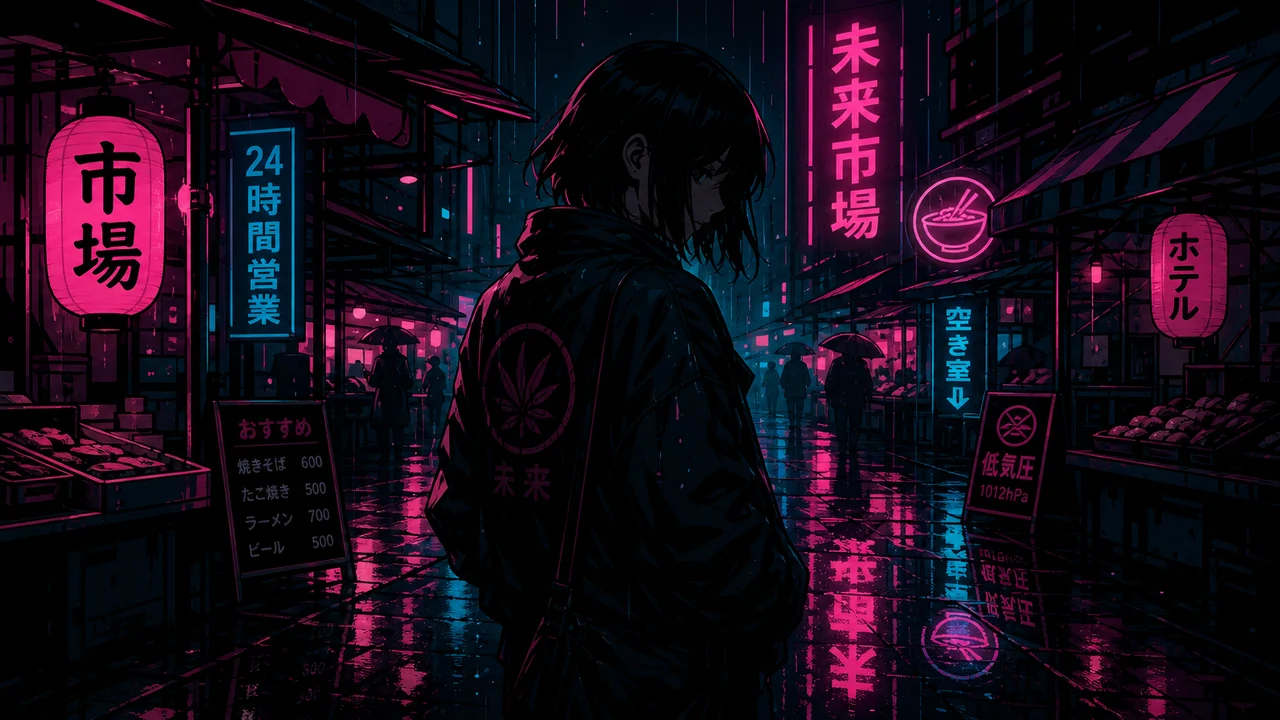
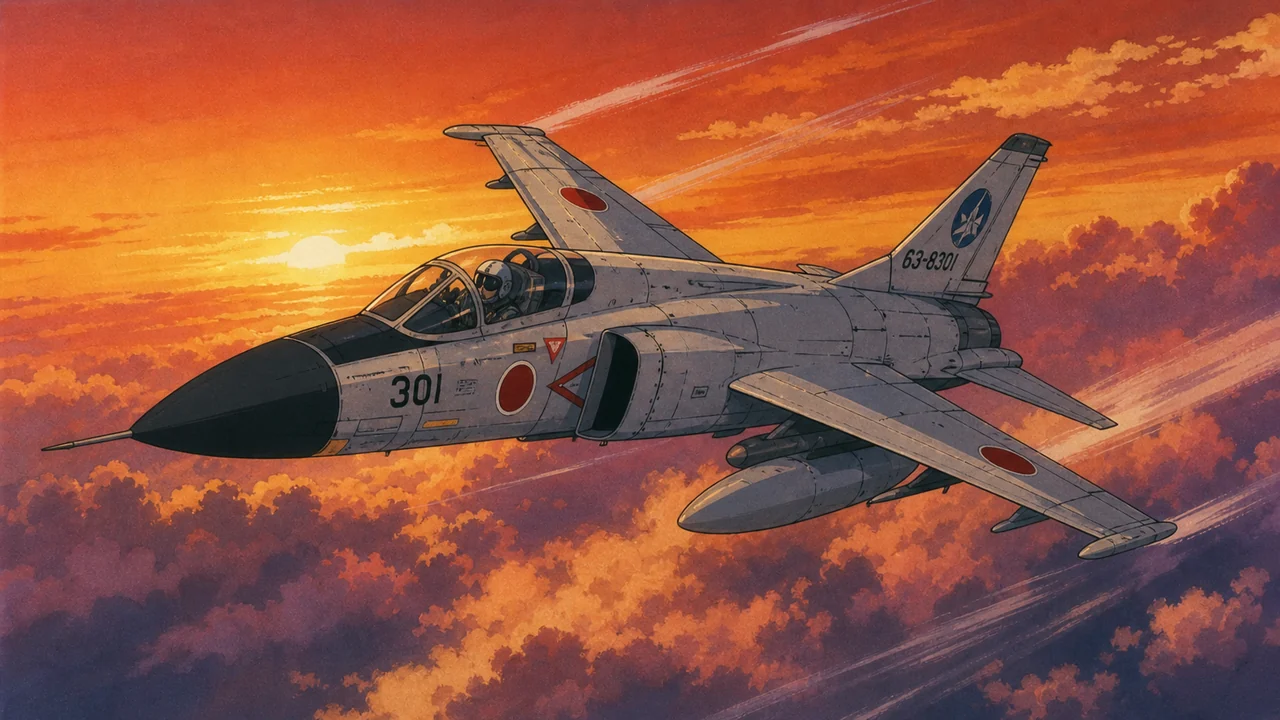
Any look you can describe
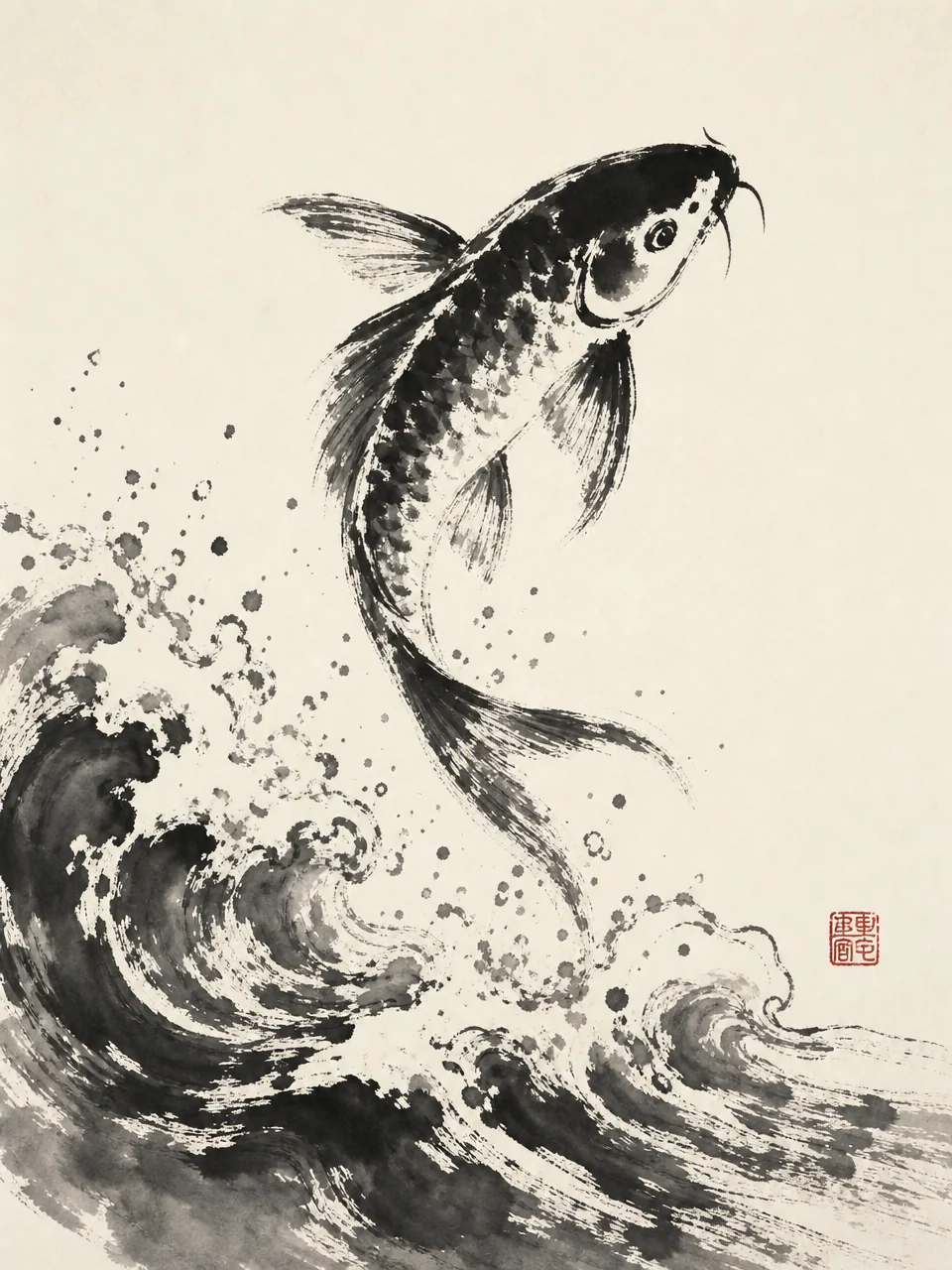
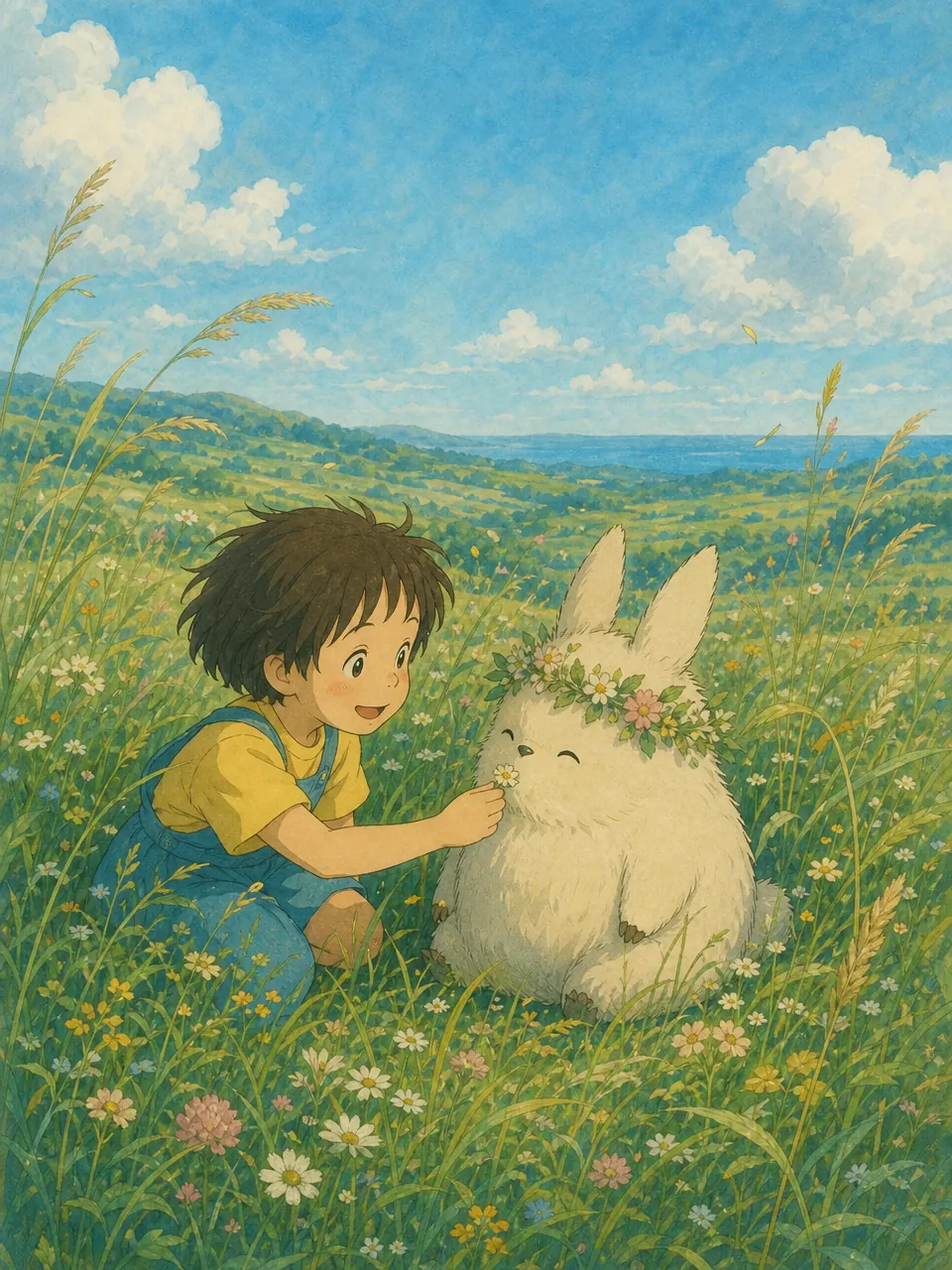
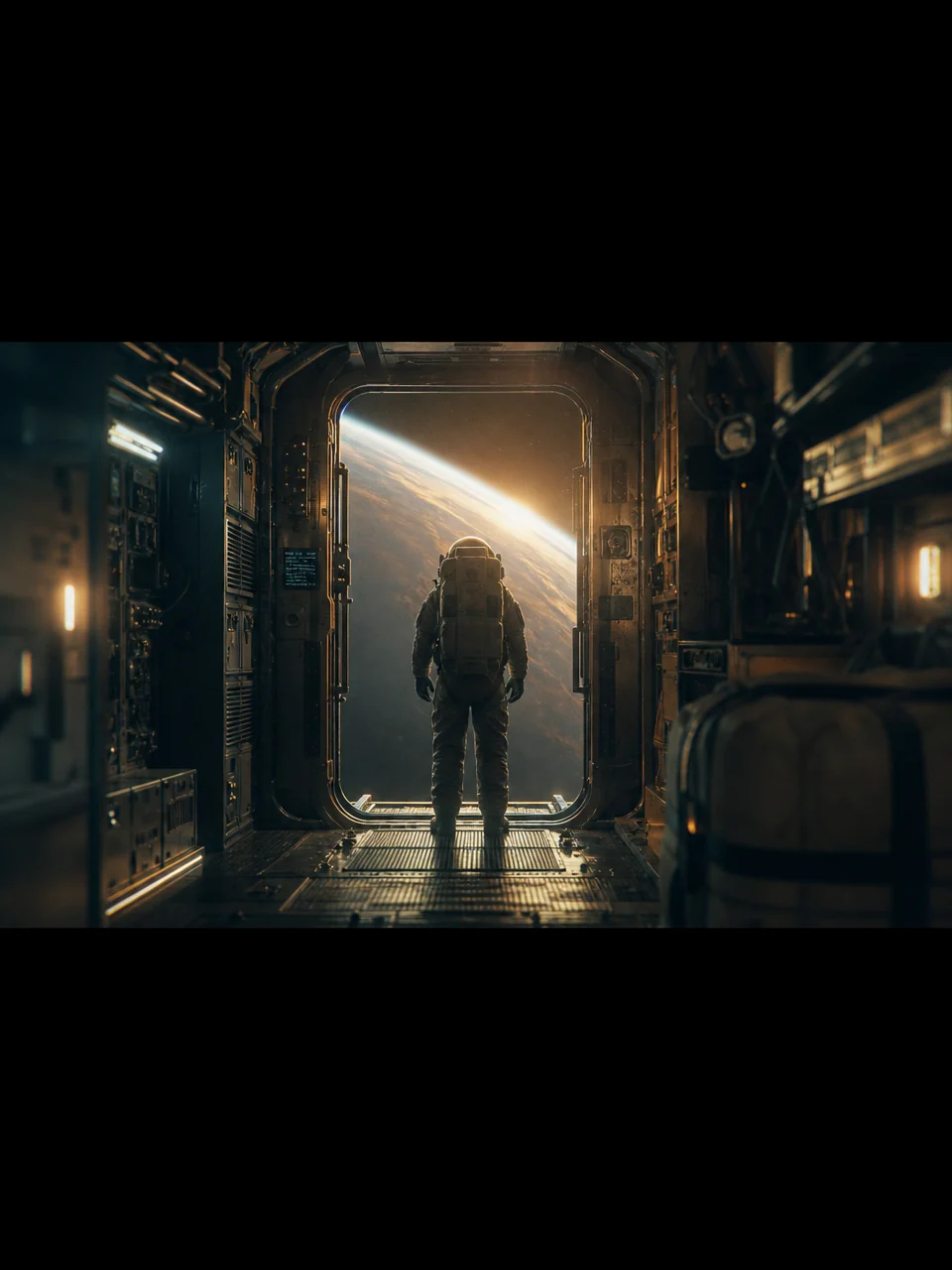
Anime, ink, watercolor, flat vector, film grain, photoreal. If you can put words to it, you can build a style around it.
Style questions, answered
How do I create a style?
Do I need reference images?
Can I remix an existing style?
Will it stay consistent across shots?
Where do my styles live?
Are there styles built in?
Build a look that's unmistakably yours.
Describe a style, generate the masters, and hold it across everything you make.