Pricing Enterprise
AI Video Generator

Generate video with the best models, in one place.

Text to video, image to video, and native audio across Veo 3.1, Seedance, Kling, Wan, and Hailuo. One subscription, one studio, and every clip drops straight into your storyboard and editor.

Text to video and image to video Native audio Up to 1080p
fawna.ai / generate 12 models
Video models
Fawna FilmVeo 3.1audio
Fawna CinemaSeedance 2.0
Fawna MotionKling v3
Fawna MuseWan 2.7
Fawna DramaHailuo 2.3
A neon-lit street at night, slow dolly push toward a lone figure ~160 cr Generate
Output
ModeText to video
Duration8s
Aspect16:9
Resolution1080p
Audio
Text to video Image to video Native audio Character reference Any aspect ratio
The roster

The best video models, one subscription

No juggling logins or per-tool bills. Pick the model that fits the shot, and switch any time. Every plan can use every model.

Native audio
Fawna FilmVeo 3.1

Premium, film-grade footage with synced native audio. The cinematic flagship.

Consistency
Fawna CinemaSeedance 2.0

A cinematic all-rounder with strong character consistency across multi-shot scenes.

Stylized
Fawna MotionKling v3

Stylized and anime motion with start and end frame control for precise moves.

Image to video
Fawna MuseWan 2.7

Bring a still to life, with a character reference to keep your cast on model.

Fast
Fawna SparkWan 2.5

Fast, permissive text to video for quick drafts and high-volume iteration.

Live-action
Fawna DramaHailuo 2.3

A live-action feel with strong character interaction and dialogue beats.

Text to video

Describe the shot. Get the footage.

Write what you want to see, pick a model, and Fawna generates the clip. Steer it with duration, aspect ratio, resolution, and audio, then re-roll until it lands, with a live credit estimate before you spend.

  • Prompt-to-clip across every model in the roster
  • Control duration, aspect ratio, resolution, and audio
  • See the credit cost before you generate
Image to video

Turn any frame into a moving shot.

Start from an image, a storyboard frame, or a generated still, and animate it. Add a character reference so the people in the shot stay on model as they move, not a stranger every clip.

  • Animate any still, upload or generated
  • Character reference keeps your cast consistent
  • Direct the motion with a simple prompt
More than a clip

Generated video that goes somewhere

A clip on its own is a dead end. In Fawna, every generation lands in your library and flows into a storyboard and a real editor, so you finish the whole video, not just a sample.
Showcase

Made with Fawna

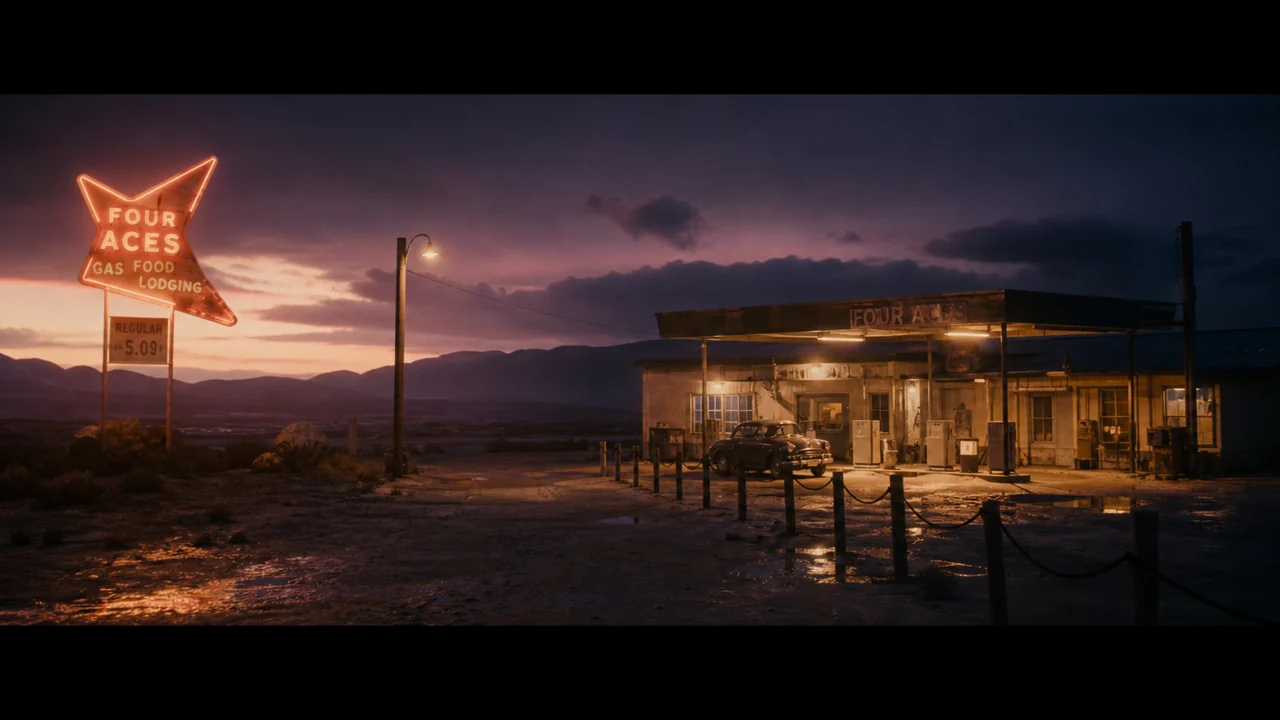
Real clips across the model roster, generated in the studio.

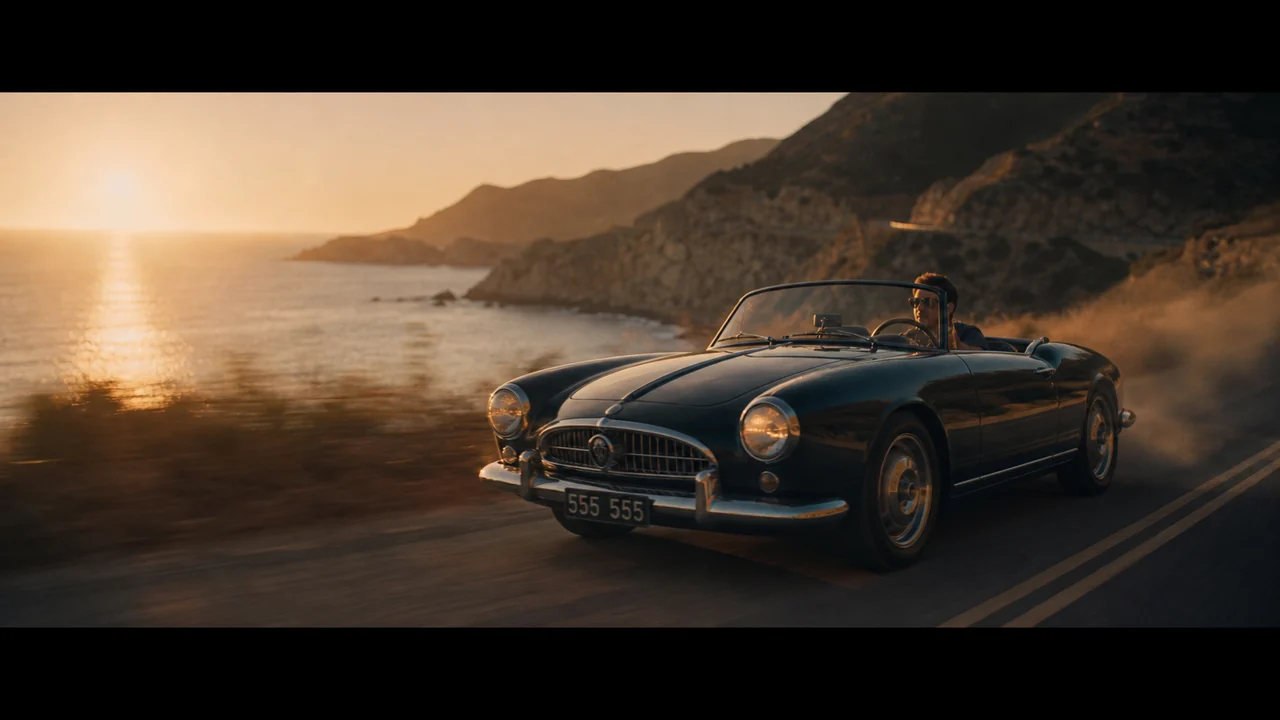
Cinematic push-inFawna Film
Wok fireFawna Spark
Anime rooftopFawna Motion
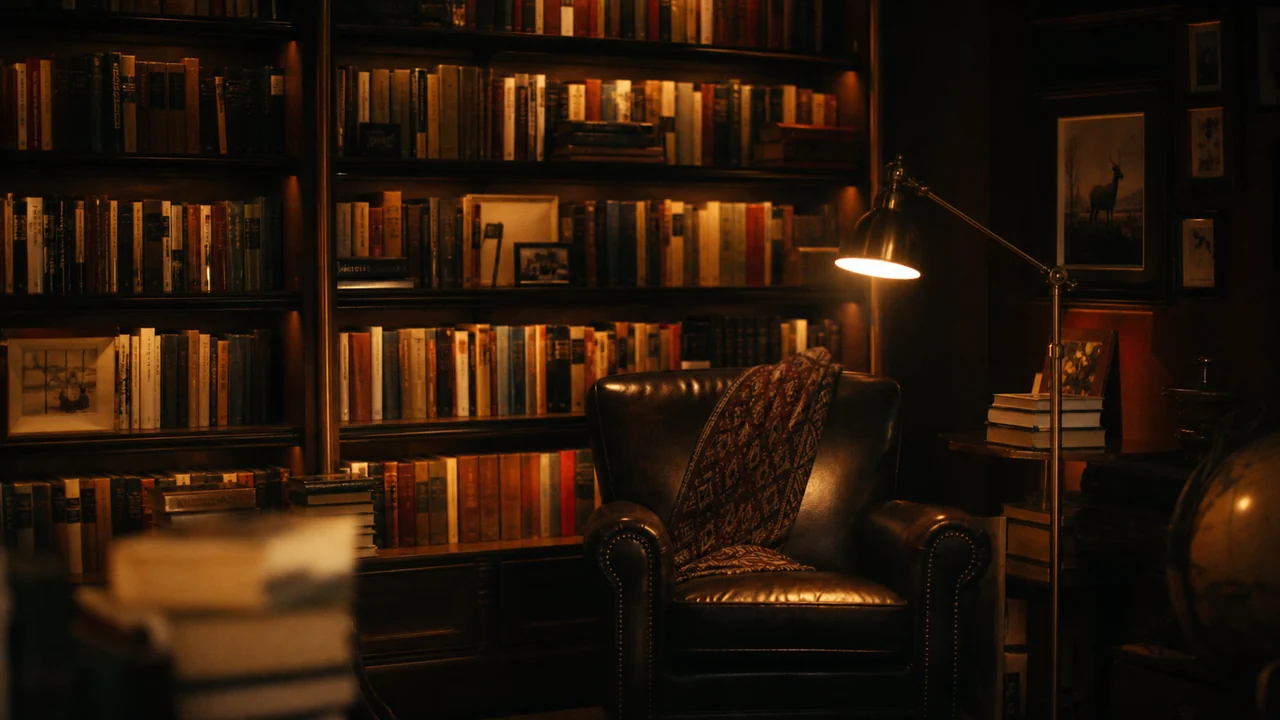
Noir interiorFawna Drama
Golden hourFawna Muse
CorridorFawna Cinema
FAQ

AI video generator questions

Which AI video models can I use?
Fawna gives you the leading models under one subscription, including Veo 3.1, Seedance, Kling, Wan, and Hailuo, wrapped in Fawna brand names. Pick the right one per shot, and every plan can use every model.
What is the difference between text to video and image to video?
Text to video generates a clip from a written prompt. Image to video animates an existing still, an upload, a storyboard frame, or a generated image, and can use a character reference to keep people consistent.
Can the video have sound?
Yes. Fawna Film (Veo 3.1) generates synced native audio with the video. You can also add AI voiceover and a sound library track in the editor.
What length and resolution can I generate?
Clip length and resolution depend on the model, with options up to 1080p and a range of durations. You set duration, aspect ratio, and resolution per generation, and see the credit cost before you spend.
Can I keep characters consistent across clips?
Yes. Use a character reference on image to video, or generate inside a storyboard where Fawna holds your cast on model across every shot, not a different face each time.
What happens to a clip after I generate it?
It saves to your asset library, versioned and reusable, and flows into your storyboard and the editor so you can finish the whole video instead of leaving with a single sample.

Generate your first shot

Pick a model, write a prompt, and watch it render, then take it all the way to a finished video.

Storyboard
Scene
Replace a shot, or insert a new one