Thumbnails that earn the click.
Generate the scene, cut out your subject, and drop on bold, readable text, then export it for YouTube, Shorts, or anywhere. The thumbnail and the video, built in one place.
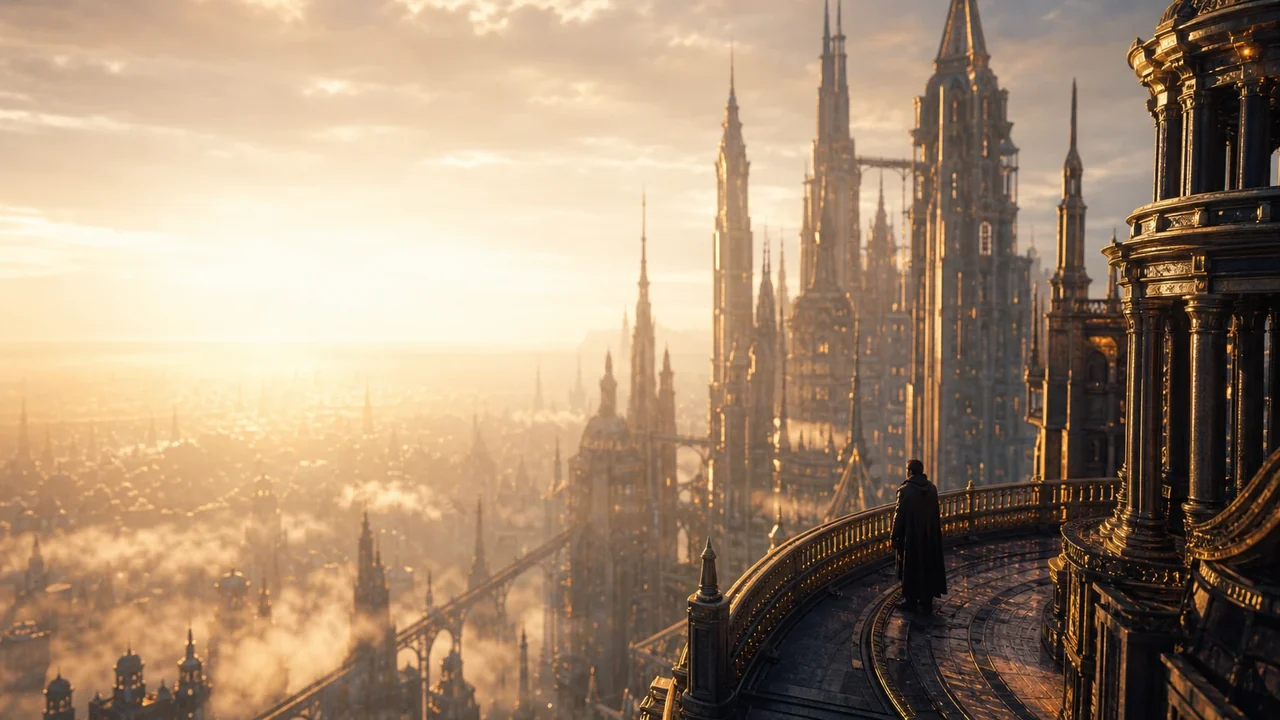
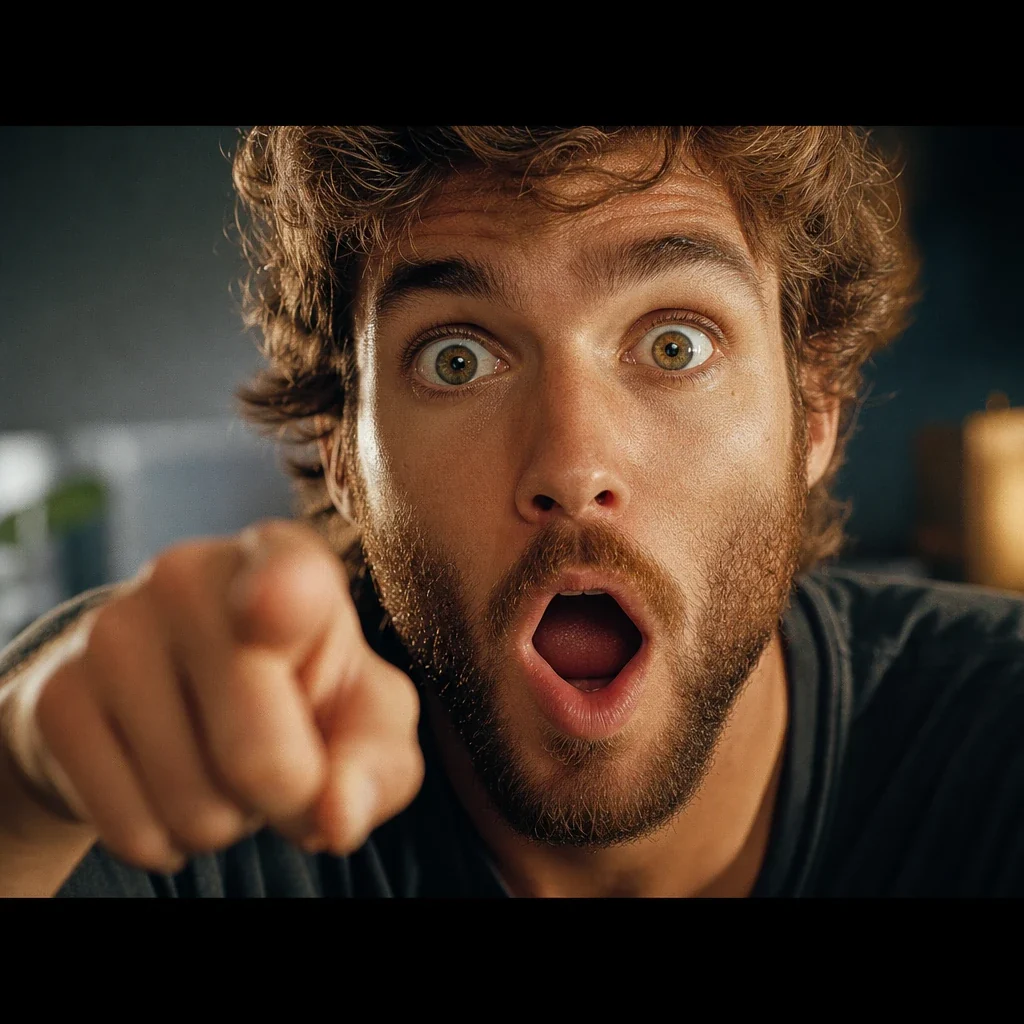
Thumbnails that stop the scroll
Bold subjects, punchy text, high contrast. Built in minutes, not an afternoon in a design tool.
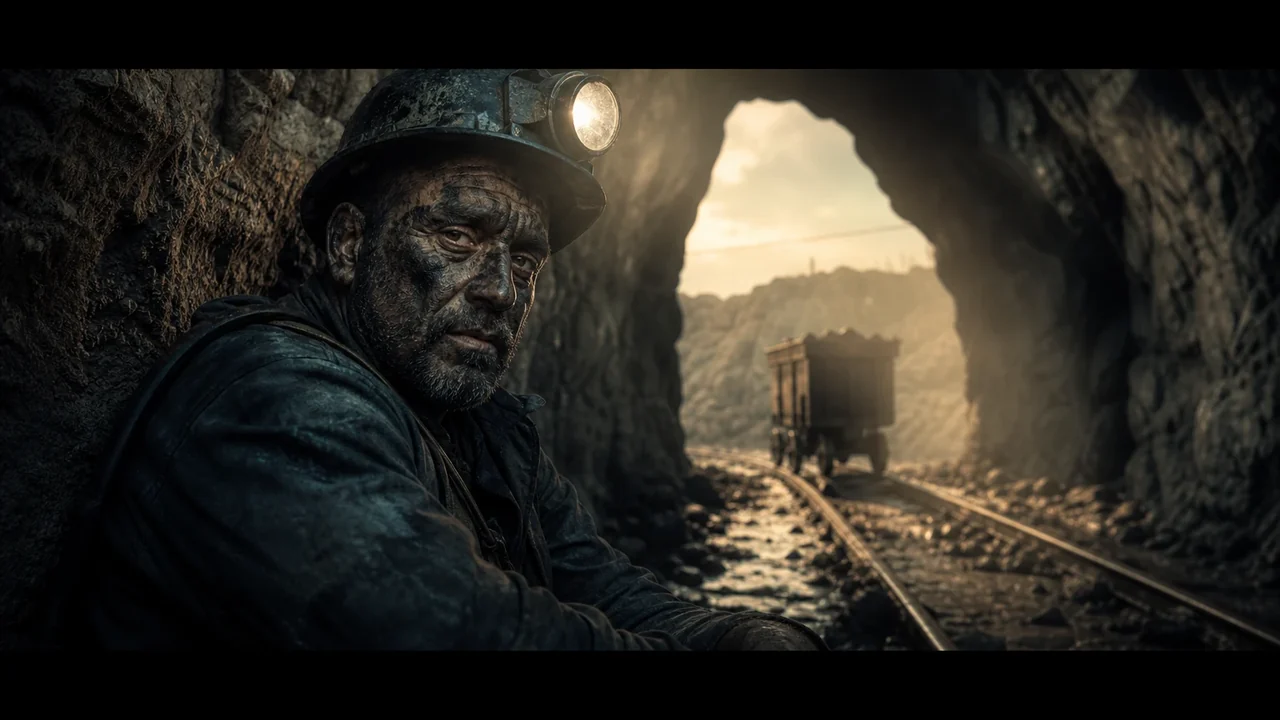 The last shift
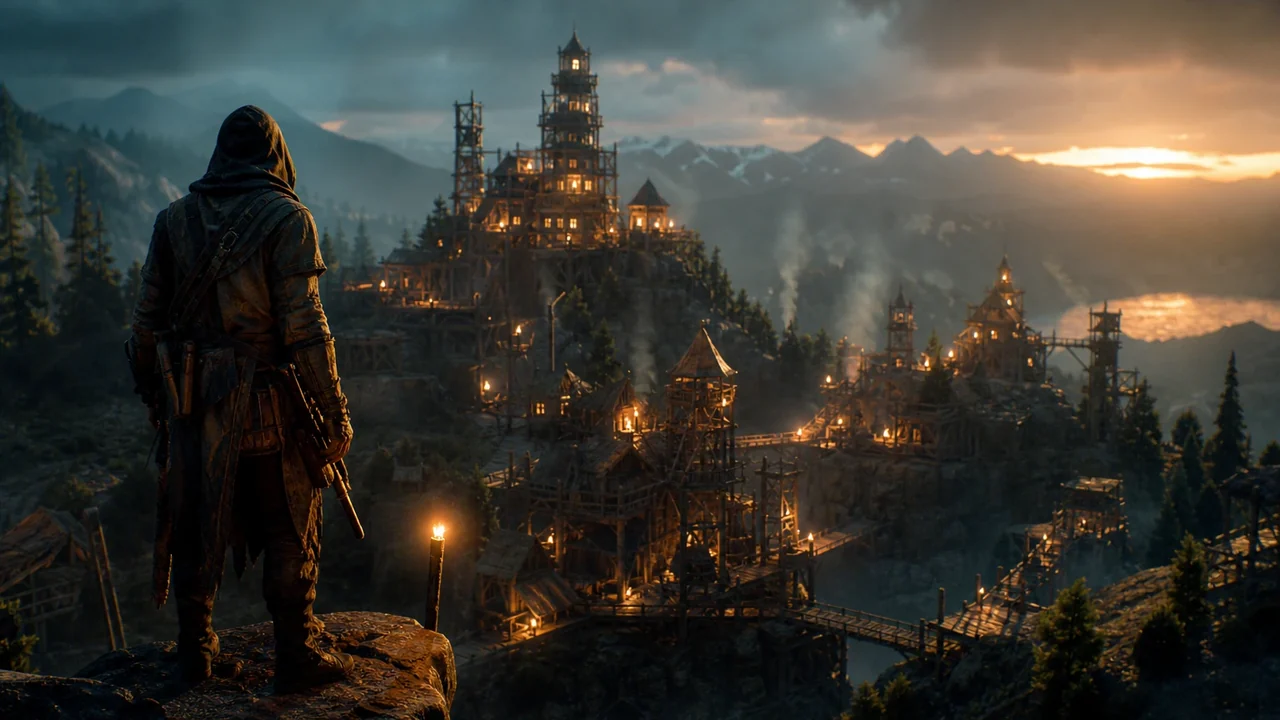 I built a cityDay 100
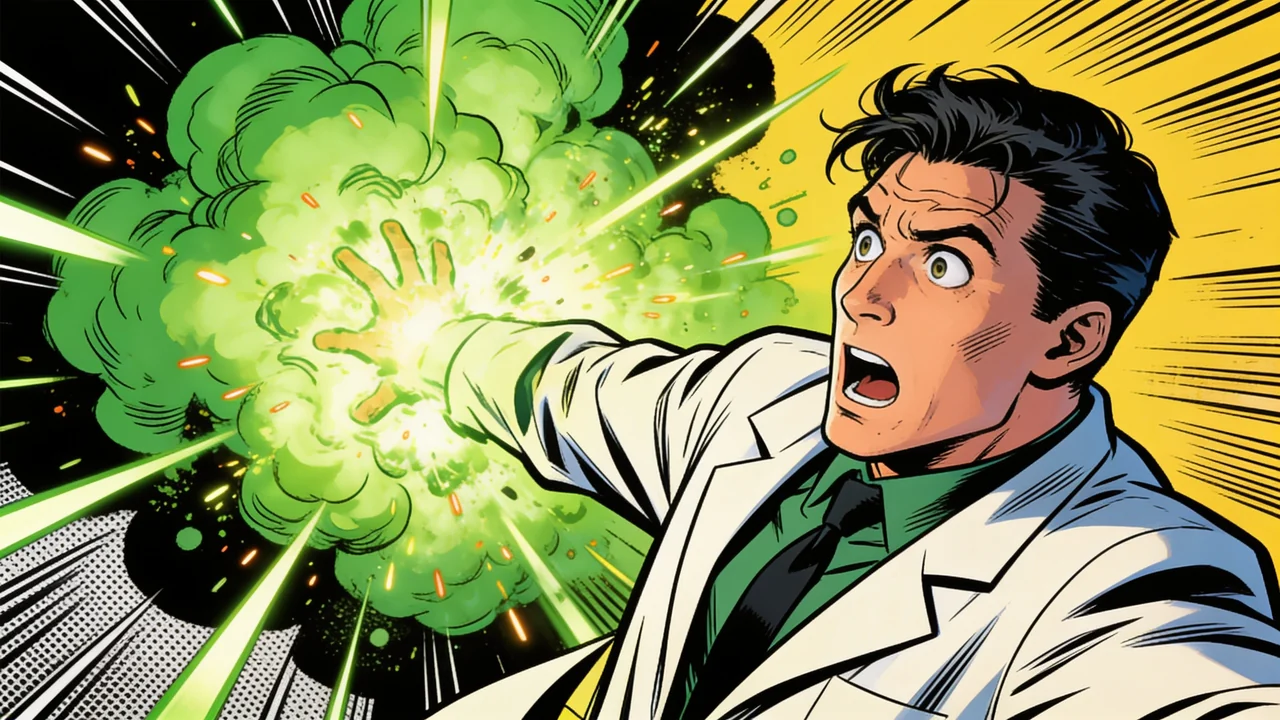 Gone wrong
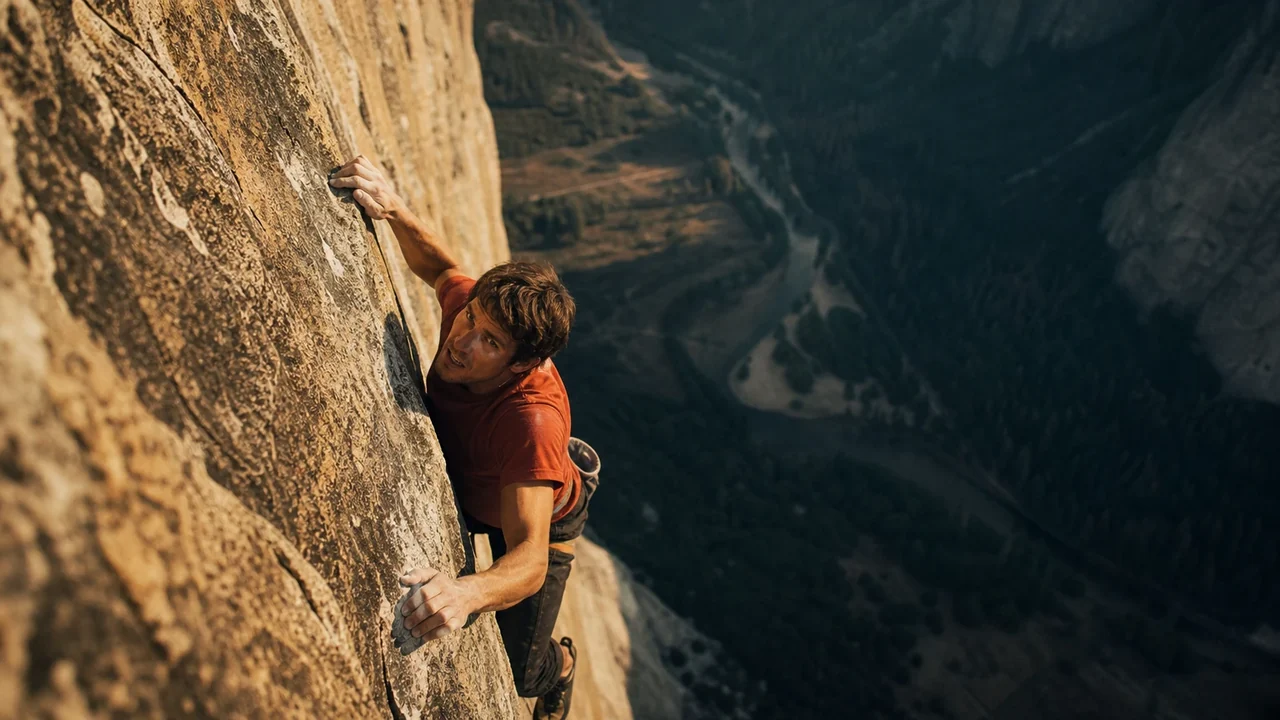 Don't do this
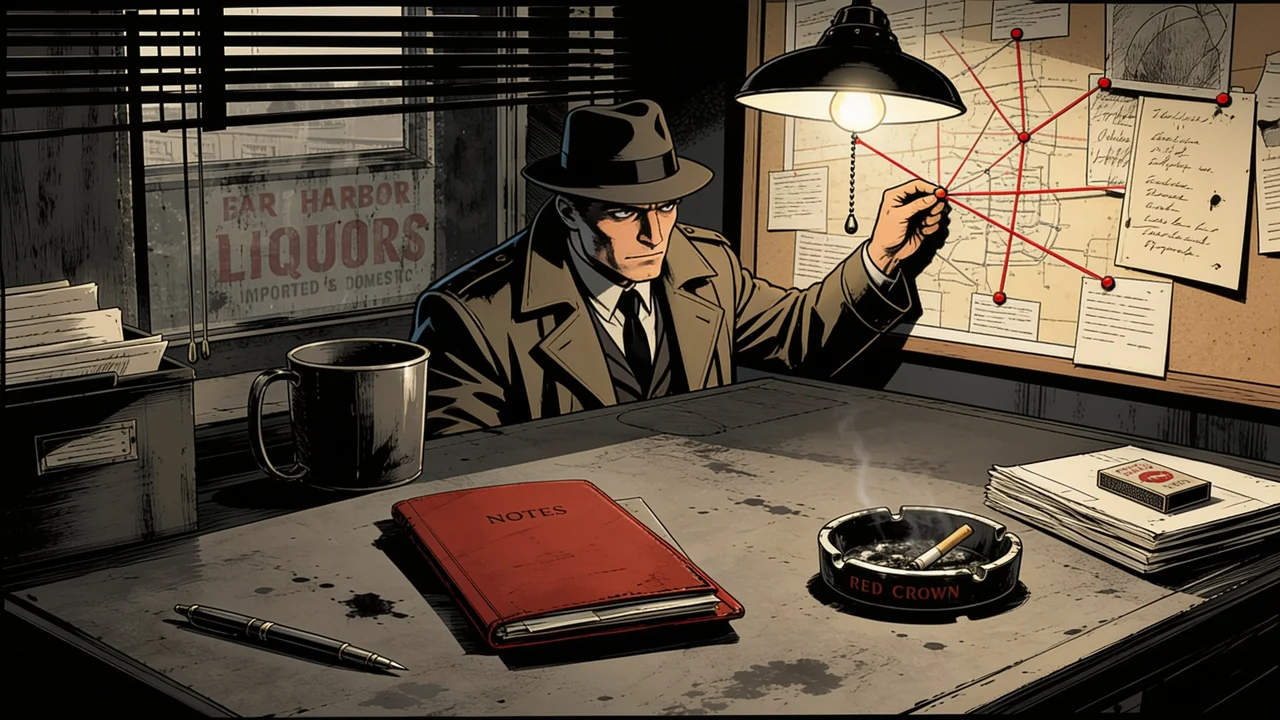 The truth
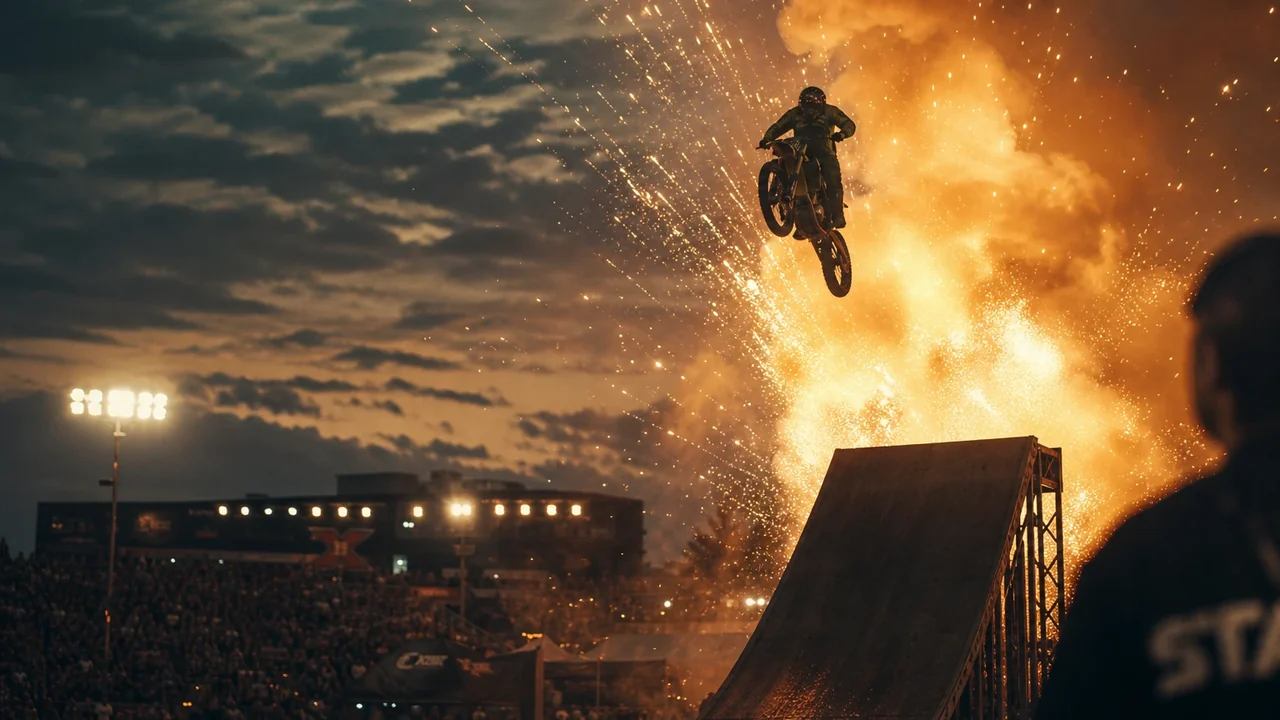 Watch thisNew
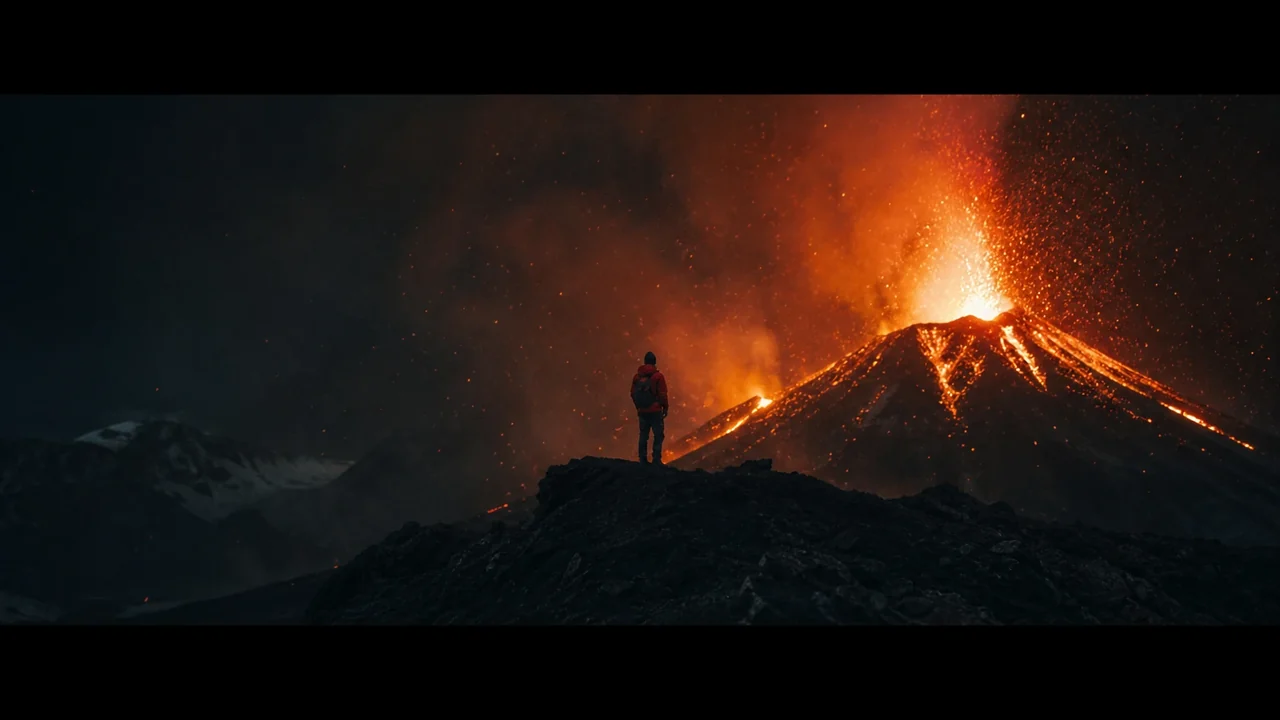 Any scene
Start from an idea, not a stock photo.
Describe the background you want and generate it in any style, photoreal or illustrated. No more hunting for the right image or settling for something generic.
- Generate the exact scene from a prompt
- Any style, photoreal to cartoon
- Reuse your characters and styles from the library
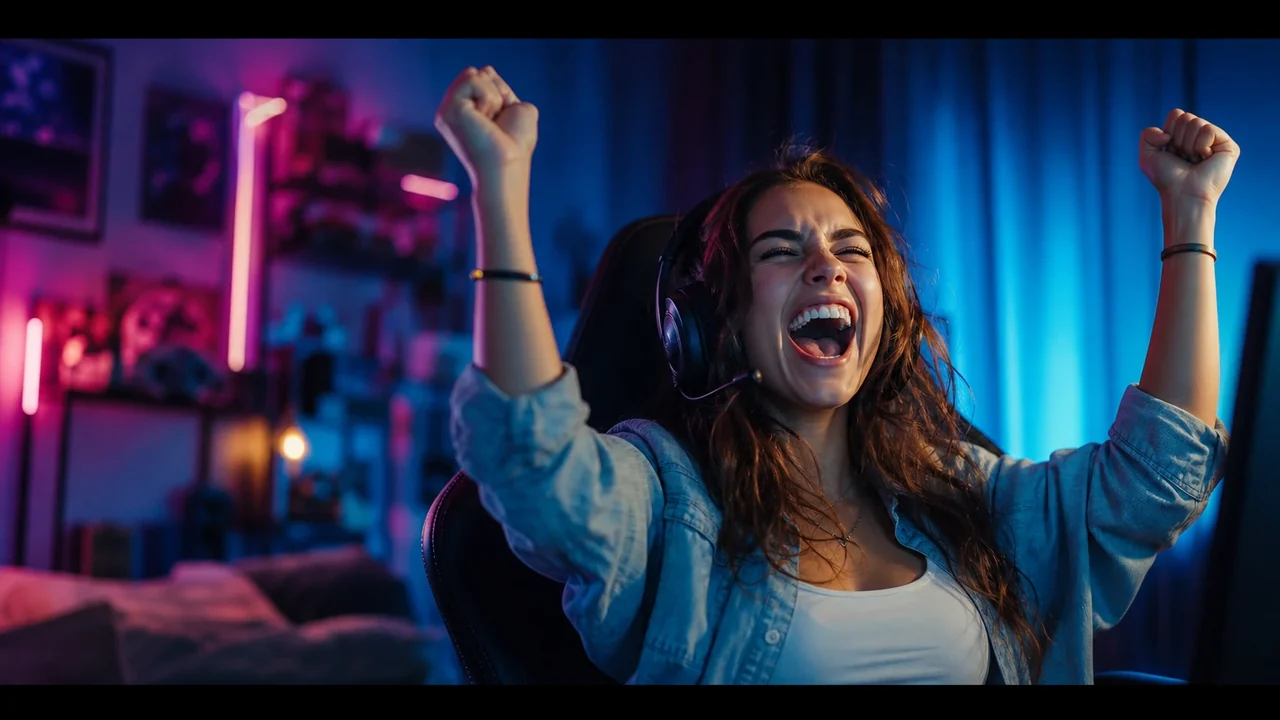 Big bold text
Pop the subject. Punch up the text.
Lift your subject out with a clean cutout, then add bold, high-contrast text with outlines that stay readable at thumbnail size, the difference between a click and a scroll-past.
- One-click subject cutouts
- Heavy text with outlines and shadows
- Readable even on a phone-sized preview
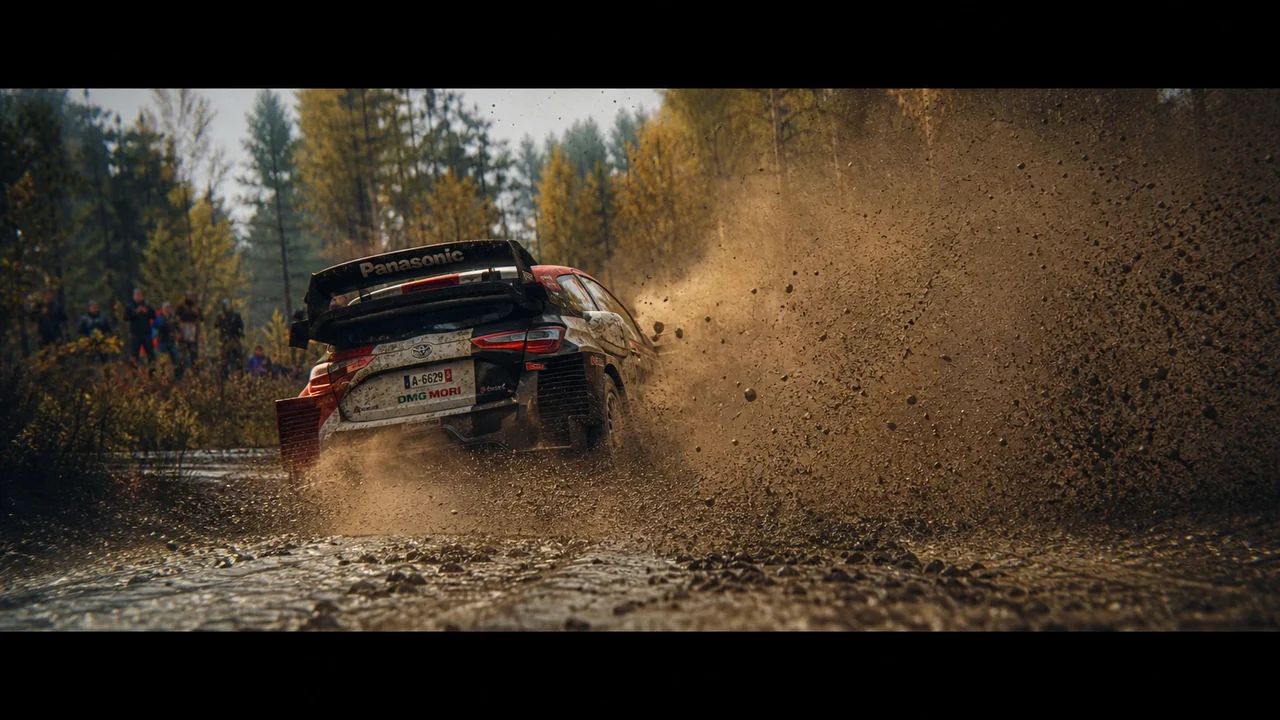 16:9
16:9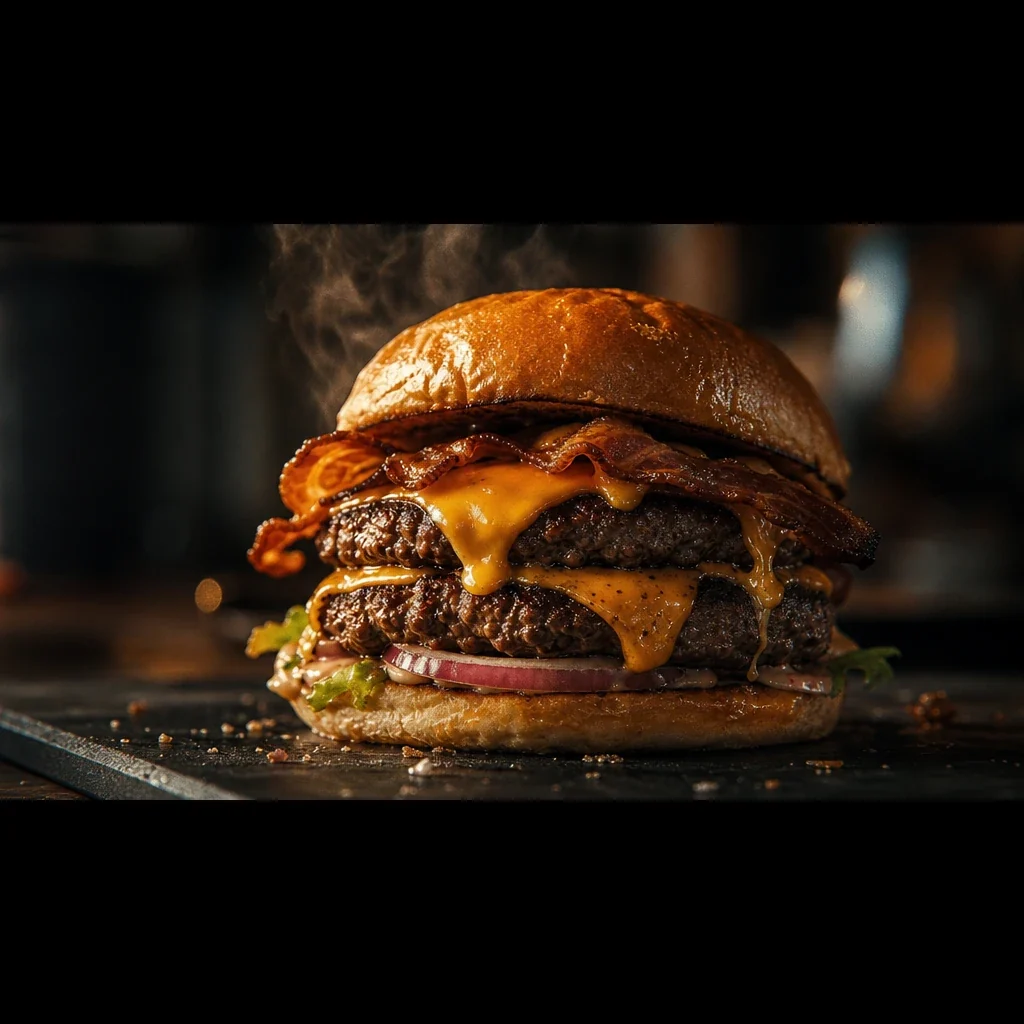 1:1
1:1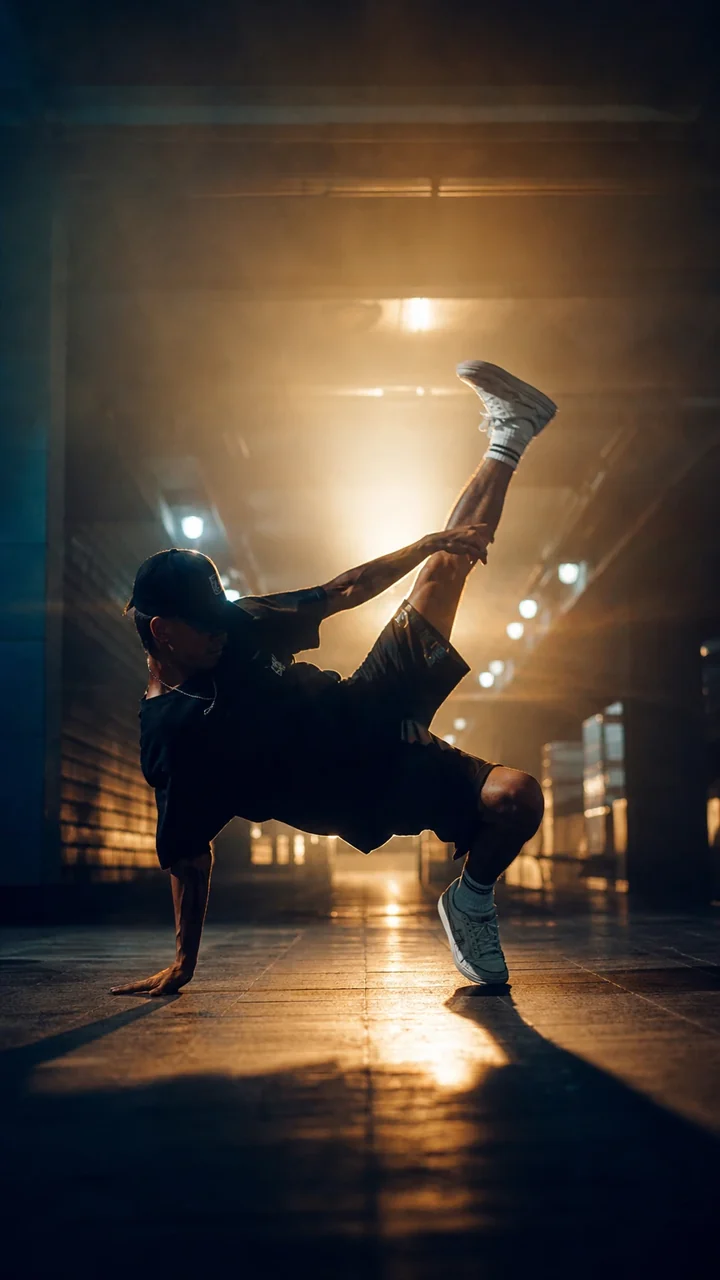 9:16
9:16One thumbnail, every size.
Export the same design for a YouTube 16:9, a square post, or a vertical Short. Extend the background to fill a new shape instead of cropping the subject out of frame.
- YouTube, Shorts, square, and custom sizes
- Extend backgrounds to reframe without cropping
- Export high-resolution, ready to upload
The thumbnail and the video, together
Your thumbnail should not live in a different app from your video. In Fawna, it is one step from everything else you make.
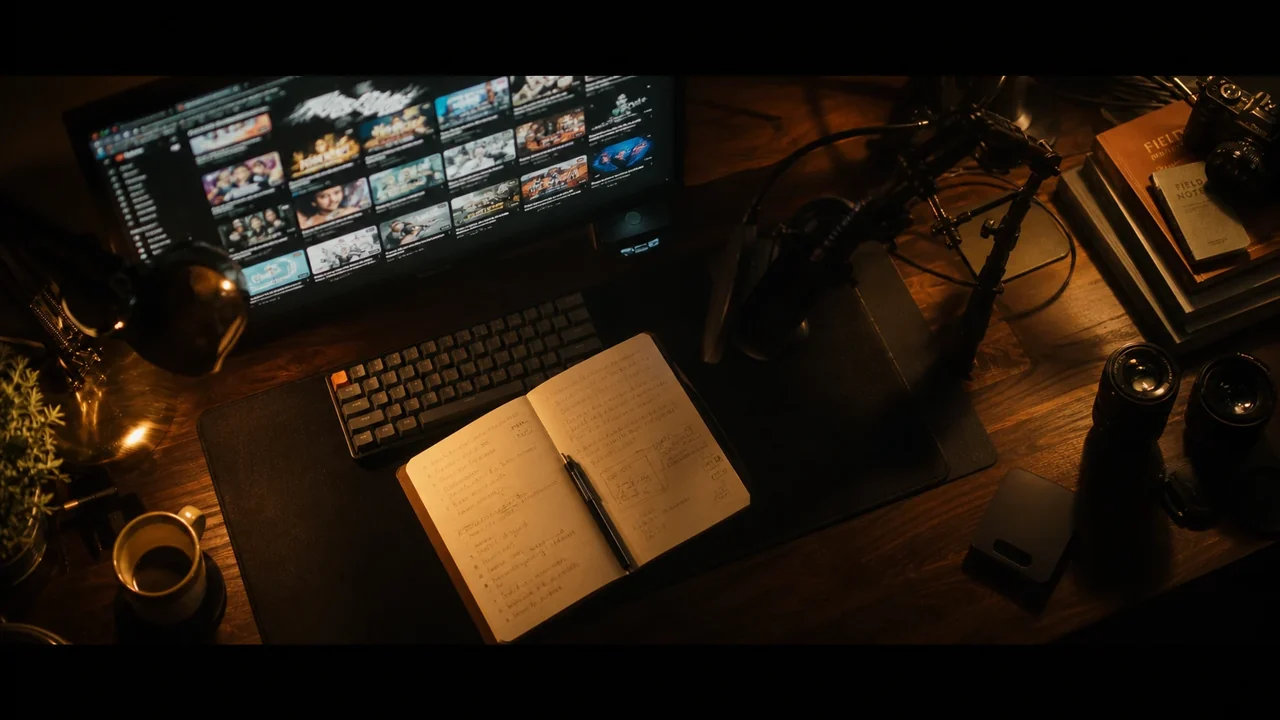
Build a channel
Crank out a thumbnail for every upload as part of a faceless workflow.
Faceless YouTube →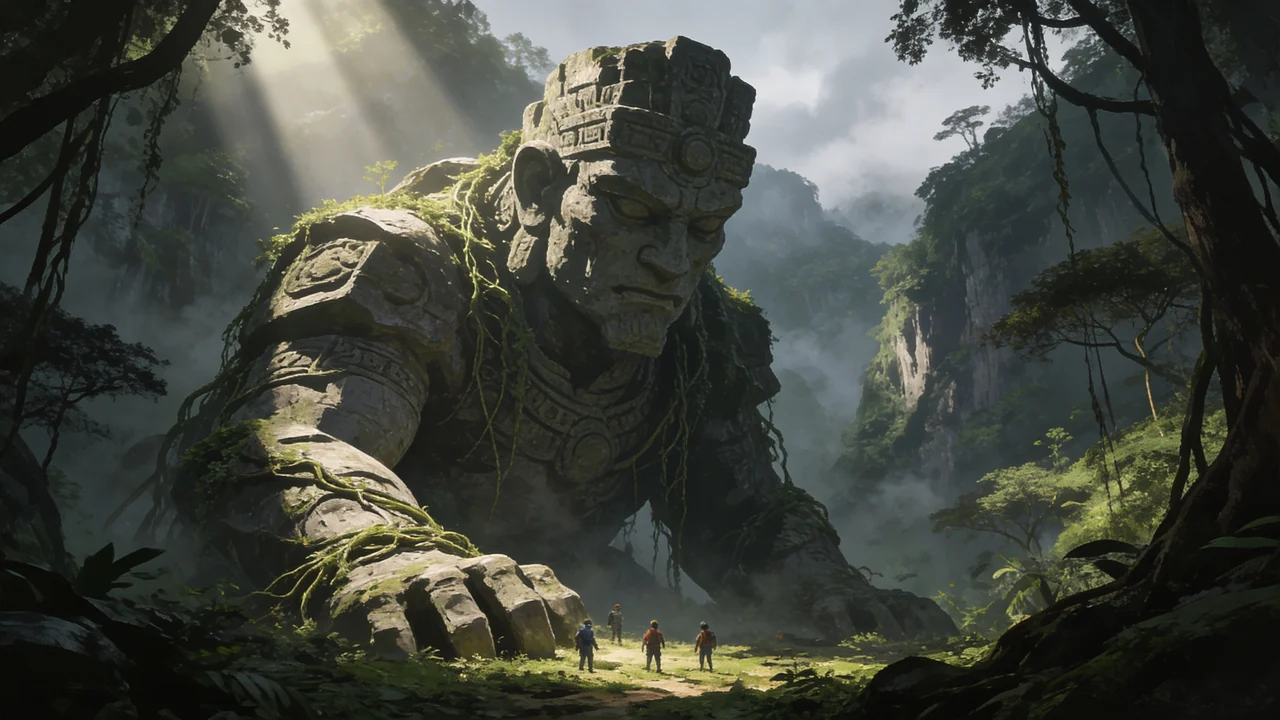
Generate the art
Make the scene and the subject with the image generator, in any style.
AI Image Generator →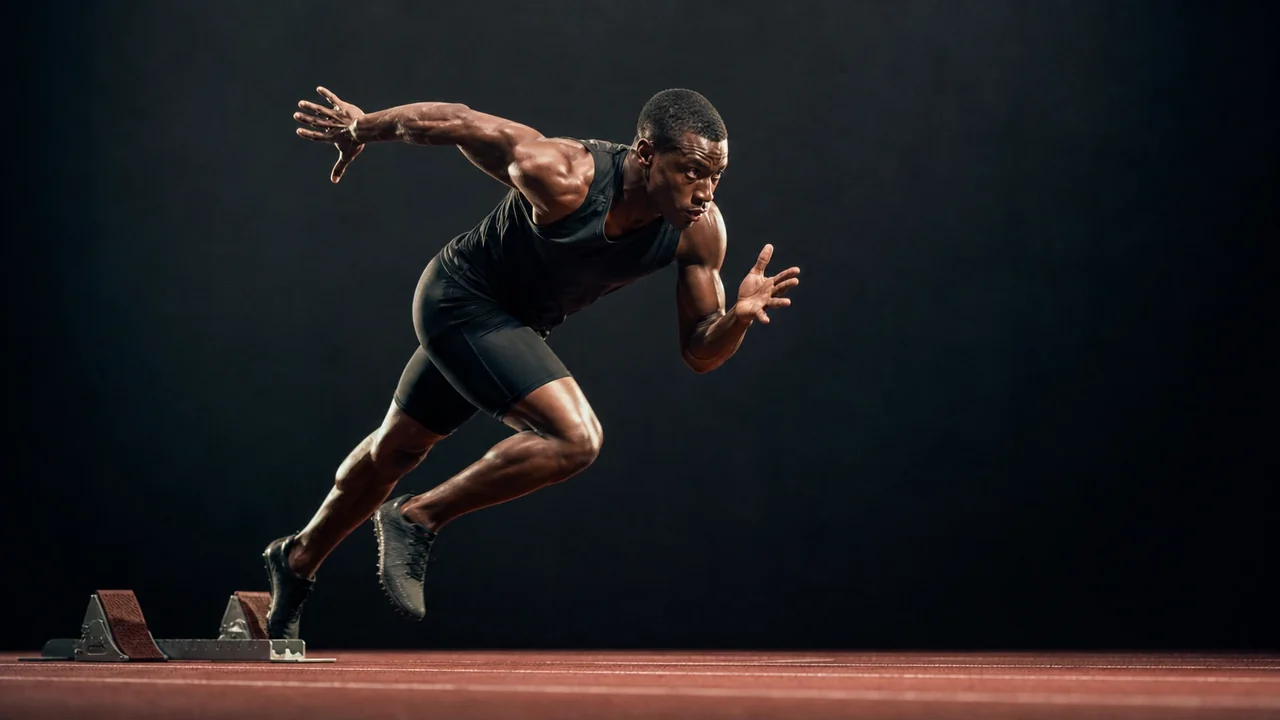
Cut out the subject
Lift any subject onto a transparent layer to drop into the design.
Background Remover →Thumbnail maker questions
Can I generate the thumbnail image with AI?
Can I add bold text like the big YouTube channels?
What size are the thumbnails?
Do I need a separate design tool?
Make a thumbnail that gets clicked
Generate the scene, cut out your subject, add bold text, and ship it, in minutes.